


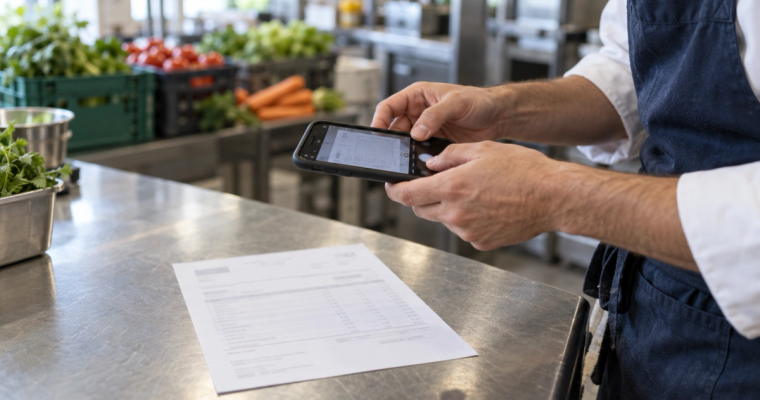
A price rise you did not hear about
Beef mince goes up 10% on Tuesday’s invoice. Four dishes are hit. Your cheeseburger moves from 24.2% to 25.4% food cost, and you get a suggested price the same day.
Menu Profit Manager costs each dish from your latest supplier invoices and shows which invoice is behind every number. When a price moves, the dish re-costs the same day. Sauces, stocks and trim are counted. €49 once.
No typing: photograph or forward your invoices
An alert the day a price moves, and the dishes it hits
Recipes costed with sub-recipes and trim yields
Short deliveries and overcharges caught before you pay
⭐ Trusted by 2,000+ chefs & restaurants across Cyprus
4 dishes on your menu use beef mince. 2 are now over your 25% food cost target.

Also uses beef mince
Example alert. Pick your kind of kitchen. Yours come from your own invoices and recipes.
Most kitchens find these at stocktake, or never. Here is what each one looks like.
Beef mince goes up 10% on Tuesday’s invoice. Four dishes are hit. Your cheeseburger moves from 24.2% to 25.4% food cost, and you get a suggested price the same day.
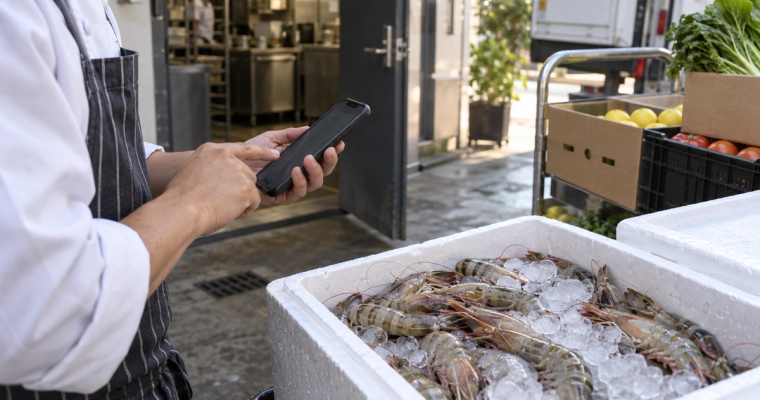
You ordered 10 kg of prawns. 8 kg arrived and the invoice says 10. Tick the delivery off at the door and the shortfall becomes a credit request your supplier can see.
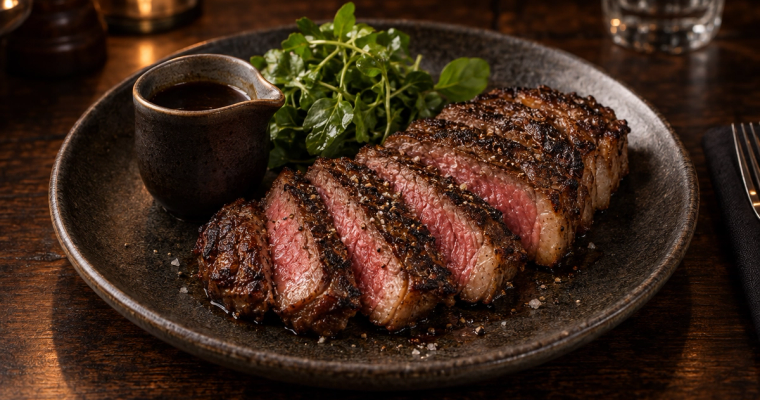
It sells 120 a week at €14.64 and costs €6.00 to make: 41% food cost. You see it on one screen, side by side with every other dish.
Worked examples, not customer results.
See what one dish really costs once trim and sub-recipes are counted, then follow a single price rise from the supplier invoice to the menu price.
 Costed from your invoices
Recipe card
Old price sits next to new price on the invoice line, so you can check it.
An 80% yield is set once on the ingredient, so the dish is costed on what you actually buy.
A 4 L batch of jus costs €23.42, so 60 ml is €0.35. Change the wine or the stock and every dish that uses the jus re-costs.
The 3 other dishes that use beef cheek re-cost at the same moment.
Rounded to a real menu price. Your menu changes only when you change it.
Example figures. Your recipe cards use your own invoices, recipes and yields. The same card works for a whole fish at 45% yield, a pizza dough batch or a 100-litre pot of broth.
No subscription · 30-day money-back guarantee
Thirty seconds. Three numbers. The truth.
Menu Profit Manager does this for your whole menu, live - straight from your invoices, every dish, every price change.
How it works
Set up over a coffee. Send in what you already have, check it once, and it stays current from there.
Forward them to your own invoice address, drag in the PDFs or take a photo. Suppliers, products and prices set themselves up, and each line is checked against the last price you paid.
Photos, PDFs or the spreadsheet you already keep. Each ingredient is matched to the product you actually buy, with sub-recipes and trim counted. Anything it is unsure of is flagged for you.
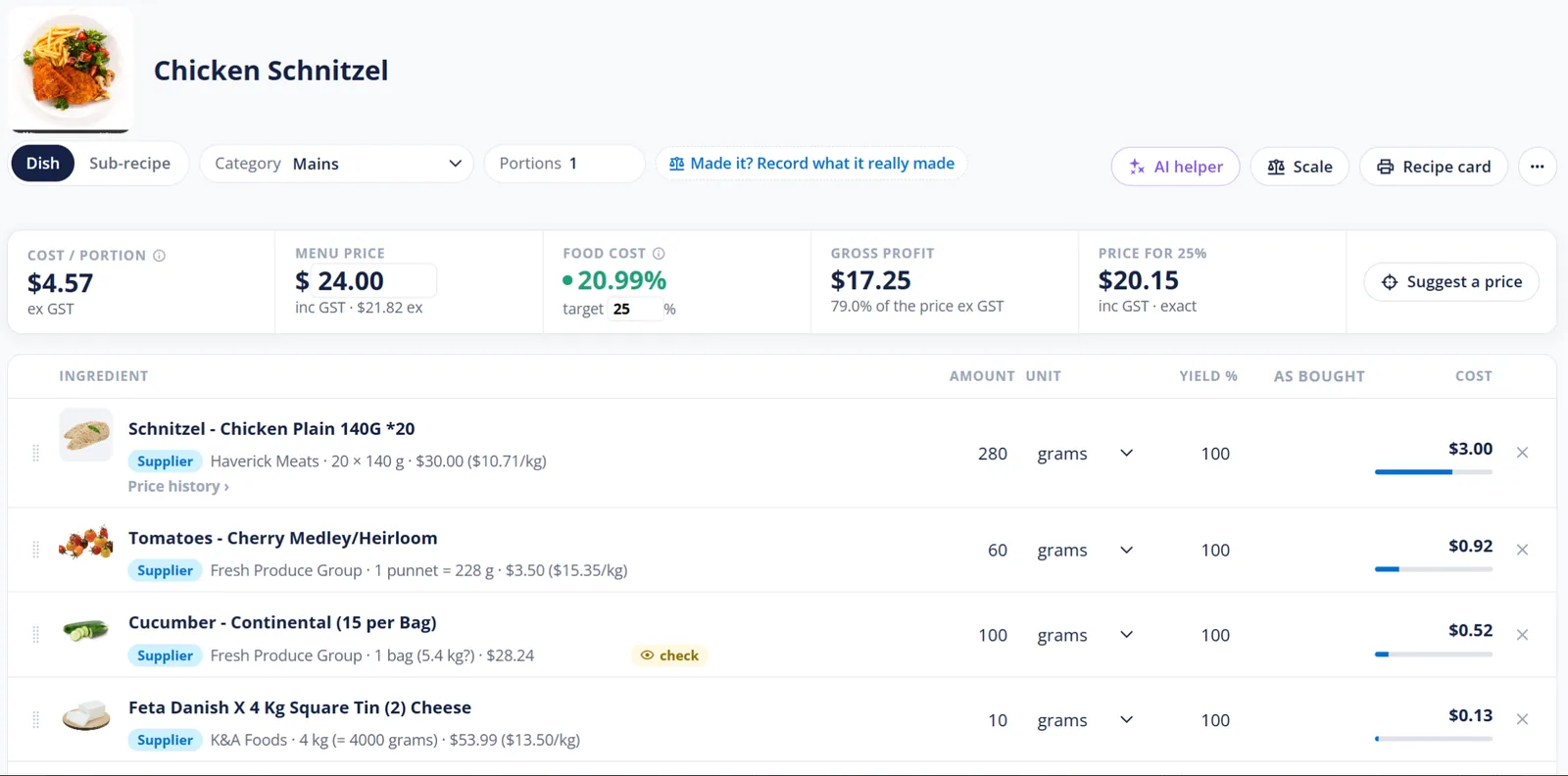
Recipe: every ingredient tied to the product and supplier you buy it from.
Every dish shows its food cost from today's prices, grouped the way your menu is. The ones over your target stand out, so you know which to re-price, push or drop.
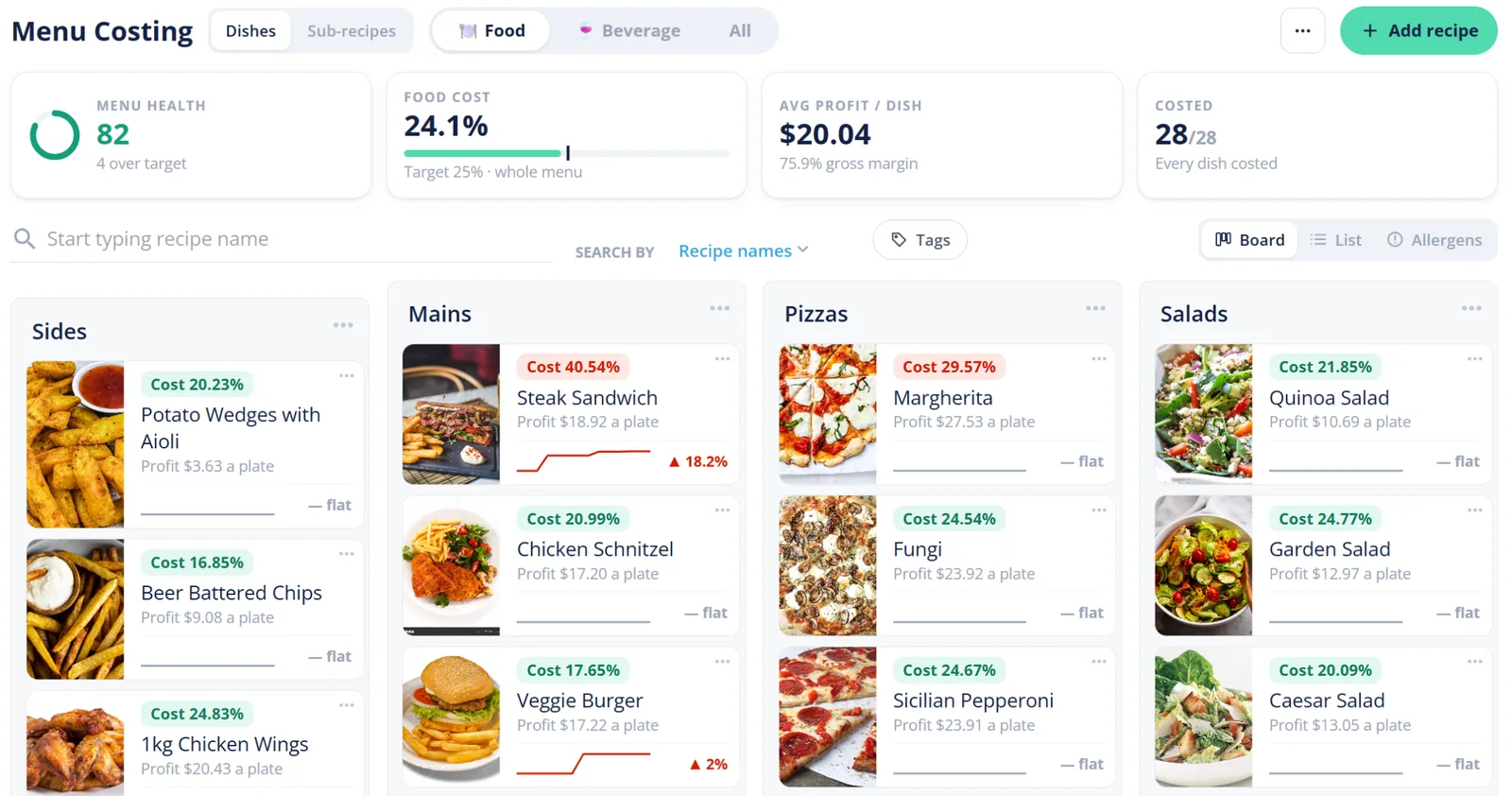
Menu costing: the food cost % sits on every dish.
When a price changes on an invoice, every recipe that uses the item re-costs. You see the ingredient that moved, the dishes it hit and a target price to hold your margin. Your menu changes only when you change it.
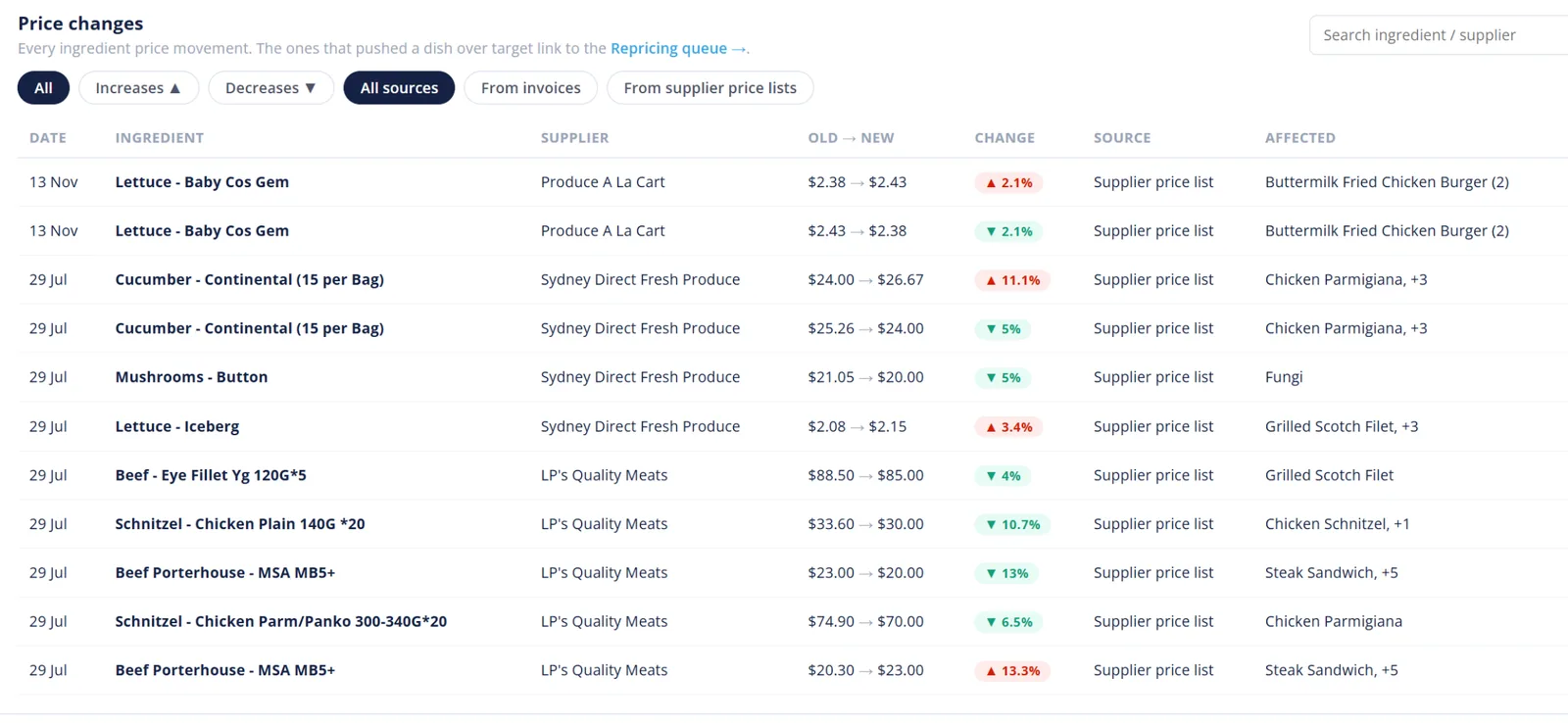
Price changes: every movement, and the dishes it hits.
Order from all your suppliers in one place, tick deliveries off at the door, and once you have reviewed an invoice it lands in your accounting software as a bill.
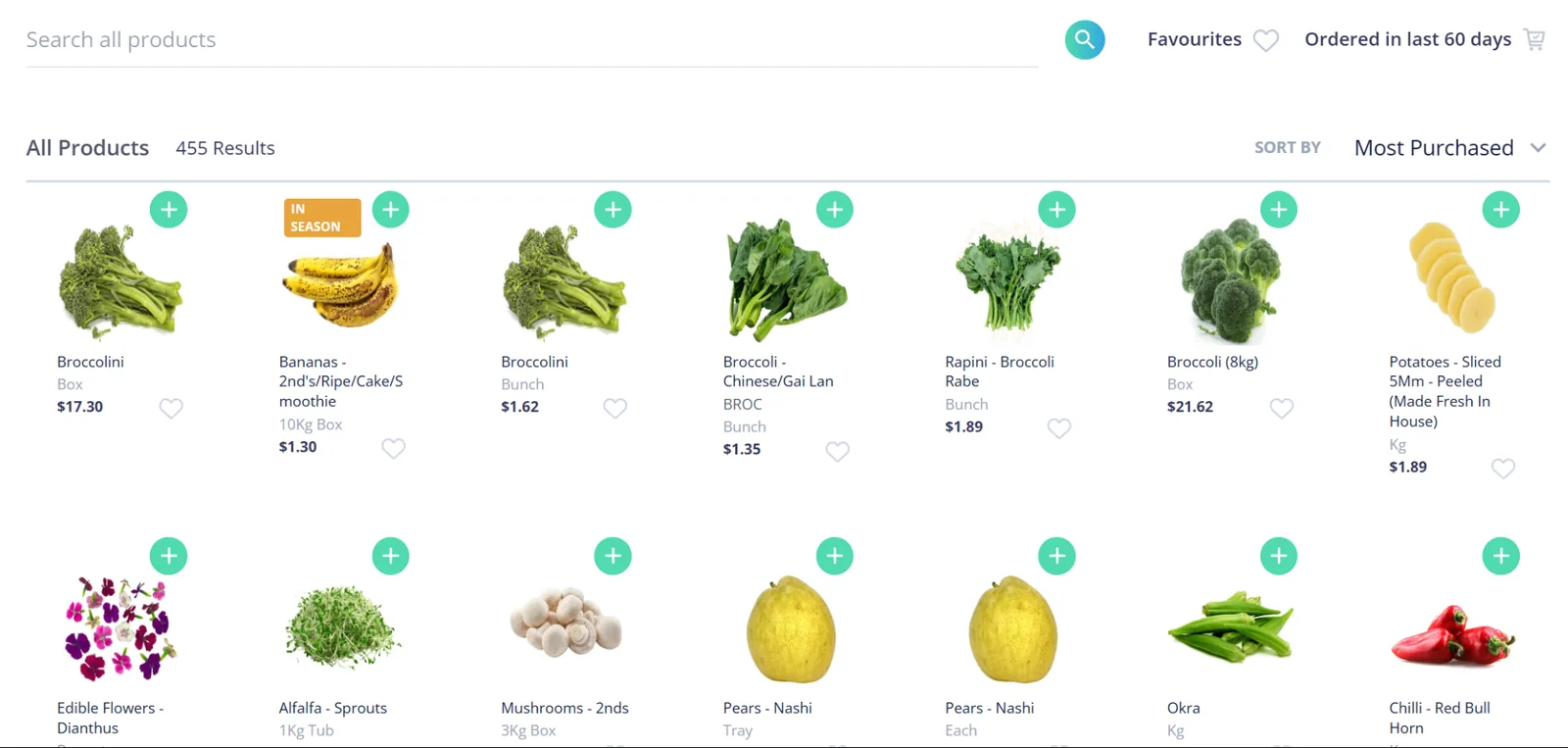
Ordering: all in one place, 24/7.
Works with your accounting software



plus NetSuite, Zoho Books and more
No subscription · 30-day money-back guarantee
Screens from the Open Pantry app with sample data.

“Open Pantry has made it easy for our chefs and managers to stay on top of costs and ordering. Having only the products we use, all in one place, means fewer mistakes, better control, and real-time savings. It’s become an essential tool across the business.”


"Thank you Open Pantry! We used to manage pricing, suppliers, and ordering across different apps. Now it's all in one. Less admin, more time with customers."


"We’re short-staffed, and Open Pantry has cut our admin by more than half. My chefs can place all their supplier orders in one go and I can keep an eye on dish profits. It’s changed our whole system."


"Seeing real profit margins on every menu item in real time is huge. I’ve already raised prices on 3 items that were losing us money."

Send in this week’s invoices and your recipes. €49 once. 30 days to change your mind.
Get Lifetime Access — €49All the tools you need to take control of your menu costs - with no monthly fees, contracts or commitments.
30-day guarantee. Try it for 30 days. If it doesn't pay for itself, email us - full refund. No forms, no hoops.
⭐ Used by 2,000+ restaurants across Cyprus to save time, reduce waste, and increase profits.
Why only €49? Open Pantry's main business is its supplier network. We don't need another monthly subscription from restaurants - so you pay once and keep it.
More than one venue? Licences are per venue - email us and we will set it up. Running a group? Restaurant AI Manager is our separate plan built for that.
Full lifetime access to Menu Profit Manager - invoice scanning (up to 250 invoices a month), recipe import, live profit per dish, sub-recipes and yields, price-rise alerts and suggested prices, supplier ordering, accounting sync and unlimited users. All future updates included. No ongoing fees, ever.
Honest answer: Open Pantry makes its money on the supplier side. Menu Profit Manager growing our restaurant network is worth more to us than subscription fees - so you get the tool, once, for less than one badly priced dish costs you in a month.
It is a one-time payment. No subscriptions. No monthly charges. No lock-in. No "premium tier" surprise.
Forward invoices to your own private invoice email address, drag-drop PDFs, or photograph them on your phone. Open Pantry reads each line, matches it to your suppliers and products (creating them if they are new) and shows the new price next to the old one. Lines it is not sure about are flagged for you to review. Checked prices then re-cost every recipe that uses them.
Yes. Make a stock, sauce, dough or base as a sub-recipe with its batch yield, then use it in any dish. When an ingredient price moves, the sub-recipe re-costs and so does every dish that draws from it. Each ingredient can also carry a yield percentage for trim and cooking loss, so you cost what reaches the plate, not the invoice weight.
Yes. Upload the spreadsheet you already keep (CSV or Excel, no template needed), paste your docs, or photograph your recipe book. Open Pantry imports them into costed recipe cards, with ingredients matched to your real supplier prices - you do not have to rebuild them by hand.
Yes. Any recipe can be exported to PDF or Excel whenever you like.
No. An order goes to a supplier only when you place it, or on a repeat order you set up yourself. At that point Open Pantry emails the purchase order for you, so your supplier has nothing to install. Scanning invoices and costing recipes never contacts your suppliers.
You catch it before you pay. Check the delivery off on your phone at the door, and every invoice is checked line by line against what you actually received. A price jump or a short delivery is flagged, and the shortfall becomes a credit request your supplier can see.
Fair use: up to 250 invoices a month, forever - roughly double what a busy single venue processes.
Menu Profit Manager licences are per venue - email us and we will set it up. If you run a group and want ordering, stock, prep and gross profit across every venue, Restaurant AI Manager is our separate plan built for that. Menu Profit Manager is still sold on its own.
It is made for busy kitchens. It works on a phone, tablet or desktop, and photographing an invoice is the hardest step.
Menu Profit Manager has an AI guide built in, called Guide me. Press it on any Menu Costing screen, ask your question in plain words, and it walks you through the answer on your own screen: it takes you to the right place and points at what to click. 20 minutes of Guide me a month are included for your team. If you would rather talk to a person, it passes your question and the screens you were on to the support team, which is always free; they reply by email (info@theopenpantry.com). There is a help centre too.
30 days, full refund, no questions asked. Email support and it is done.
Last updated: