AI automates a food wholesaler by reading orders from email, PDFs, photos, SMS, WhatsApp and voicemail, matching them to your catalogue and scoring its confidence. Orders above your threshold go straight through; the rest are reviewed. Pricing, picking, invoicing and accounting sync then run on rules, so the invoice matches what was packed.
Key takeaways
- Use AI to read and match incoming orders; leave pricing, cut-offs and invoicing to fixed rules.
- Set a confidence threshold: orders above it auto-place, orders below it go to a person to check.
- AI order capture can read email, PDFs, photos, SMS, WhatsApp and transcribed voicemail orders.
- Catch weight is a scale job: a connected bench scale writes the weight straight into the pick line.
- Build invoices from the packed order at dispatch so short picks and substitutions bill correctly.
- Sync invoices, payments and credit notes to Xero, MYOB or QuickBooks instead of retyping them.
In this guide 6 sections
- 01How can a food wholesaler automate operations with AI?
- 02How can AI automate a food distributor from order to invoice?
- 03Is AI order-to-invoice automation the same as an ERP?
- 04Where should a food wholesaler start with AI automation?
- 05How Open Pantry helps automate a food wholesaler from order to invoice
- 06FAQs
AI can automate a food wholesaler from order to invoice by doing the reading and typing at the front of the workflow, then handing a clean, priced order to rules that already run picking, delivery, invoicing and accounting. In practice, AI turns emails, PDFs, photos, SMS, WhatsApp messages and voicemails into draft orders, and a confidence threshold you set decides which ones go straight through and which ones a person checks first.
So, how can AI automate a food wholesaler? Not by replacing your warehouse team or your accounts system. It removes the manual re-keying between "the customer told us what they want" and "the order is in the system", and from there the rest of the order-to-invoice workflow is mostly rules, scans and syncs. This guide walks through each stage, what AI does there, and what should stay a rule or a person.
How can a food wholesaler automate operations with AI?
A food wholesaler automates operations with AI by putting it where the work is unstructured (incoming orders written in free text) and using ordinary software rules everywhere else. Most order-to-invoice work in a food business is predictable once the order is correct: the same price lists, the same pick routes, the same invoice format, the same accounting codes.
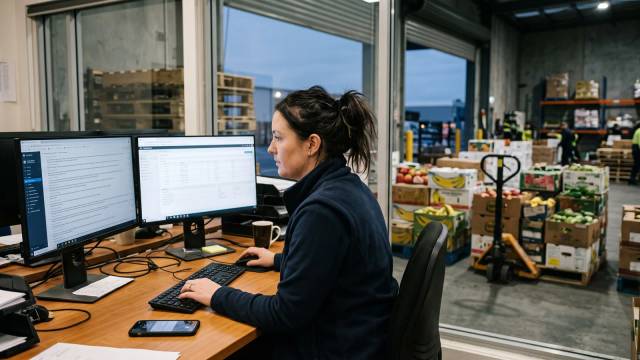
The hard part has always been the start. Orders arrive as a 10pm email with "the usual plus 2 more lettuce", a photo of a handwritten order sheet, a WhatsApp from a chef on the pass, or a voicemail left before the cut-off. Someone in the office has to read each one, work out which products the customer means, and type it in. That is where errors creep in, and where an order desk runs out of hours on a Monday morning.
A sensible split looks like this:
- AI: reading messages, matching shorthand and nicknames to product codes, extracting quantities and pack sizes, and scoring how confident it is.
- Rules: customer-specific pricing, order cut-offs, delivery minimums, product visibility, invoice generation and accounting sync.
- People: low-confidence orders, unmatched lines, substitutions when stock is short, credits and customer conversations.
If you want the detail on the capture step alone, we cover it in how AI order entry works for food wholesalers.
How can AI automate a food distributor from order to invoice?
AI automates a food distributor from order to invoice by converting each incoming order into a structured, priced order at the first step, so every later step (picking, delivery, invoicing, accounting) starts from accurate data instead of a retyped guess. Here is the workflow stage by stage.
Stage 1: Order capture
The AI reads the order wherever it arrives. Open Pantry’s AI order capture handles emails, attached PDFs, photos of order sheets (including handwritten ones), SMS, WhatsApp and voicemail. Voicemails are transcribed, then read like any other order. It matches the free text to your real catalogue and the customer’s order history, so "2 x cos" from a regular customer becomes the right product code and pack size. AI conversion of email, SMS and WhatsApp orders is on Open Pantry’s Enterprise plan, priced on order volume.
What stays manual: phone calls taken live. If a rep or the office takes an order by phone, they still enter it, ideally straight into the same system rather than onto paper.
Stage 2: Auto-accept or review
Every converted order carries a confidence score. Above the threshold you set, the order is placed automatically. Below it, the order sits next to the original message so a person can check it before confirming. Unmatched customers or lines are flagged rather than guessed.
This is the most important design decision in the whole workflow. Set the threshold high while you build trust, watch what the AI gets right for a few weeks, then lower it for the customers and products it handles reliably. The AI also remembers a match once your team has confirmed it, so the review queue should shrink over time.
Stage 3: Customer-specific pricing and validation
Pricing should never be an AI decision. Once the order is matched to a customer, that customer’s price list, price exceptions and current promotions apply by rule. The same goes for order cut-offs, delivery minimums and which products the customer is allowed to see. A good test: if two people in your office would always give the same answer, it is a rule, not a job for AI.
Stage 4: Catch weight and pack sizes
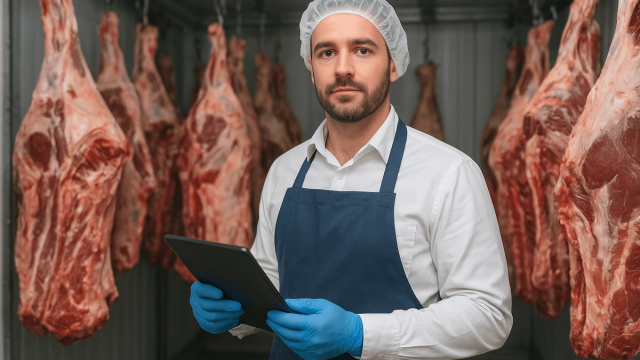
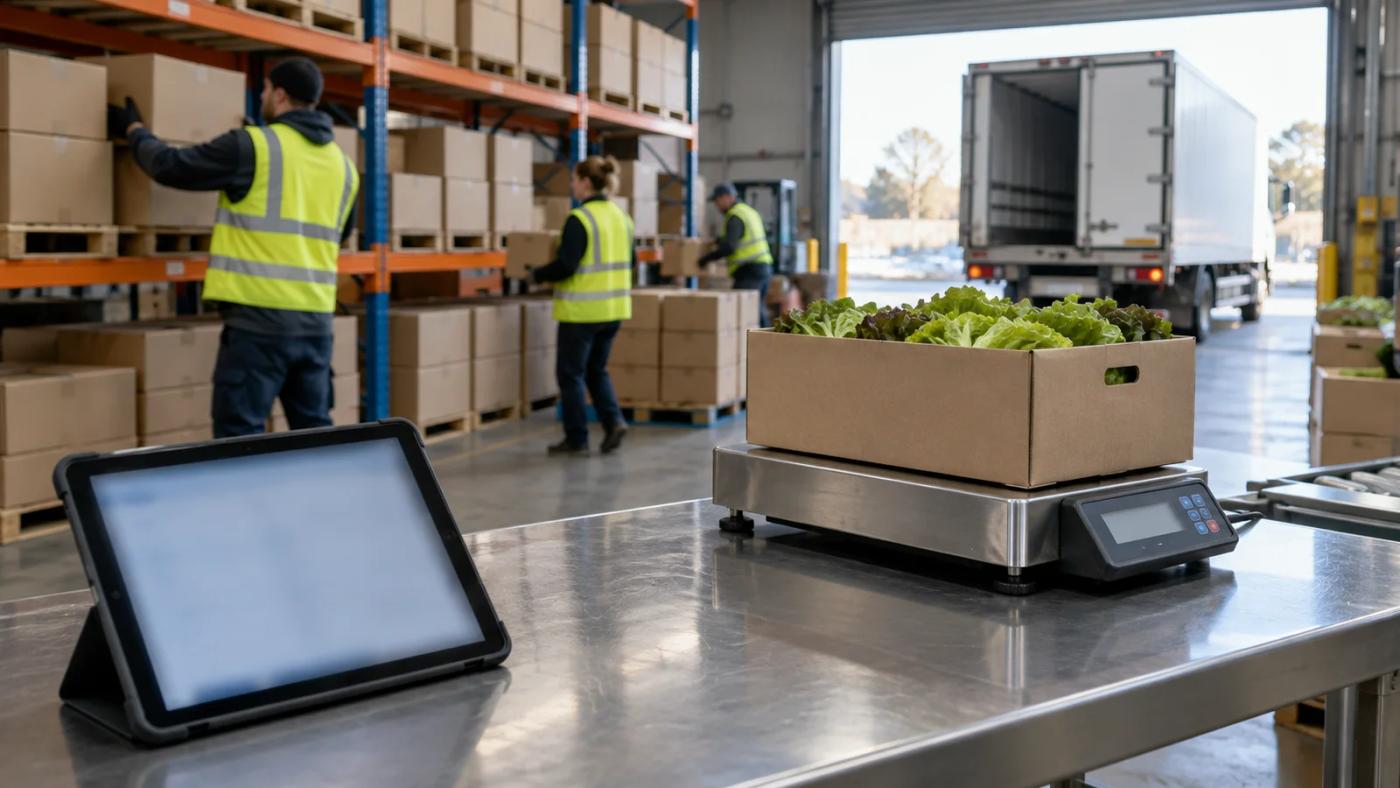
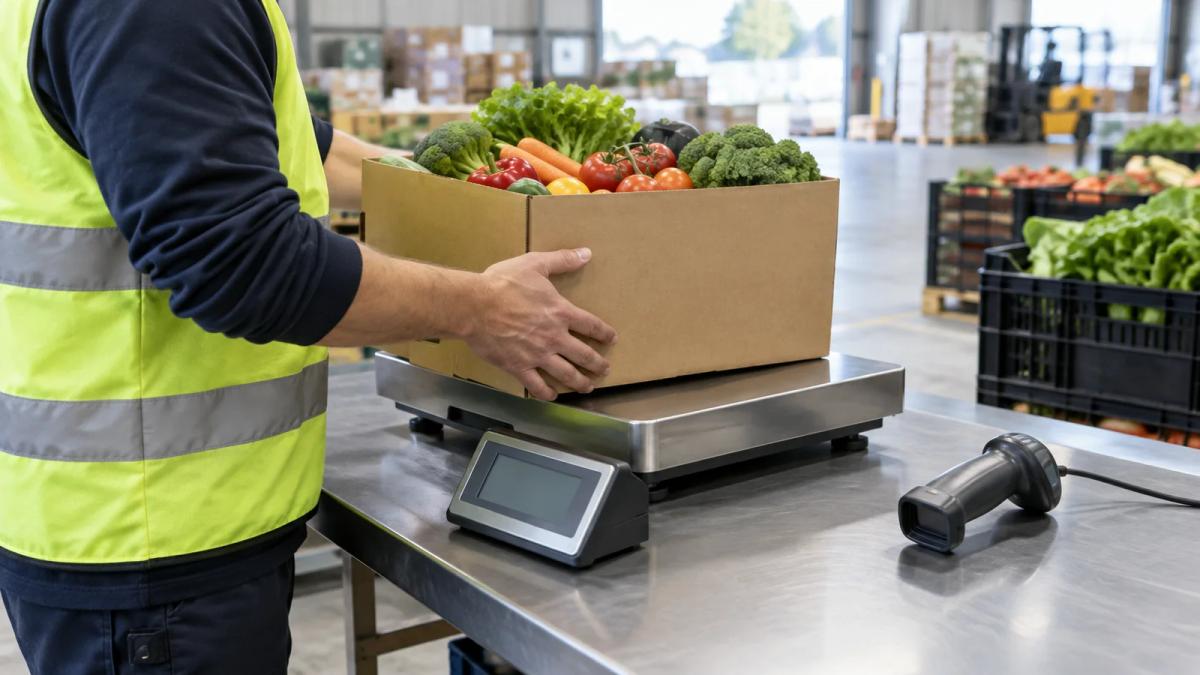
Pack sizes are extracted at capture, which matters when a customer writes "1 box" and you sell the product by the box, the kilo and the each. Catch-weight lines (meat, seafood, cheese, some produce) are different: the true quantity is only known when the product is weighed. That is a scale job, not an AI job. With a connected bench scale, the weight goes straight into the pick line, so nobody copies numbers off a scale display. We walk through the setup in catch weight software without the clipboard.
Stage 5: Picking
Picking is where good data pays off. Pickers work from a digital pick list on a tablet, mark a line short in one tap, or swap in a substitute that is logged on the order. On the Enterprise plan, scan-to-pick confirms each line by barcode. AI is not deciding anything here; it simply means the pick list was right before the first carton was touched.
What stays with a person: choosing a substitute when stock runs out. That is a judgement about the customer’s needs and your relationship, and it is worth a 30-second phone call.
Stage 6: Delivery
In Open Pantry, delivery runs are built from the day’s orders, drivers work from run sheets in a driver app, and customers can see live ETAs in the ordering app. Routing is an optimisation problem with clear inputs, so it belongs to software rules. Your dispatcher still owns the exceptions: a road closure, a driver off sick, a customer who has moved their receiving window.
Stage 7: Invoicing
The invoice should be built from what was packed, not from what was ordered. In Open Pantry, the invoice is generated automatically when an order is completed and dispatched, from the final packed order. A line marked short during picking is invoiced at the shipped quantity, and substitutions show as what was actually sent. So the invoice matches what was shipped, which avoids credit requests caused by short picks and substitutions.
Your invoices still need to meet the ATO’s rules. A tax invoice must be provided within 28 days if a customer asks, unless the sale is $82.50 (including GST) or less, and invoices for sales of $1,000 or more must also show the buyer’s identity or ABN. Generated invoices should carry those details every time, not only when someone remembers.
Stage 8: Accounting sync
Invoices, payments and credit notes should flow into Xero, MYOB or QuickBooks Online without being retyped. A two-way sync that matches existing customers and products, rather than creating duplicates, keeps your accountant’s ledger and your ordering system in agreement. Getting invoices out on the day of dispatch also starts the payment clock sooner. Australian small businesses were paid an average of 6.0 days late in the June 2026 quarter, and clients took 22.9 days on average to pay an invoice, according to Xero Small Business Insights. Our guide to getting paid faster with automated invoicing covers the payment side.
Stage 9: Exceptions
Every stage produces exceptions: a new customer the AI cannot match, a product you have never stocked, a short pick, a delivery refused at the door, a price dispute. Automation does not remove these. It makes them visible in one place, so your team spends its time on the five orders that need thought instead of the 200 that do not.
Is AI order-to-invoice automation the same as an ERP?
No. An ERP is a broad system of record for finance, inventory, purchasing and often manufacturing. An order-to-invoice platform covers the operational path a food wholesaler runs every day (order capture, pricing, picking, catch weight, delivery, invoicing) and syncs the results to the accounting system you already use. Many Australian food wholesalers run Xero, MYOB or QuickBooks Online alongside an operations platform rather than buying an ERP. If you are weighing the two, read our overview of ERPs for wholesale suppliers first.
Where should a food wholesaler start with AI automation?
Start with the stage that costs the most manual hours, which for most food wholesalers is order entry. A practical sequence:
- Count your inbound orders by channel for two weeks: email, PDF, photo, SMS, WhatsApp, voicemail, phone and app.
- Clean up your catalogue and price lists. AI matches to your product codes; messy codes produce messy matches.
- Turn on AI capture with a high confidence threshold and review everything below it.
- Move invoicing to dispatch, built from packed quantities, and connect your accounting system.
- Lower the threshold customer by customer as the review queue proves the matches.
- Track exceptions weekly: unmatched lines, short picks and credits are your list of what to fix next.
Moving customers to an ordering app helps too, but you do not need every customer on an app before automation pays off. For that route, see how wholesale food suppliers can eliminate manual orders.
How Open Pantry helps automate a food wholesaler from order to invoice
Open Pantry is an Australian B2B ordering and operations platform for wholesale food and beverage suppliers (founded 2018). AI order capture turns email, PDF, photo, SMS, WhatsApp and voicemail orders into priced orders, auto-placing those above your confidence threshold and queuing the rest for review. AI conversion of email, SMS and WhatsApp orders is on the Enterprise plan, priced on order volume. Orders then flow into digital pick and pack with short picks, substitutions and connected scales, delivery runs with live ETAs, and automatic invoicing and accounting sync to Xero, MYOB and QuickBooks. Pro plans with invoicing, accounting and delivery tools start from $149 a month. To compare AI options, see the best AI order entry software for food wholesalers.
Frequently asked questions
How can a food wholesaler automate operations with AI?
Use AI where the work is unstructured: reading orders that arrive by email, PDF, photo, SMS, WhatsApp or voicemail and matching them to your product codes. Leave pricing, cut-offs, invoicing and accounting sync to software rules, and keep people on low-confidence orders, substitutions and credits. Most of the order-to-invoice workflow is predictable once the order going in is correct.
How can AI automate a food distributor from order to invoice?
AI converts each incoming order into a structured order matched to the customer and catalogue. The customer's price list applies by rule, pickers work from a digital pick list, catch weights come from a scale, and the invoice is built from what was packed at dispatch, then synced to Xero, MYOB or QuickBooks. AI handles capture; rules and people handle the rest.
Does every AI-captured wholesale order need a person to check it?
Not with Open Pantry. Every converted order carries a confidence score. Orders above the threshold the supplier sets are placed automatically, and orders below it appear beside the original message for a person to check and confirm. Unmatched customers or lines are flagged for review rather than guessed, and confirmed matches are remembered for next time.
Can AI read voicemail and handwritten orders for a food supplier?
Yes. Open Pantry's AI order capture transcribes voicemails and reads them like any other order, and it reads photos of order sheets, including handwritten ones. Live phone calls are different: if a rep or the office takes an order by phone, they still enter it, ideally straight into the ordering system rather than onto paper first.
Can you recommend the best ERP solutions for food distributors?
Before naming vendors, score each option on four questions: does it read orders in the formats your customers send, does it hold customer-specific price lists, can pickers record short picks and catch weights on the floor, and does it sync invoices to your accounts? A full ERP suits complex manufacturing and multi-entity finance; many distributors only need those four.
Is AI order capture included in Open Pantry's Pro plan for suppliers?
No. As listed on Open Pantry's AI order capture and pricing pages, AI conversion of email, SMS and WhatsApp orders is part of the Enterprise plan, priced on order volume, with a set rate per processed order taken from a prepaid credit wallet. Pro starts from $149 a month and includes invoicing, accounting integrations, inventory and delivery tools.
Sources
- Open Pantry: AI order capture for suppliers (channels, confidence threshold, Enterprise pricing) - accessed 3 Nov 2026
- Open Pantry: Auto-invoicing and payments (invoice at dispatch from packed order) - accessed 3 Nov 2026
- Open Pantry: Digital pick and pack (short picks, substitutions, connected scale, scan-to-pick on Enterprise) - accessed 3 Nov 2026
- Open Pantry: Delivery routes and live ETAs (runs built from the day's orders, driver app run sheets, live ETAs in ordering app) - accessed 3 Nov 2026
- Open Pantry: Accounting sync (two-way sync of invoices, payments, credit notes) - accessed 3 Nov 2026
- Open Pantry: Supplier pricing (Free $0, Pro from $149/month, Enterprise) - accessed 3 Nov 2026
- ATO: Tax invoices ($82.50 threshold, 28 days, $1,000 buyer identity) - accessed 3 Nov 2026
- Xero: Late payments and Australian small businesses (XSBI June 2026 quarter: 6.0 days late, 22.9 days to pay) - accessed 3 Nov 2026