

How AI Order Entry Works for Food Wholesalers: Email, WhatsApp, SMS, Voice and PDF Orders Explained
Every wholesale food supplier has the same two hours. Between about 5am and 7am, orders land from every direction at once: an email with a list in the body, a text that says "usual plus 2 bx brocc", a WhatsApp message with a photo of a handwritten note, a voicemail from a chef who was clearly standing next to an extraction fan, and a PDF purchase order from the one venue whose bookkeeper insists on them. Someone on your team decodes all of it and retypes it into your system before picking can start.
AI order entry is the technology that reads those messages and produces the order for you. It is not a new ordering app that your customers have to learn. It sits behind the channels they already use, converts what they send into a structured order against your catalogue and their price list, and hands your team a draft to check rather than a blank screen to fill in.
This article walks through how AI order entry works for food wholesalers, step by step, and then covers the parts that generic order-automation tools get wrong when they meet fresh food — catch-weight, cut-offs, substitutions, pack conversions and standing orders.
What AI order entry actually is
AI order entry is a pipeline, not a single feature. At one end is an unstructured message written by a human in a hurry. At the other end is a draft order in your system with the right customer, the right products, the right quantities, the right pack sizes and the right prices, ready for someone to approve.

The useful distinction is between capture and entry. Optical character recognition and email parsers have been able to capture text for years. What they could not do was decide that "2 bx brocc" means two 8kg cartons of broccoli crowns, that this particular customer buys them at a negotiated price, and that the order needs to be on tomorrow’s northern run. That decision layer — matching messy human shorthand to your actual catalogue and your actual commercial terms — is what the current generation of AI order entry adds.
The pipeline, step by step
1. The customer sends the order the way they always have
Nothing changes on the customer’s side. They email the same address, text the same number, or message the same WhatsApp account. This matters more than it sounds. Most failed ordering-technology rollouts fail because the supplier asked fifty venues to change a habit that works for them, and forty of them quietly kept ringing.
2. The system identifies the customer
Before a single line can be matched, the system has to know whose order this is. It resolves the sender — email address, mobile number, WhatsApp handle — against your customer records. Multi-site groups make this harder than it looks: one head-office email address may order for four venues, and "the Newtown one" needs to resolve to a specific delivery address, run and price list.
Where the sender is unknown, or where one contact could plausibly be ordering for more than one site, that is the first thing a well-built system flags rather than guesses.
3. It matches each line to a SKU
This is the hard part, and it is where most of the value sits. Chefs do not write product codes. They write "2 bx brocc", "4 x tray egg 700g", "case of roma", "3 kg beef cheek", "no bread this week" and "same as last Tuesday".
A capable matcher works from three inputs at once:
- Your catalogue, including product names, codes and any aliases or nicknames you have recorded.
- That customer’s order history — if this venue has bought the same broccoli line every week for two years, "brocc" is not ambiguous.
- Language patterns — that "bx" means box, "pkt" means packet, "doz" means dozen, and that a leading number is almost always a quantity.
Negative instructions matter too. "No bread this week" is a line the system must understand as an omission from a standing pattern, not as an order for bread.
4. Pack sizes and unit conversions
"3 kg beef cheek" and "3 x beef cheek" are different orders, and only one of them is what the chef meant. Fresh-food catalogues are full of products sold one way and picked another: a 10kg carton of chicken thigh, a 6 x 2L carton of milk, a punnet that comes twelve to a tray.
The conversion step turns whatever unit the customer used into the unit you actually pick and invoice in, and shows both. A supplier who sells in cartons but whose customers order in kilos needs this to be visible in the draft, not silently resolved, because a wrong conversion is a whole extra carton on a truck.
5. It applies that customer’s price list
An order is not finished when the products are identified. Wholesale pricing is customer-specific: base price lists, negotiated exceptions on particular lines, volume breaks, this week’s specials. If the AI creates the order against the customer’s account, the same pricing engine that prices a web order prices this one, and what lands in your system is what should be invoiced.
If it does not — if the AI produces a list of products and a human then has to check every price — you have automated the typing and kept the risk.
6. It flags what it is not sure about
The single most important design decision in an AI order entry system is what it does when it is unsure. There are only two options, and one of them is wrong.
Good systems flag. An unrecognised customer, a line that could match three products, a quantity that is ten times this venue’s normal order, a product that is out of stock, an order that arrived after cut-off — each is surfaced for a person to resolve, with the original message shown alongside.
Bad systems guess silently. You find out on the truck.
7. A draft order is created and a human confirms
The output is a draft order, presented next to the original message, for your team to approve. In practice this takes seconds per order rather than minutes, and the work changes character: from transcription, which is error-prone and joyless, to checking, which is what experienced order-desk staff are actually good at.
The review step is also the training loop. When a person resolves "brocc" to the right SKU once, the system should remember that mapping for that customer, so the same message next Tuesday needs no intervention.
8. It becomes an ordinary order — pick, pack, invoice, sync
Once approved, a captured order should be indistinguishable from an order placed in your app or web store. It joins the same picking wave, prints or displays on the same pick lists, carries the same delivery run and cut-off rules, produces the same invoice, and syncs to the same accounting ledger.
This is the test of whether an AI order entry tool is actually part of your operation or a bolt-on. If captured orders live in a separate queue with their own export step, you have moved the manual work rather than removed it.
The fresh-food specifics generic tools miss
Most order-automation software was built for distribution categories where a box is a box. Fresh food is not that.
Catch-weight
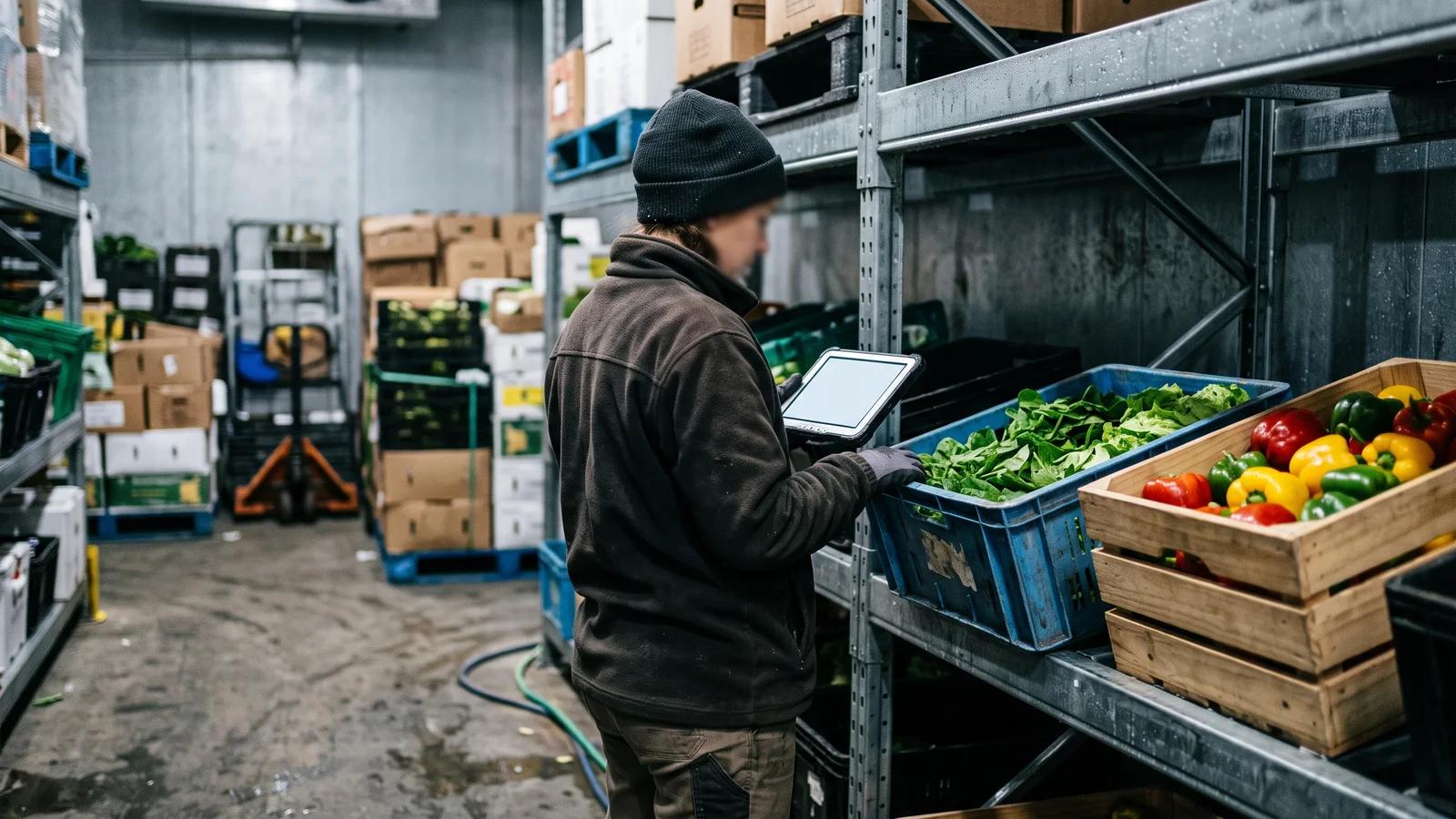
A side of salmon, a whole lamb rack, a wheel of cheese: ordered as one unit, priced by actual weight, invoiced at a figure nobody knows until it is on the scale. An AI order entry system that treats "1 x lamb rack" as a fixed-price line will produce an invoice that does not match the delivery docket, and your customer’s accounts payable will hold the whole invoice while they query one line.
Catch-weight handling has to survive the whole pipeline: captured as a unit, picked with a weight, priced on that weight, invoiced accordingly.
Cut-offs
Order cut-offs are the spine of a wholesale operation. A captured order that arrives at 6:40am for a 6am cut-off is not a normal order, and the system must apply the same cut-off and delivery-day rules to it as to any other channel. Otherwise you have built a back door: customers learn that texting after cut-off works when the app would have said no.
Substitutions and short picks
Produce runs out. Something a customer ordered is not available at the quality you will ship. Whether the order came in by app or by text, the substitution conversation, the credit and the customer’s standing preferences ("never substitute my tomatoes, always call") have to attach to the order itself.
Standing and recurring orders
Much of a wholesale book is repeat business with weekly variation. "Same as last week but no bread and add 2 boxes of lemons" is a complete order to a human and gibberish to a naive parser. Handling it requires the system to hold the customer’s baseline order and apply the diff — which is also how you should be servicing those customers anyway, with a recurring order they adjust rather than rewrite.
The channels, and what each one costs you
Email is the highest volume and the easiest to automate: text, often structured, sometimes with an attachment. It is also where orders go to hide — in one person’s inbox, invisible to everyone else until they are on leave.
SMS is short, abbreviated and heavy on shorthand. High shorthand density is exactly what the matching layer is for.
WhatsApp is now a genuine ordering channel in Australian hospitality, and it brings photos of handwritten notes and voice notes with it.
Voice — phone calls and voicemail — remains the hardest and least reliable channel to automate, because transcription errors in a noisy kitchen compound with matching errors. Treat any vendor claim about voice with more scepticism than the others, and ask to see it running on real recordings.
PDF purchase orders come from larger venues, groups and institutional buyers with a procurement process. They are structured but not standardised, and layouts change without notice.
Not every platform covers every channel. Be specific when you evaluate: ask which channels are live today, not which are on a roadmap.
How accurate is it, and how would you know?
"Accurate" is the wrong question on its own, because with a review step in place the number that matters is not how often the AI is right — it is how often it is confidently wrong. A system that matches 85% of lines cleanly and flags the other 15% is more useful than one that matches 95% and quietly invents the rest.
So measure two things separately once you are live. First, touch rate: the proportion of captured orders your team approves without editing anything. That is your real time saving, and it should climb over the first six to eight weeks as the system learns your customers’ shorthand. Second, escaped errors: lines that were wrong, were not flagged, and made it onto a truck. That number should be close to zero, and if it is not, the review step or the flagging thresholds need work, not the model.
Keep a note of your baseline before you start — orders processed per morning, credits raised for wrong items, hours spent on order entry — or you will have no way to prove the change.
What to ask before you buy
- Which channels are supported today, and on which plan?
- Does it price against the customer’s own price list and exceptions, or produce an unpriced order?
- What happens to an unmatched customer or an ambiguous line — flagged, or guessed?
- Does it respect cut-offs and delivery-day rules?
- How does it handle catch-weight lines end to end?
- Does a captured order flow into the same picking, invoicing and accounting path as every other order?
- Does it learn from a correction, or does someone fix the same nickname every week?
How Open Pantry helps you stop retyping orders
Open Pantry’s AI Order Capture reads the emails, SMS and WhatsApp messages your customers already send and converts them into digital orders, with products matched to your catalogue — including shorthand and nicknames — and that customer’s own price list, exceptions and current promotions applied automatically. Every converted order is shown beside the original message for your team to confirm before it is accepted, and anything unmatched is flagged rather than guessed. Approved orders then behave like any other: into digital pick and pack, invoicing, and two-way accounting sync with Xero, MYOB and QuickBooks. Email, SMS and WhatsApp conversion sits on the Enterprise plan; see plans and pricing for what is included where.
If you want the wider argument for moving off manual processing first, our guide to eliminating manual orders covers the operational groundwork that makes AI order entry worth turning on.
Frequently Asked Questions
Sources
Related articles
 How Wholesale Food Suppliers Can Eliminate Manual Orders ForeverDiscover how wholesale food suppliers can eliminate manual orders, reduce errors, and streamline fulfilment with automated digital ordering systems.Read the article →
 Wholesale Food Ordering Automation Guide (2026)Automate wholesale food ordering with smarter systems. Streamline order intake, pricing, delivery, and invoicing to scale efficiently and boost margins.Read the article →
 The Real Cost of Manual Order Entry for Foodservice SuppliersManual order entry increases errors, delays, admin time, and missed orders for foodservice suppliers. Learn how automation improves efficiency.Read the article →
 The Role of AI in Food Wholesale TransformationDiscover how AI is transforming food wholesale with Open Pantry—optimising supply chains, enhancing decisions, and driving growth and sustainability.Read the article →