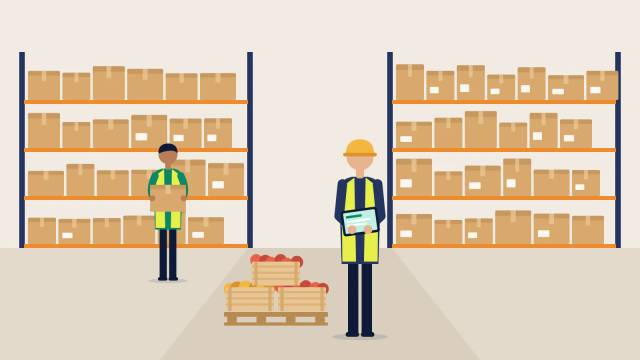
Multi-warehouse inventory management means keeping one stock figure per site and per bin, moving stock between sites with transfers that show as in transit, and selling only what is on hand less what is reserved. Skip any of those steps and you get phantom stock, short picks and customers promised product sitting in the wrong cool room.
Key takeaways
- Keep a separate stock figure for every site and bin; calculate the business total from the sites.
- Show transfers as in transit until the receiving site checks them in, never as instant moves.
- Available to promise = on hand minus reserved stock, plus any oversell limit you deliberately set.
- Set one written rule for which site fills each delivery run, then review short picks weekly.
- FSANZ coordinated 92 food recalls in 2025; record lot and bin per site so recalls can be traced.
- Roll out in stages: sites and bins, opening counts, transfers, then holds and scanning.
In this guide 8 sections
- 01Why does stock get confusing once you have more than one warehouse?
- 02What multi location inventory tracking actually needs
- 03How should suppliers decide which warehouse fills an order?
- 04How do you keep stock accurate between sites?
- 05Why lot tracking matters more when stock is split across sites
- 06How to set up multi warehouse inventory management without disrupting the floor
- 07How Open Pantry helps with multi-warehouse inventory management
- 08FAQs
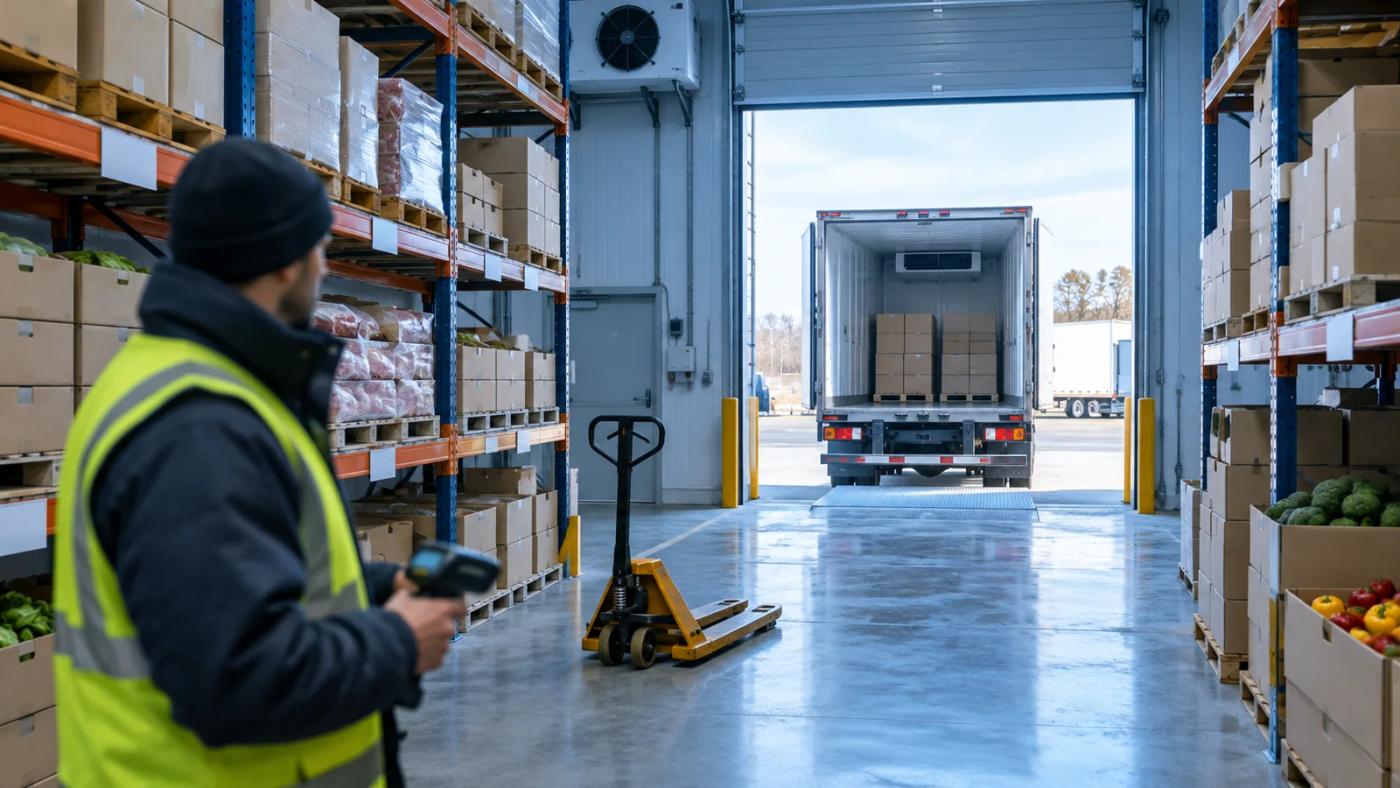
Multi-warehouse inventory management means keeping one stock figure per site and per bin, moving stock between sites with transfers that show as in transit, and only selling what is on hand less what is already reserved. Suppliers who skip any of those three steps end up with phantom stock, short picks and customers promised product that is sitting in the wrong cool room.
Most Australian food wholesalers do not plan to become multi-site operations. It happens one step at a time: a second cool room across the road, a freezer store at a third-party facility, a satellite depot to reach a new delivery area, or a production kitchen that also holds finished goods. Each step makes sense on its own. The trouble starts when the systems stay single-site while the stock does not.
This guide covers where multi-location stock goes wrong, the operating rules that fix it, and what to look for in software, with Open Pantry’s newly launched multi-location inventory as one worked example.
Why does stock get confusing once you have more than one warehouse?
Stock gets confusing because a single stock figure stops telling anyone where the product physically is. For example, when the system says 40 cartons of chicken thigh fillets and 25 are in the main cool room and 15 are at the overflow site, the picker at the main site will short-pick an order the system thinks is fully covered.
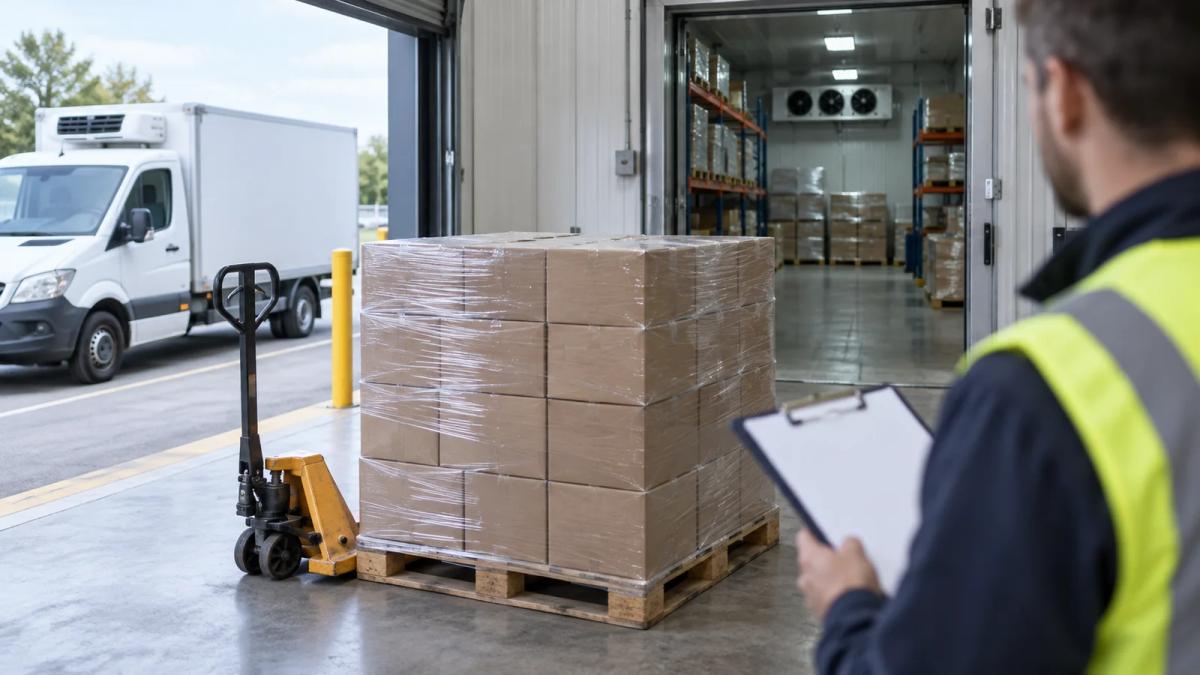
The common symptoms are easy to recognise:
- Phantom stock. Product was moved to another site on a ute and nobody recorded it, so it is counted twice or not at all.
- Short picks at dispatch. The order was accepted against total stock, but the stock was at the wrong site for that delivery run.
- Stocktake arguments. One site’s count looks like shrinkage and the other looks like a surplus, when the real cause is an unrecorded transfer.
- Wrong lot shipped. The older lot sits at the satellite site while the main site picks the newer one, and the older lot runs out of shelf life.
- Sales reps overselling. Reps quote from the total and promise a delivery the nearest site cannot fill.
None of these is a picking problem or a sales problem on its own. They are visibility problems: the stock record does not match where the stock is.
What multi location inventory tracking actually needs
Multi location inventory tracking needs four things: a separate stock figure per site, bin locations inside each site, transfers with an in-transit state, and a clear rule for what counts as available to sell. If one is missing, the other three are undermined.
A stock figure per site, not just a total
Every warehouse needs its own code and its own stock figure, with the business total calculated from the sites rather than kept as a separate number. Your inventory screen should filter by site so a warehouse manager sees only what they are responsible for.
Bin locations inside each site
A site figure tells you which building; a bin tells the picker which shelf. Name bins in a pattern people can read on the floor, such as zone, aisle and position (for example CHL-A-01 for chiller zone A, position 01), and give each fast-moving product a default bin. Printed barcode labels on the bins remove the guesswork for new staff and casuals.
Transfers that are in transit, not instant
The single most common multi-site error is treating a transfer as instant. A pallet that leaves site A at 6am and arrives at site B at 9am belongs to neither site for those three hours. If your system adds it to site B the moment someone clicks "transfer", site B will accept orders against stock that is still on a truck.
A good transfer process has three steps: the sending site records what left, the stock shows as in transit, and the receiving site confirms what actually arrived. Any difference between sent and received is a discrepancy to investigate that day, not at the next stocktake.
A clear definition of available stock
Stock on the shelf is not the same as stock you can sell. Product already committed to open orders, product on quality hold and product reserved for a key account should not be offered to the next customer. A workable definition is: available to promise = on hand − reserved, plus any deliberate oversell allowance you choose to set for lines you know will be replenished before dispatch.
How should suppliers decide which warehouse fills an order?
Suppliers should decide which warehouse fills an order with a written rule set based on delivery run, product type and shelf life, applied the same way every day. Warehouse order routing does not need to be clever, but it needs to be predictable.

Common rules that work for food wholesalers:
- By delivery run. Each run loads from one site. Northern runs leave from the satellite depot, city runs from the main warehouse. This is the simplest rule and the easiest to audit.
- By temperature or product type. Frozen lines always come from the freezer site and are consolidated at load-out; chilled and dry lines come from the main site.
- By shelf life. Where the same product sits at two sites, the site holding the oldest use-by date fills first, so first-expired-first-out works across the business and not just within one building.
- By exception only. Pulling stock from a second site for a single order is allowed, but it is logged as a transfer, never carried across informally.
Whatever rule you choose, write it down, tell the sales team and the warehouse leads, and check short picks each week to see whether the rule or the stock record is the cause.
How do you keep stock accurate between sites?
You keep stock accurate between sites by recording every movement as a transaction, counting by zone on a schedule, and fixing transfer discrepancies on the day they happen. Accuracy is a habit, not a quarterly event.
- Scope stocktakes by zone or bin range. Counting one chiller zone at a time is faster, less disruptive and easier to repeat than a full shutdown count across every site.
- Rank variances by dollar value. A missing carton of saffron matters more than a missing box of parsley. Start investigations with the lines that cost the most.
- Track cartons and pallets as units where it pays. For high-value or catch-weight lines, giving each carton its own serial, weight and lot makes it possible to find exactly which carton went where.
- Label pallets properly. In GS1 terms, a pallet or carton moving through the supply chain is a logistic unit, identified by an 18-digit Serial Shipping Container Code (SSCC) that stays the same for the life of that unit.
For a deeper look at why live stock data matters even on a single site, see our guide to real-time inventory for food and beverage wholesalers.
Why lot tracking matters more when stock is split across sites
Lot tracking matters more across multiple sites because a recall or quality issue has to be traced to the exact site, bin and pallet holding the affected lot, and fast. Food Standards Australia New Zealand coordinated 92 food recalls in 2025, above the 10-year average of 87, and 866 recalls between 1 January 2016 and 31 December 2025.
If an affected lot is split between two warehouses and one of them has no lot records, you either recall more stock than you need to or miss product that should have come off the shelf. With lot and bin recorded at receiving, a supplier can place a hold on the affected lot at every site, see which customers received it, and keep selling unaffected stock. Software with lot tracking, expiry dates and FEFO picking makes that a search rather than a walk through every cool room.
Holds also help day to day. Placing a hold on a specific pallet or lot reserves it without physically moving it, which is useful for quality checks, customer-specific stock and product waiting on a supplier claim.
How to set up multi warehouse inventory management without disrupting the floor
Setting up multi warehouse inventory management works best in stages over a few weeks, starting with site codes and bins and leaving scanners and pallet tracking until the basics are stable.
- Week 1: sites and bins. Create each site with its own code. Map bins for your top 100 lines by volume first; the long tail can follow.
- Week 2: opening counts by site. Count each site separately so every product starts with a site-level figure you trust.
- Week 3: transfers. Stop informal "just grab it from the other shed" moves. Every inter-site movement goes through a recorded transfer.
- Week 4: holds and availability rules. Decide your oversell policy, set holds for quality and key-account stock, and brief the sales reps on what available stock means.
- Later: scanning and carton tracking. Add handheld scanning and carton-level tracking for the lines where errors are most expensive.
Keep the old process running in parallel for one delivery cycle so nobody is left guessing if something does not line up.
How Open Pantry helps with multi-warehouse inventory management
Open Pantry is an Australian B2B ordering and operations platform for wholesale food and beverage suppliers, with restaurant ordering, inventory and menu-costing tools (founded 2018). Its multi-location inventory for food wholesalers, tracks stock by site and by bin, follows cartons and pallets as units, and shows transfers as in transit until the receiving site scans them in. Orders see on hand less reserved stock, with holds and an optional oversell limit. Stocktakes can be scoped to a zone or bin range, and one stock ledger drives orders, digital pick and pack and invoices. The features sit on the Enterprise plan and can be used during the free trial; see supplier plans and pricing.
Frequently asked questions
What is multi-warehouse inventory management for a food wholesaler?
It is the practice of keeping a separate, accurate stock figure for every site and bin, recording every movement between sites as a transfer, and only selling stock that is on hand less what is already reserved. For a food wholesaler it also means tracking lots and use-by dates per site, so first-expired-first-out picking and recalls work across every cool room, freezer and depot.
How do I stop customers ordering stock that is sitting at another warehouse?
Assign each delivery run or product type to a fulfilling site, and make sure orders are checked against available stock rather than the business-wide total. Available stock should exclude anything reserved for open orders or on hold. Where an order needs stock from a second site, record a transfer so the stock is in transit and visible, rather than relying on someone remembering to move it.
How should stock transfers between two warehouses be recorded?
Record a transfer in three steps. The sending site records what left and the stock is removed from its figure. The stock then shows as in transit, belonging to neither site. The receiving site confirms what arrived, and any short or extra cartons are flagged for investigation that day. Never add stock to the receiving site before it has physically arrived and been checked in.
What is distributed order management and do food suppliers need it?
Distributed order management is software that decides which warehouse or location fulfils each order. Large retailers use it to route online orders automatically. Most Australian food wholesalers with two or three sites do not need full automation; a written rule by delivery run, temperature or shelf life, plus accurate per-site stock and recorded transfers, solves most fulfilment confusion at far lower cost and complexity.
Does Open Pantry support multiple warehouses and bin locations?
Yes. As at October 2026, Open Pantry's multi-location inventory tracks stock per site and per bin, lets suppliers create bins singly or by pattern and print Code 128 bin labels, tracks cartons and pallets as units, and shows transfers as in transit until received. It sits on the Enterprise plan and can be used during the free trial, according to Open Pantry's feature page.
Do I need barcode scanners to manage stock across multiple sites?
No. Scanners speed up receiving, transfers and picking and reduce keying errors, but the basics of multi-site stock control work without them: site codes, bin locations, recorded transfers and regular zone counts. Open Pantry's feature page says scanners are optional and that its Floor app adds scanning. Many suppliers start with manual entry and add handhelds for their highest-value lines first.
Sources
- Open Pantry - Multi-Location Inventory for food wholesalers (sites, bins, carton and pallet tracking, in-transit transfers, holds, available to promise, Enterprise plan), accessed 20 October 2026
- Open Pantry - Inventory Intelligence (stocktakes with dollar variance, reserved vs available stock), accessed 20 October 2026
- Open Pantry - Supplier features, accessed 20 October 2026
- Food Standards Australia New Zealand - Australian food recall statistics (866 recalls, 1 Jan 2016 to 31 Dec 2025), accessed 20 October 2026
- Food Standards Australia New Zealand - 2025 food recall statistics released (92 recalls in 2025, 10-year average 87), 13 May 2026
- GS1 Australia - Serial Shipping Container Code (SSCC), 18-digit logistic unit identifier, accessed 20 October 2026