Back
How to add a customer manually
How do I add a customer manually?
The left-hand menu is always on screen on a wide window. On a narrow one it collapses to icons — click the ☰ button in the top left to open it.
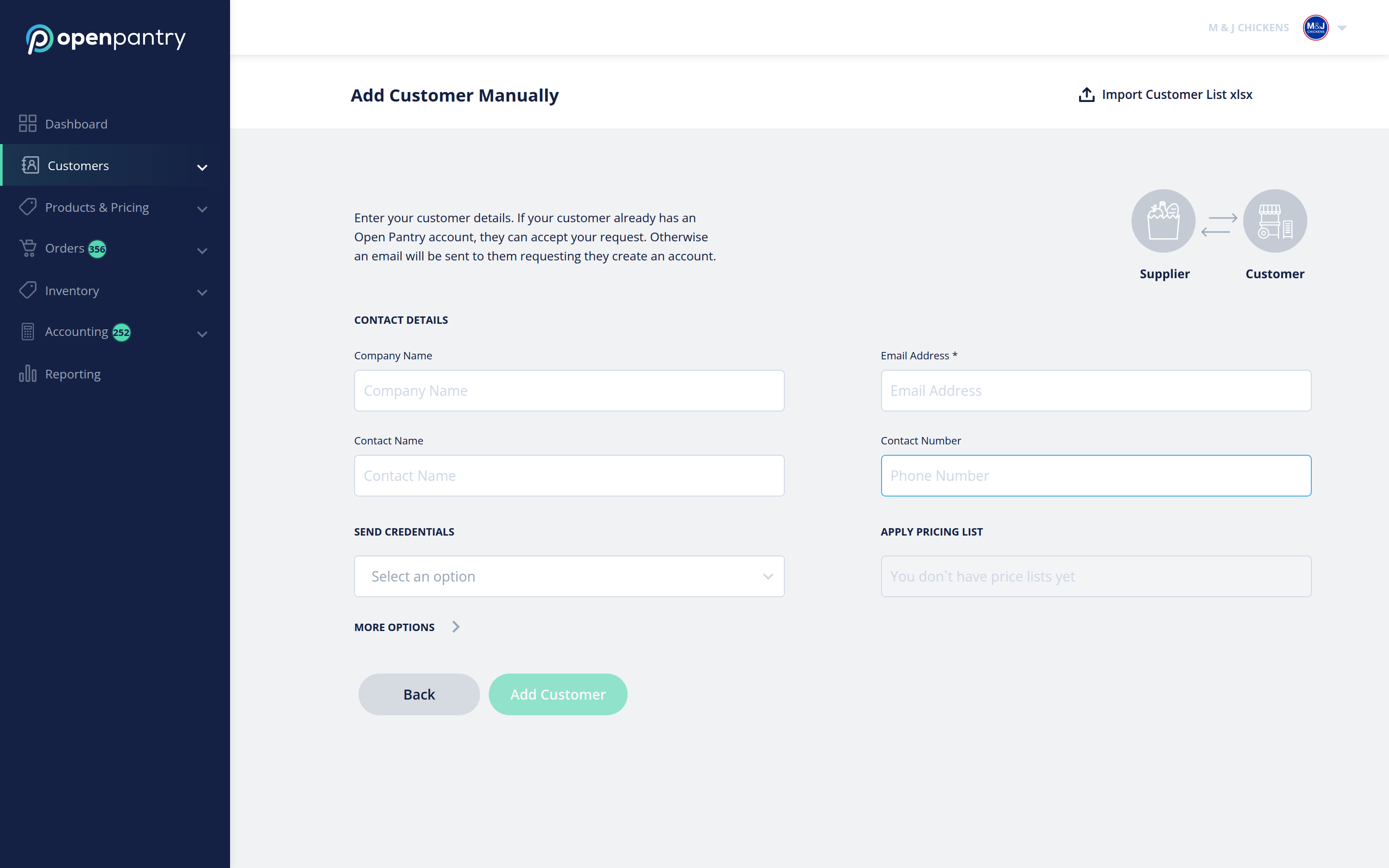
- Choose Customers, then Add New Customer.
- Fill in the customer's details under Add Customer Manually and apply a price list.
- Click Add Customer.
If they already have an Open Pantry account they can simply accept your request. If they do not, they are emailed an invitation to create one.