

Back
How to add a new delivery address
Select the ☰ menu button in the top left of the screen, then My Account.
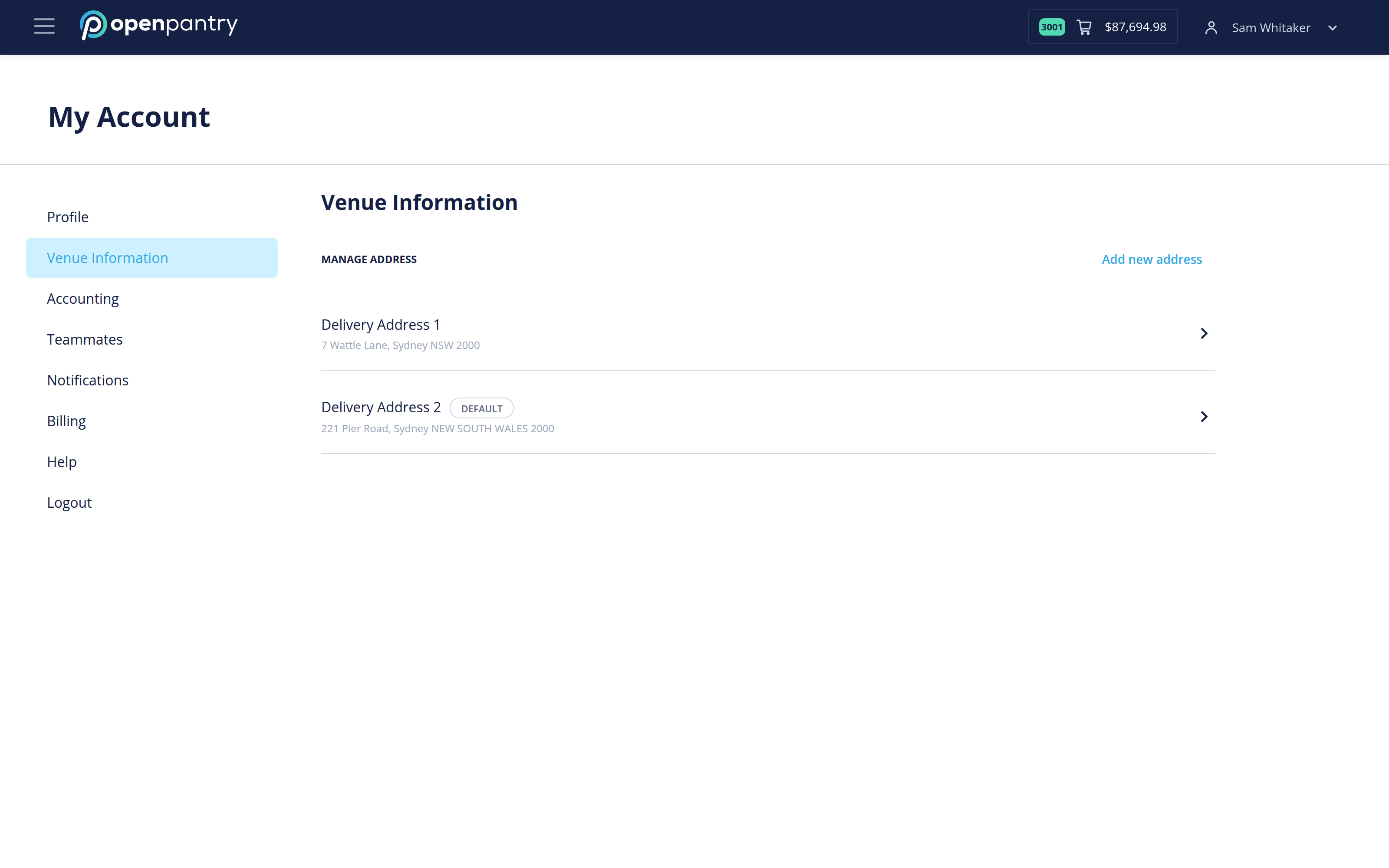
- Select Venue Information.
- Select Add new address on the right of MANAGE ADDRESS.
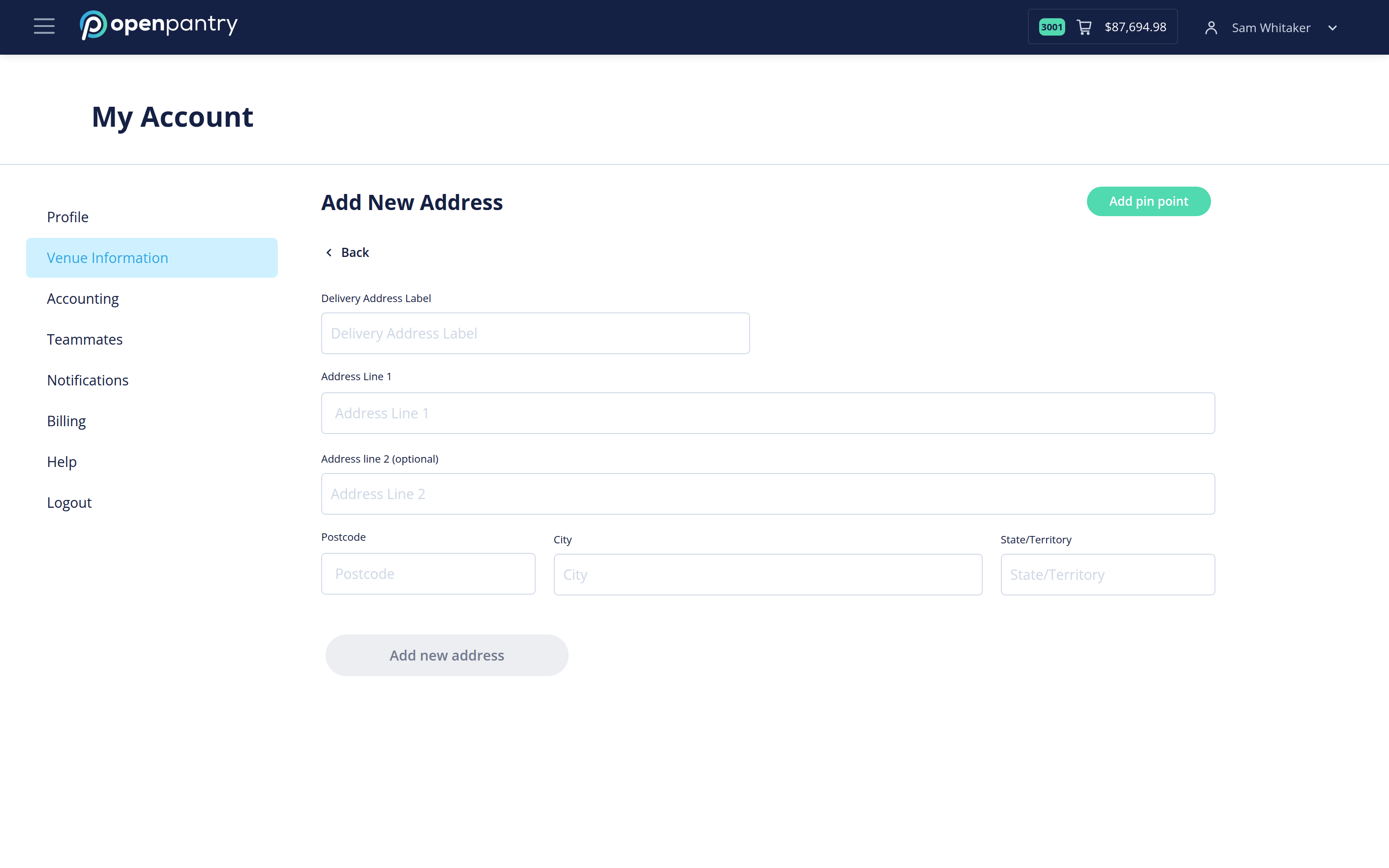
- Give the address a label you will recognise at checkout — "Main kitchen", "Function centre" — then fill in the address lines, postcode, city and state.
- Add pin point lets you drop the exact spot on a map, which is worth doing for a loading dock or a rear entrance.
- Select Add new address to save it.
To make it the address your orders go to by default, open it after saving and set it as default.