Back
How to Add Teammates
How do I add teammates?
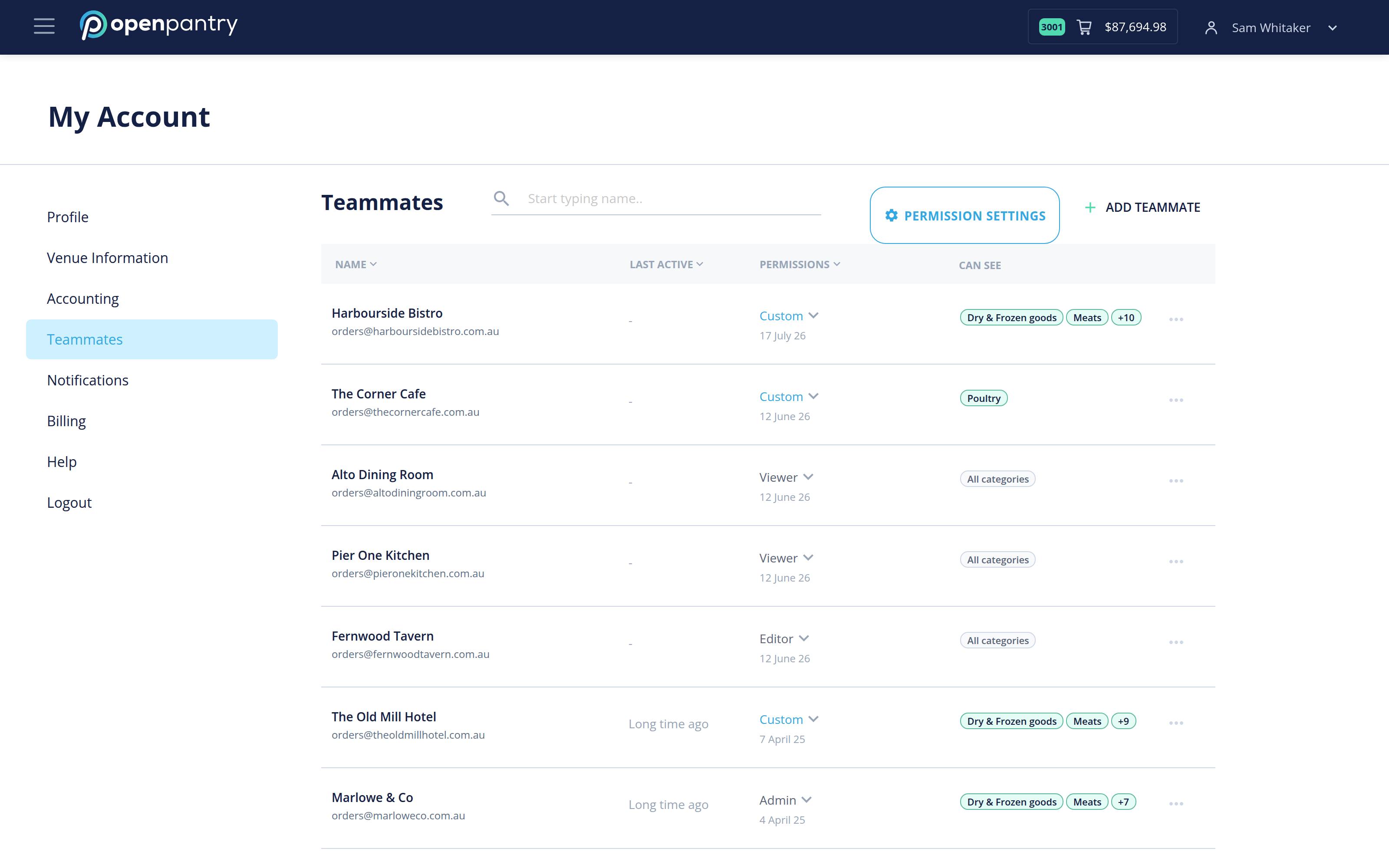
- Click the ☰ icon in the top left, then click your venue name at the bottom of the menu.
- Choose Teammates.
- Add the teammate's details and assign their permissions — Viewer, Editor, Admin or a custom set.
Permissions decide what each person can see and change, so it is worth setting them deliberately rather than giving everyone admin.