

Back
How to add wastage
Recording wastage keeps stock honest. Without it, anything spoiled, dropped or written off still looks like it is sitting on your shelf.
Select the ☰ menu button in the top left of the screen, then Restaurant Pro Suite.
- Select Sales & Wastage, then the Wastage tab.
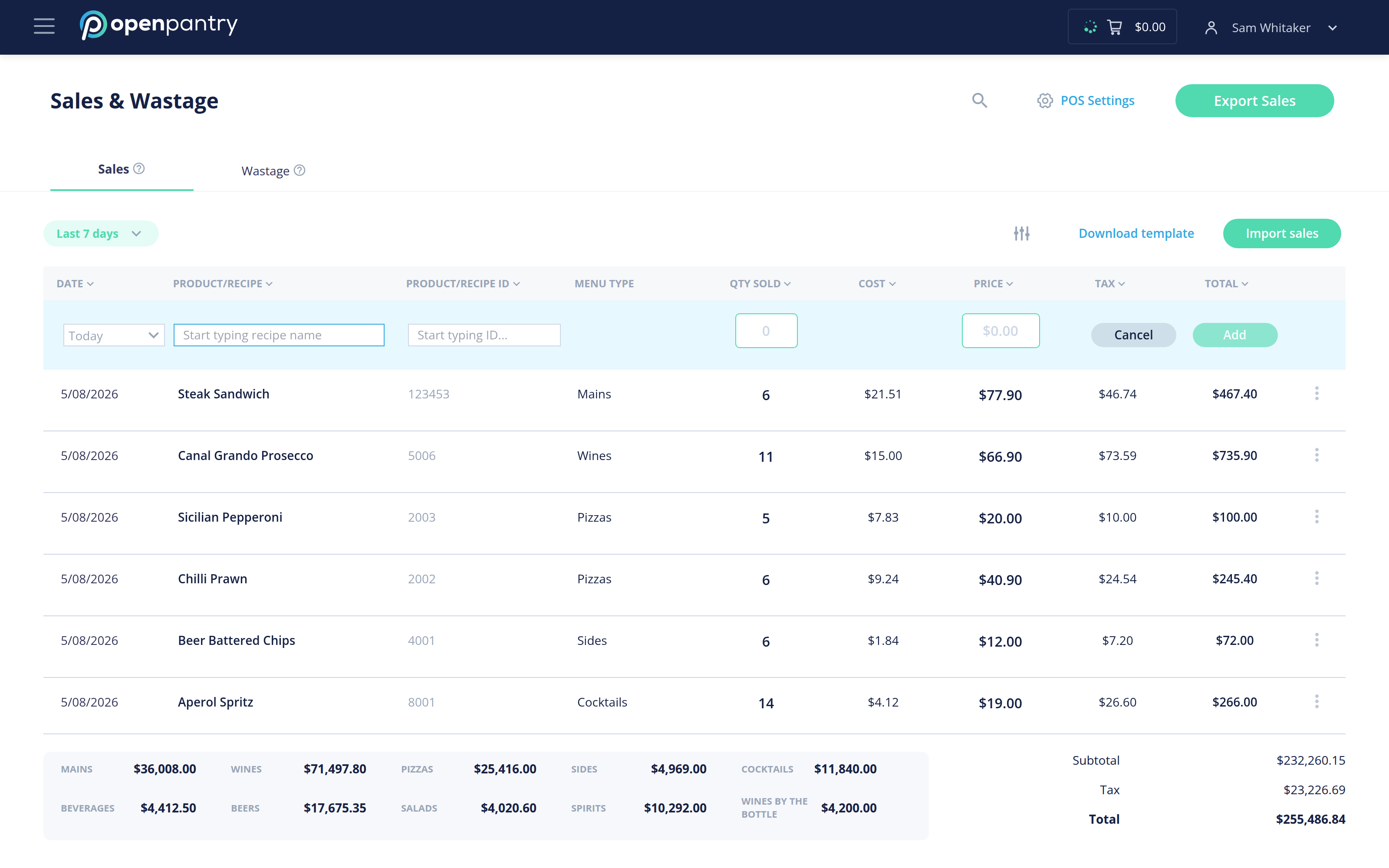
- Enter the date, the product or recipe, its product code, the quantity, the reason, and who is reporting it.
- Select Add.
Recording a reason is worth the extra second — over a month it is what tells you whether you are losing stock to spoilage, breakage or over-production.