

Back
How to browse suppliers - Browse by Category
Select the ☰ menu button in the top left of the screen, then Browse by Category.
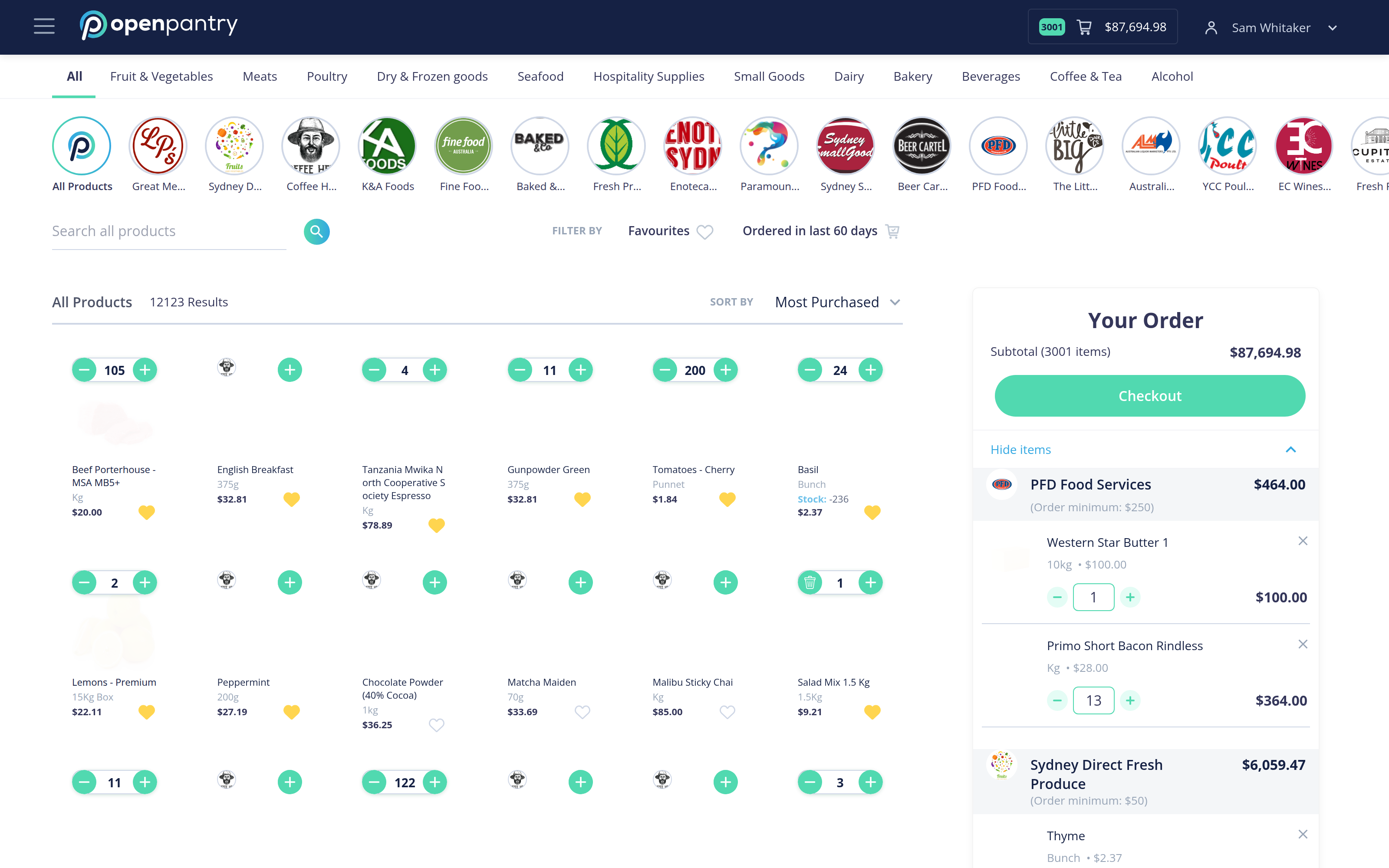
The category tabs run across the top of the screen. Which ones you see depends on the product types you have chosen — see How to edit the categories I see to change them.
- Select a category to see products in it from every supplier you are connected to. Select All Products to see everything at once.
- The supplier logos below the tabs filter further — select one to see only that supplier's products in this category.
- Use Search all products to jump straight to something by name, and Sort by to reorder the results.
- Add to your order with the + on a product, or type a quantity directly.
Your running order is shown on the right, with each supplier's subtotal and their order minimum, so you can see at a glance whether you have met it.