Back
How to Browse Supplier from Dashboard
How do I browse a supplier from the dashboard?
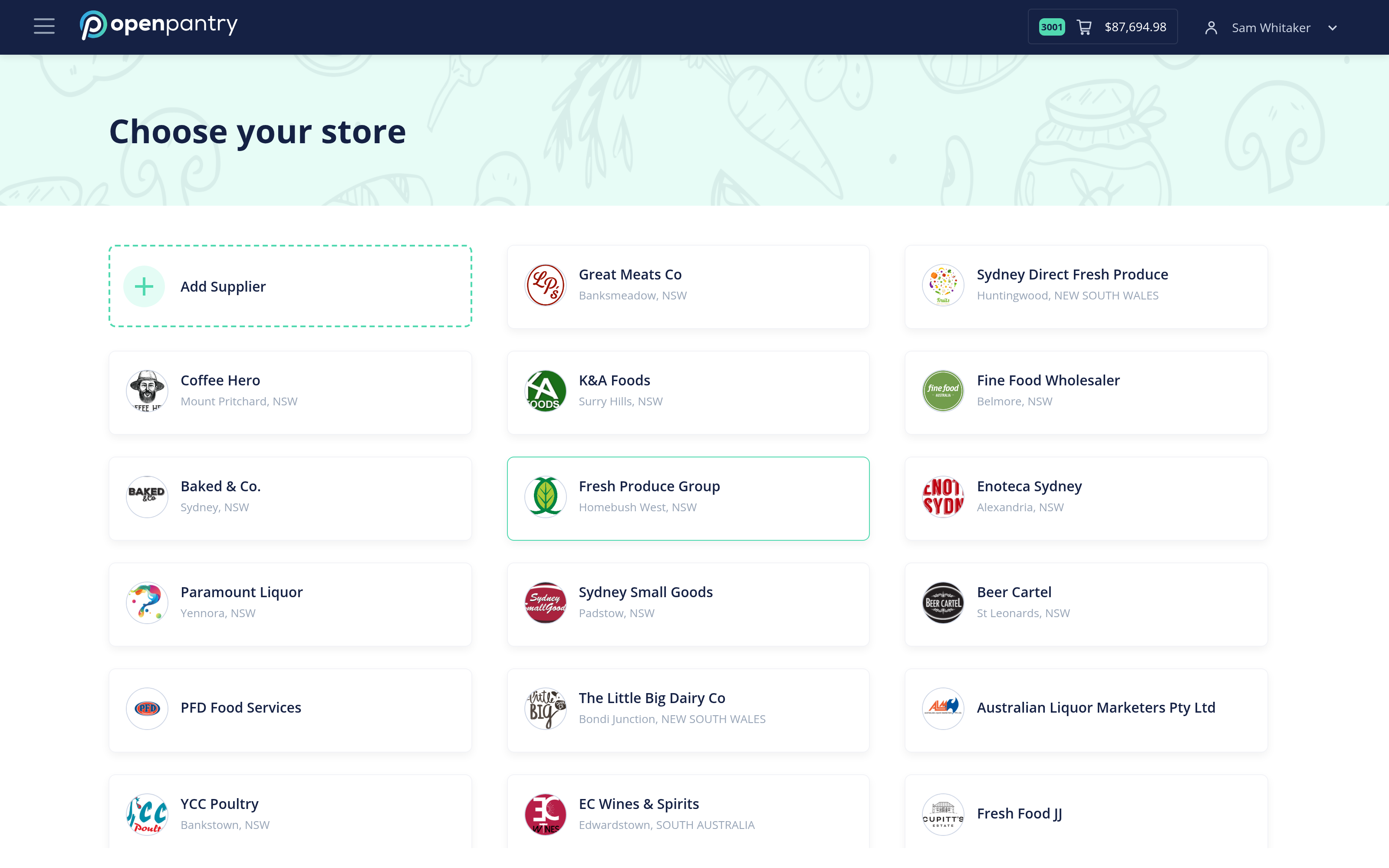
- On your dashboard, find Browse by Supplier and start shopping from there.
- Pick the store you want to order from.
While you are in a store you see only that supplier's products. Many suppliers also group their range into sub-categories — cheese, for instance — so you can go straight to the part of their range you need.