

Back
How to create a Pantry List
A pantry list is a saved set of products you order regularly, so you do not have to find them again each time.
Select the ☰ menu button in the top left of the screen, then Pantry Lists.
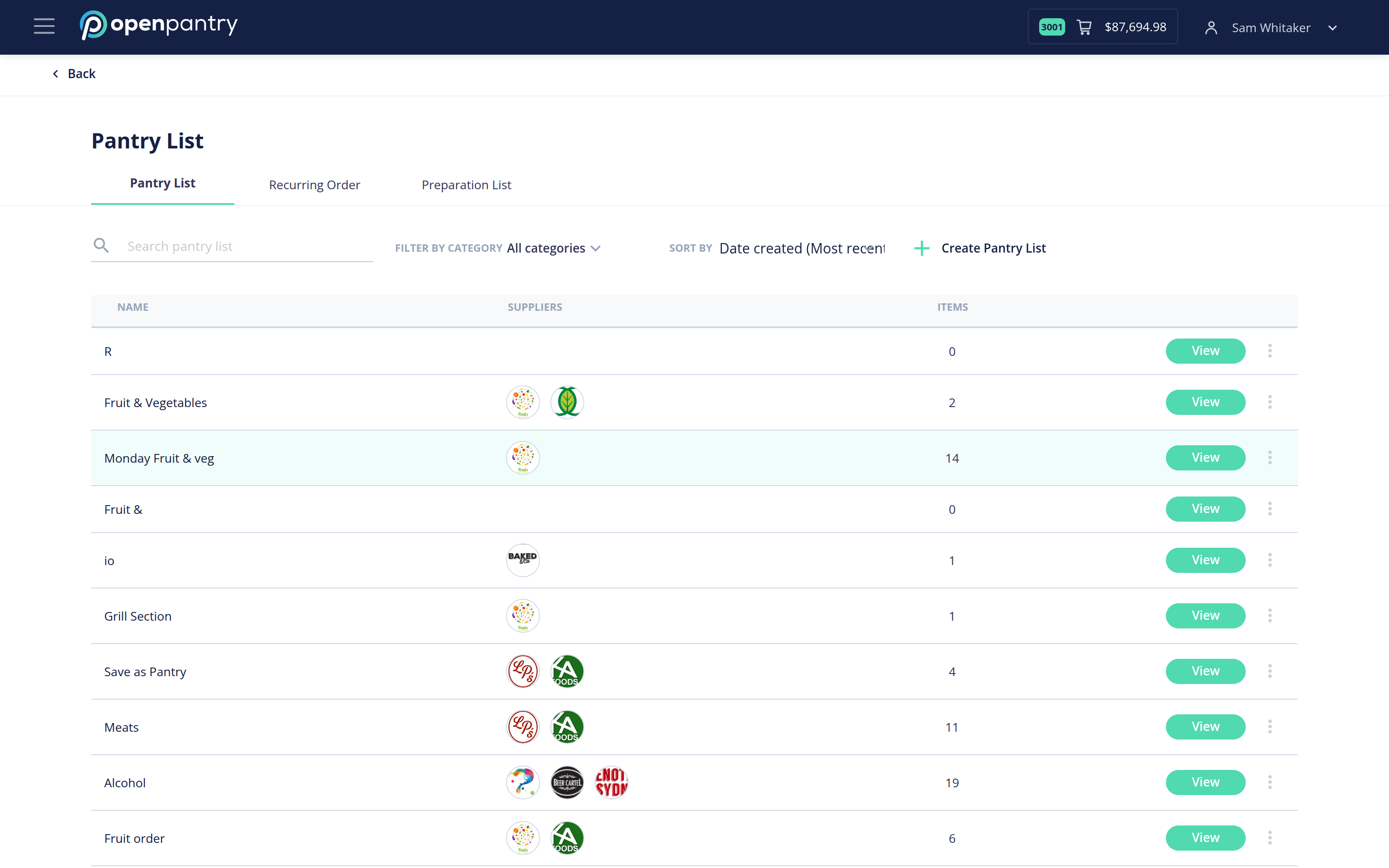
- Stay on the Pantry List tab and select Create Pantry List.
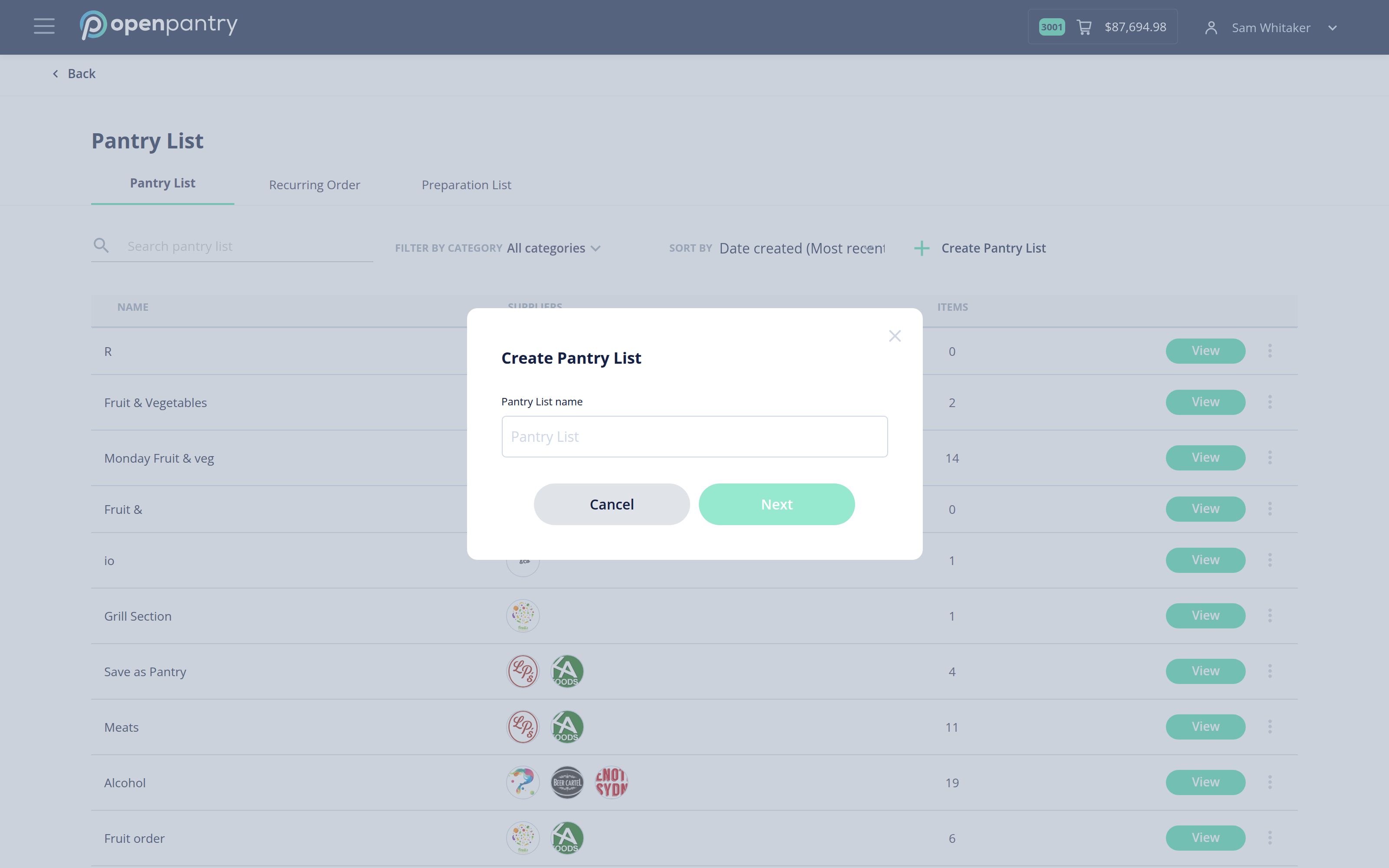
- Give the list a name, then select Next. Naming lists by supplier or by product category — "Monday Fruit & Veg", "Bar" — makes them much easier to find later.
- Add items with the + beside each product. Use the search box to find things quickly.
- Save the list when you are done.
Your saved lists show how many suppliers and how many items each one covers, so you can spot a list that has drifted out of date.