

Back
How to create a Recurring Order
A recurring order places the same order on a schedule, so a standing weekly delivery does not depend on anyone remembering it.
Select the ☰ menu button in the top left of the screen, then Pantry Lists.
- Select the Recurring Order tab.
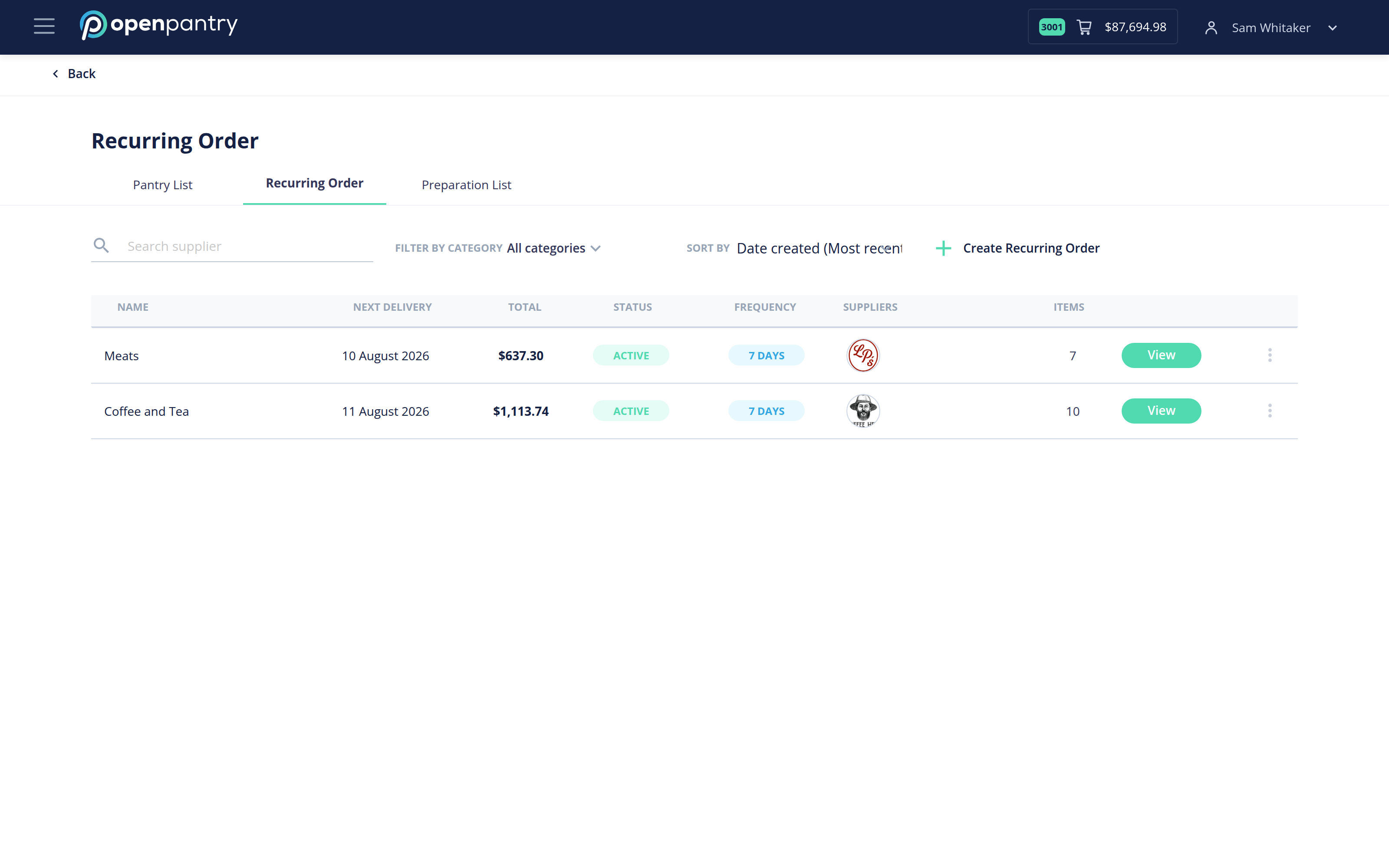
- Select Create Recurring Order.
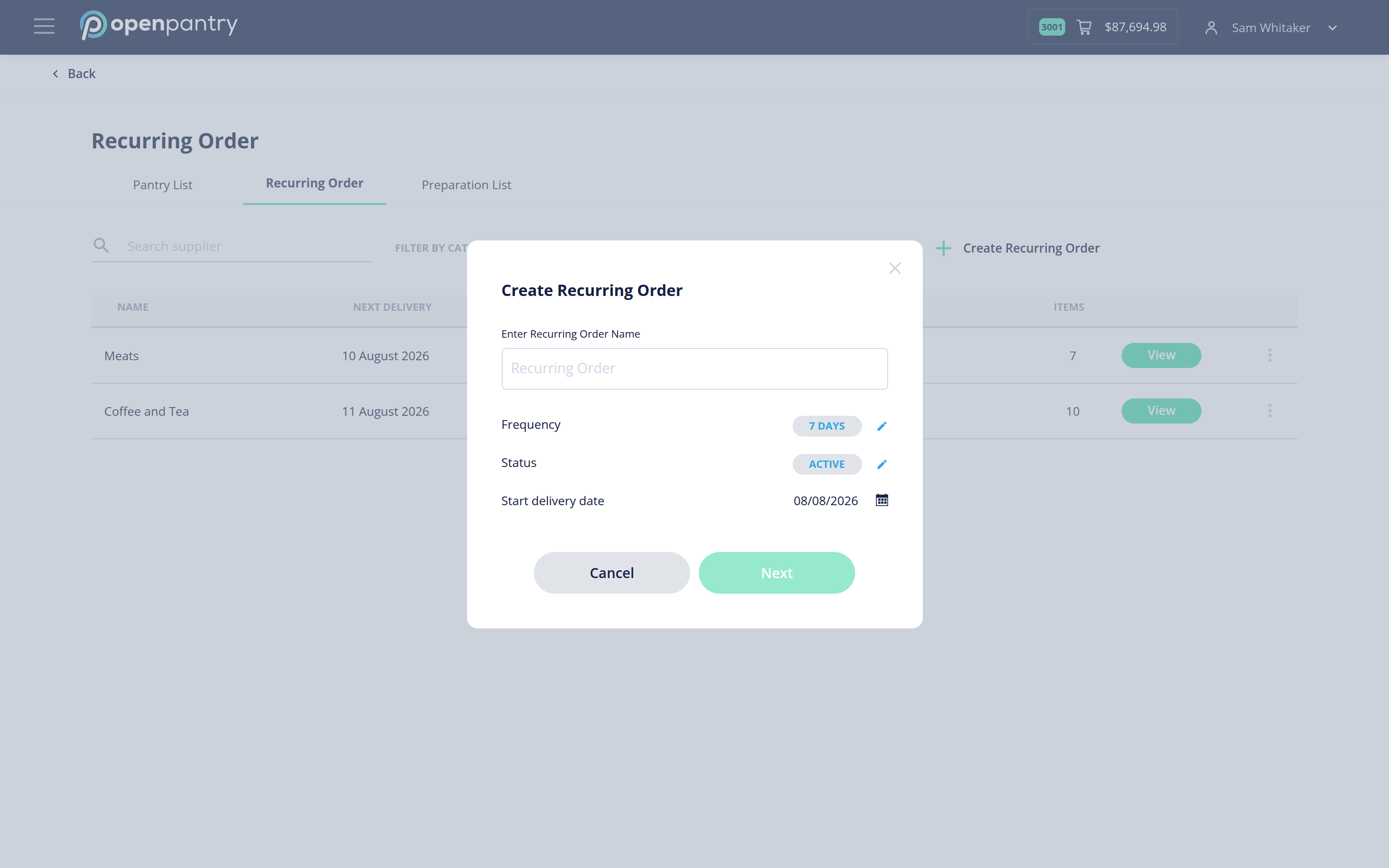
- Enter a name, choose how often it should repeat, and set the date the first delivery should land on. Select Next.
- Add the products you want included with the + beside each one, and set quantities.
- Save the recurring order.
It appears in the list with its frequency, next delivery date and status. A recurring order only places while its status is Active, so you can pause one without deleting it.