

Back
How to delete a price list
Deleting a price list removes that column and its prices from every product. Customers on that list fall back to your standard pricing, so check who is on it before you delete it.
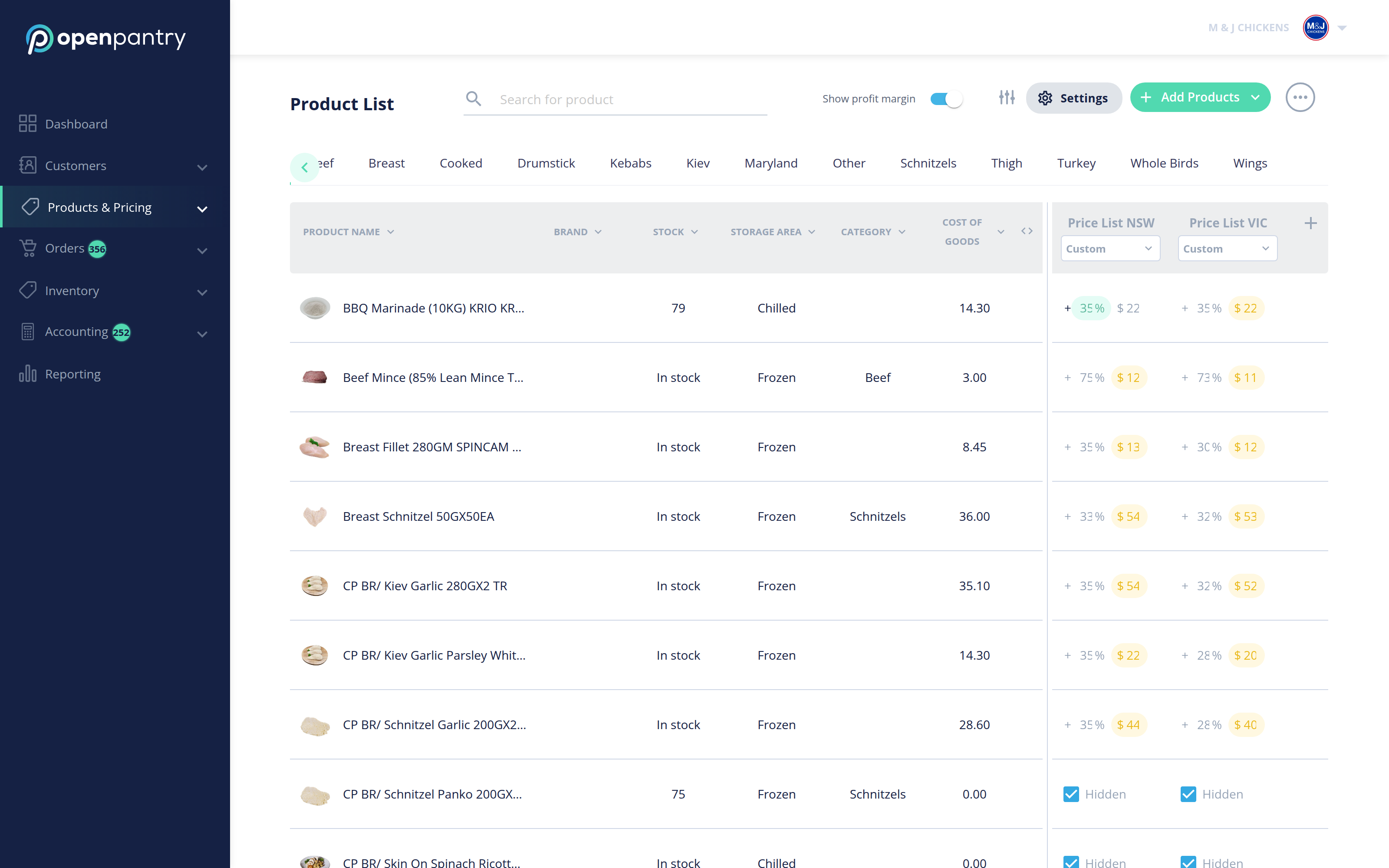
- Select Products & Pricing in the menu, then Product List.
- The price list columns are on the right-hand side of the table. The controls for managing them sit directly above those columns.
If you cannot find the delete option on your account, contact us and we will remove the list for you — it is safer than clearing every price on it by hand.