Back
How to edit a product and the sell price
How do I edit a product and its sell price?
The left-hand menu is always on screen on a wide window. On a narrow one it collapses to icons — click the ☰ button in the top left to open it.
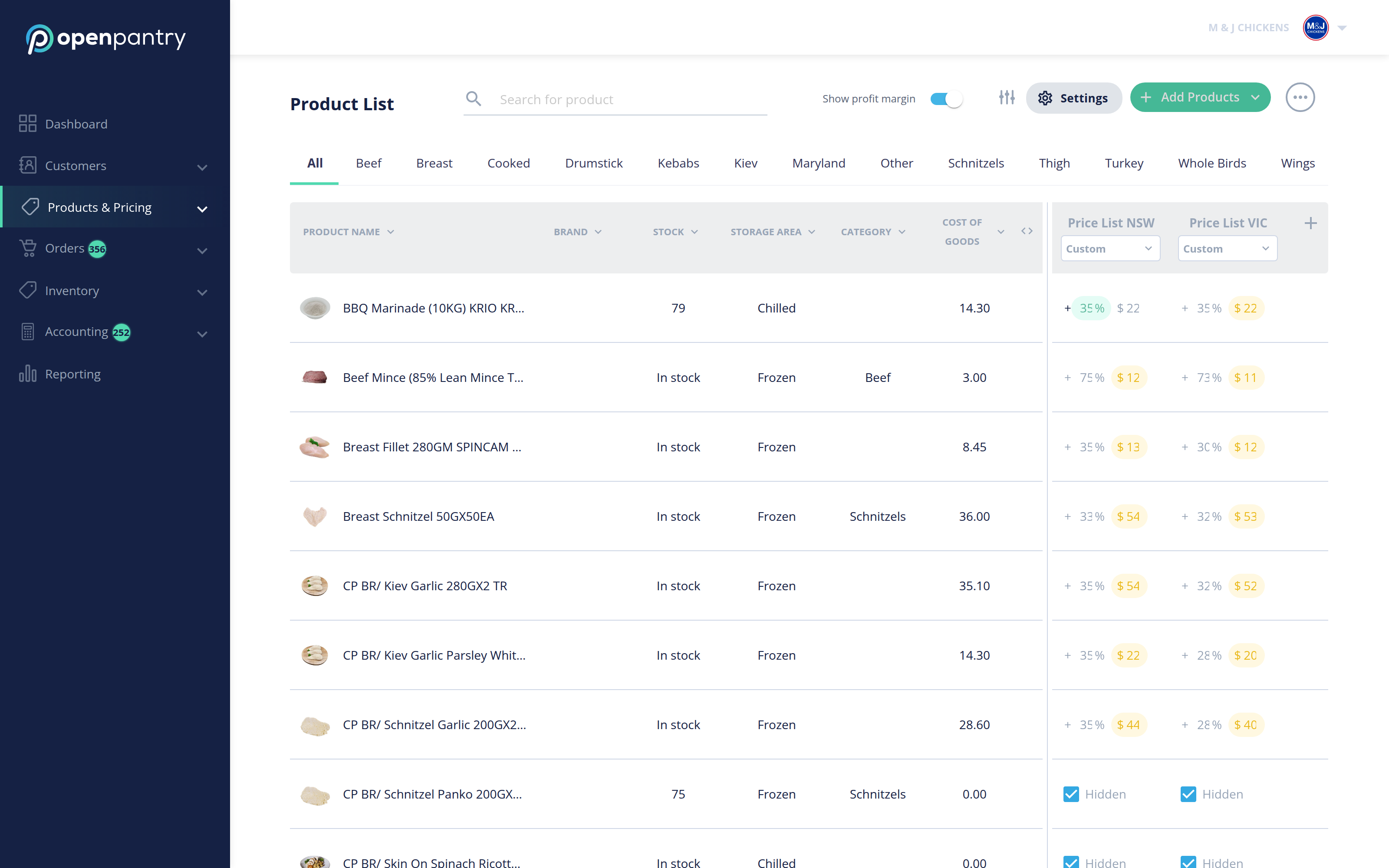
- Choose Products & Pricing, then Product List.
- Use the category tabs across the top to narrow the list, or search for the product.
- Prices are edited in place — click into the price cell for the price list you want and type the new sell price. Turn on Show profit margin to see the margin beside each price as you change it.
- To change anything else about the product, open it from its row and update the details there.