

Back
How to edit my delivery address
Your venue's delivery addresses are kept under Venue Information. You can hold more than one and choose which is the default at checkout.
Select the ☰ menu button in the top left of the screen, then My Account.
- Select Venue Information.
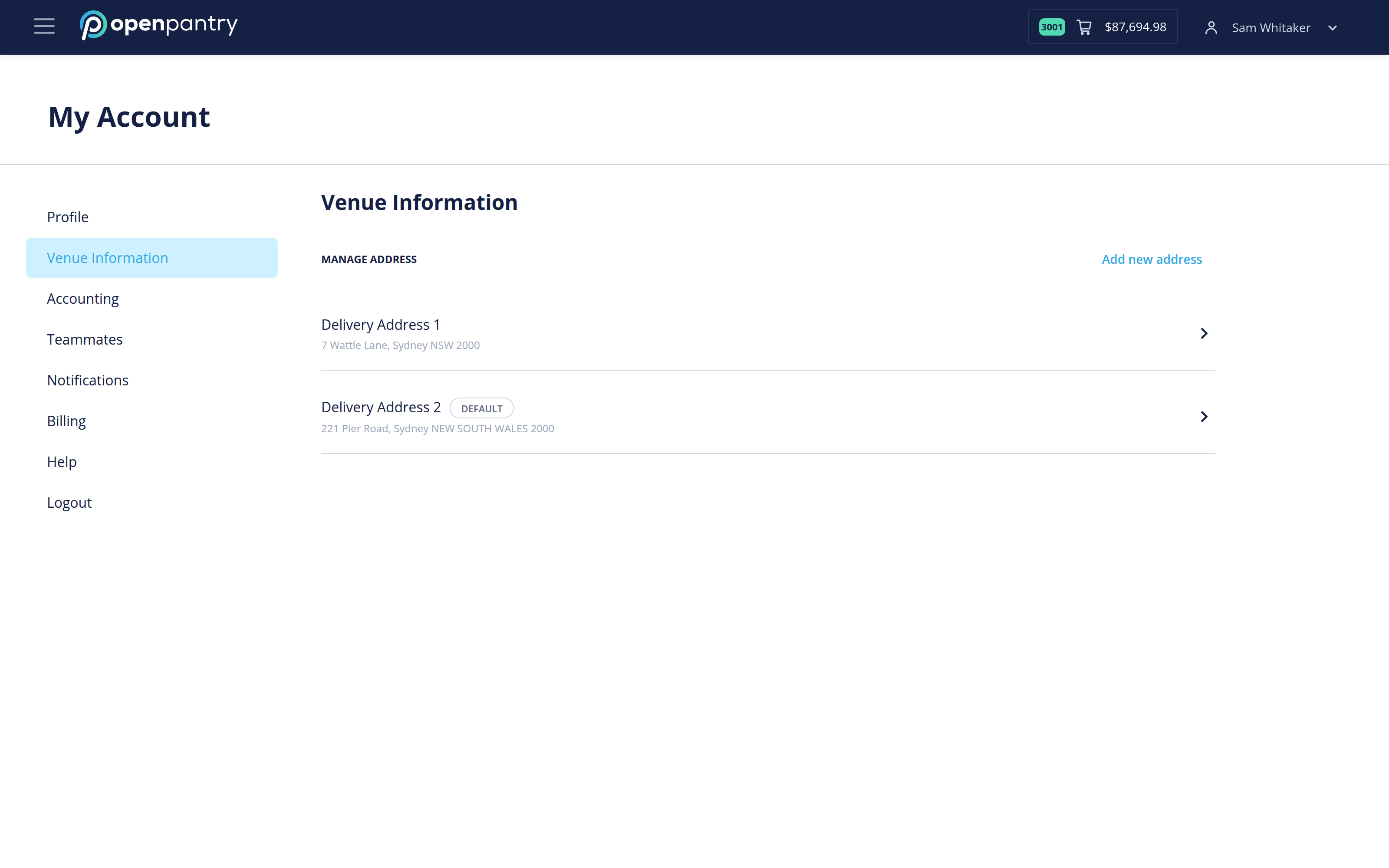
- Select the address you want to change.
- Update the details and save.
The address marked DEFAULT is the one your orders go to unless you pick another at checkout. To change which that is, open the address you want and set it as default.
Changing an address does not change any order you have already placed.