

Back
How to edit my recurring orders
Select the ☰ menu button in the top left of the screen, then Pantry Lists.
- Select the Recurring Order tab.
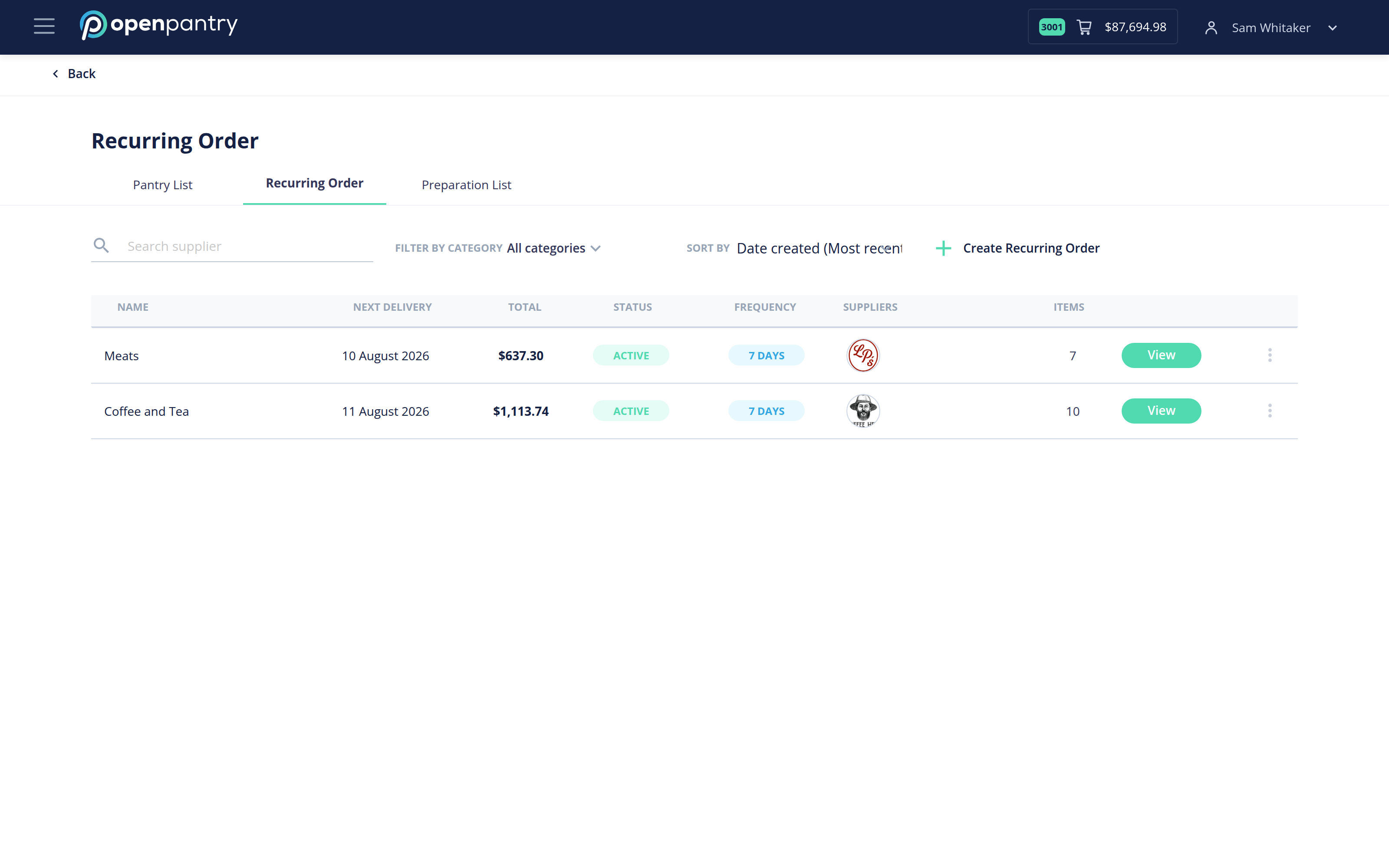
- Select View on the recurring order you want to change.
- To change what is on it: add products with the +, adjust quantities with + and –, and remove a product with the trash icon. Save the recurring order when done.
- To change its name, frequency, status or start date, use Edit Settings beside the recurring order's name.
Setting the status to something other than Active stops it placing without losing the list of products — useful over a shutdown period.
Changes take effect from the next scheduled delivery. An order that has already been placed is not altered; edit or cancel that one from Orders & Invoices.