

Back
How to edit the categories I see
The categories you see when browsing are the product types you have told us you buy. Narrowing them keeps the browse screens to things you actually order.
Select the ☰ menu button in the top left of the screen, then Manage Suppliers.
- Select the Product Types tab.
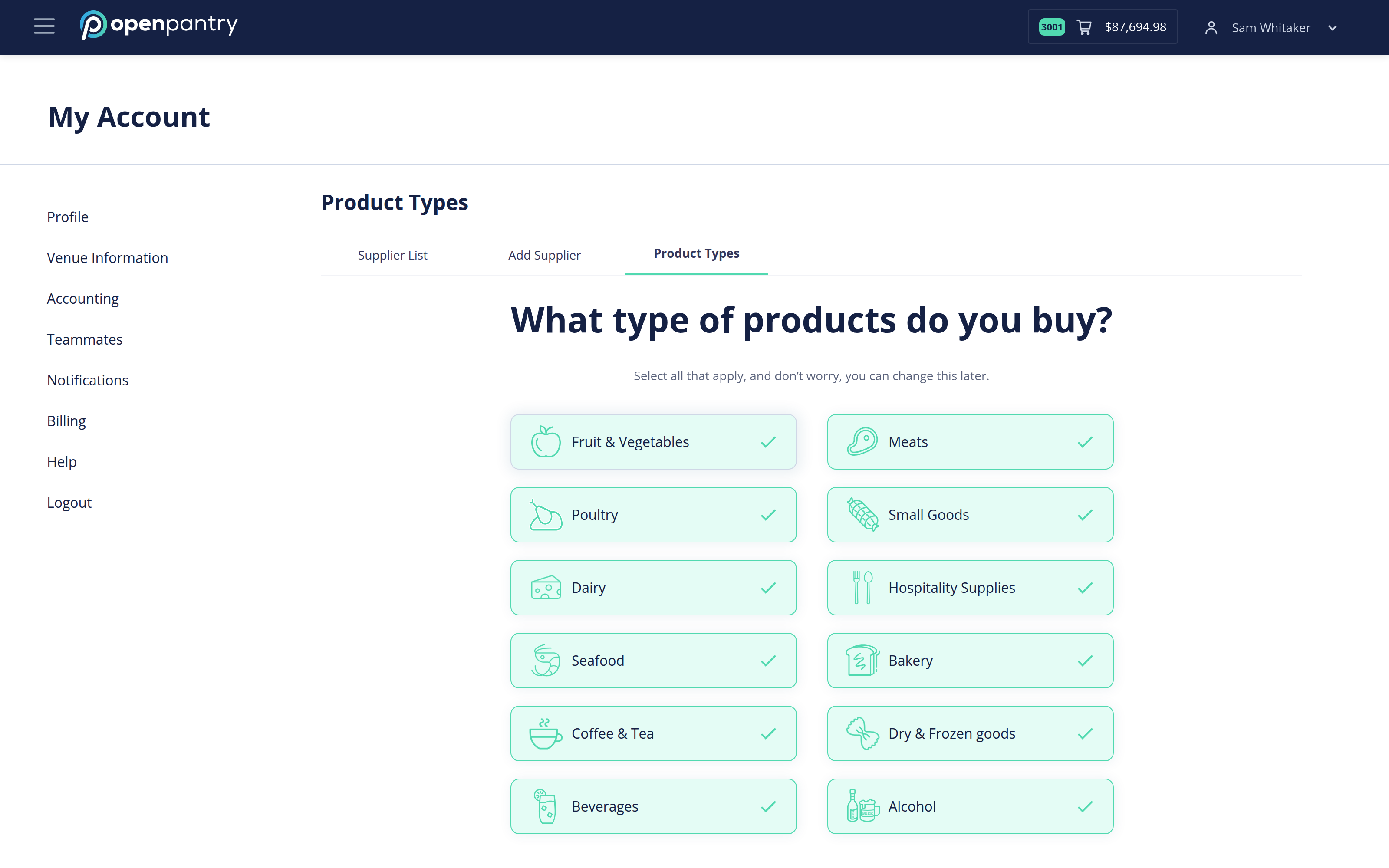
- Selected categories are ticked and highlighted. Select a category to turn it on; select it again to turn it off.
- Save your changes.
You can change this whenever you like — hiding a category does not disconnect the supplier or remove anything from your pantry lists, it only changes what the browse screens show.