

Back
How to export your shopping list
Products drop onto your reorder list automatically once available stock falls to or below the Trigger value you have set for them.
Stock that is below its PAR level — the amount you would ideally hold — but still above its Trigger is not included. That is deliberate: the list is meant to be what you actually need to buy now.
- Select Products & Pricing in the menu, then Inventory.
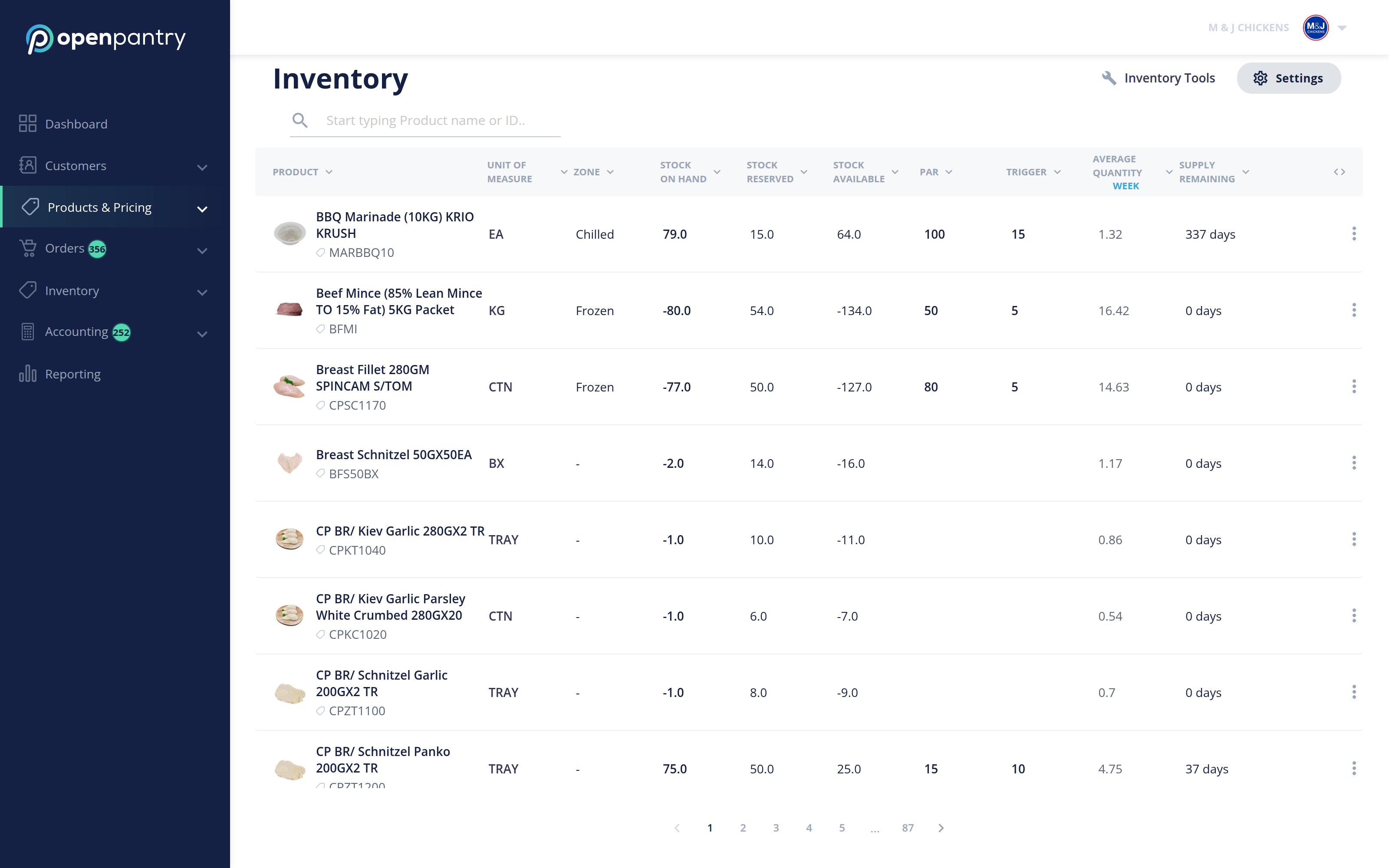
- Select Inventory Tools in the top right.
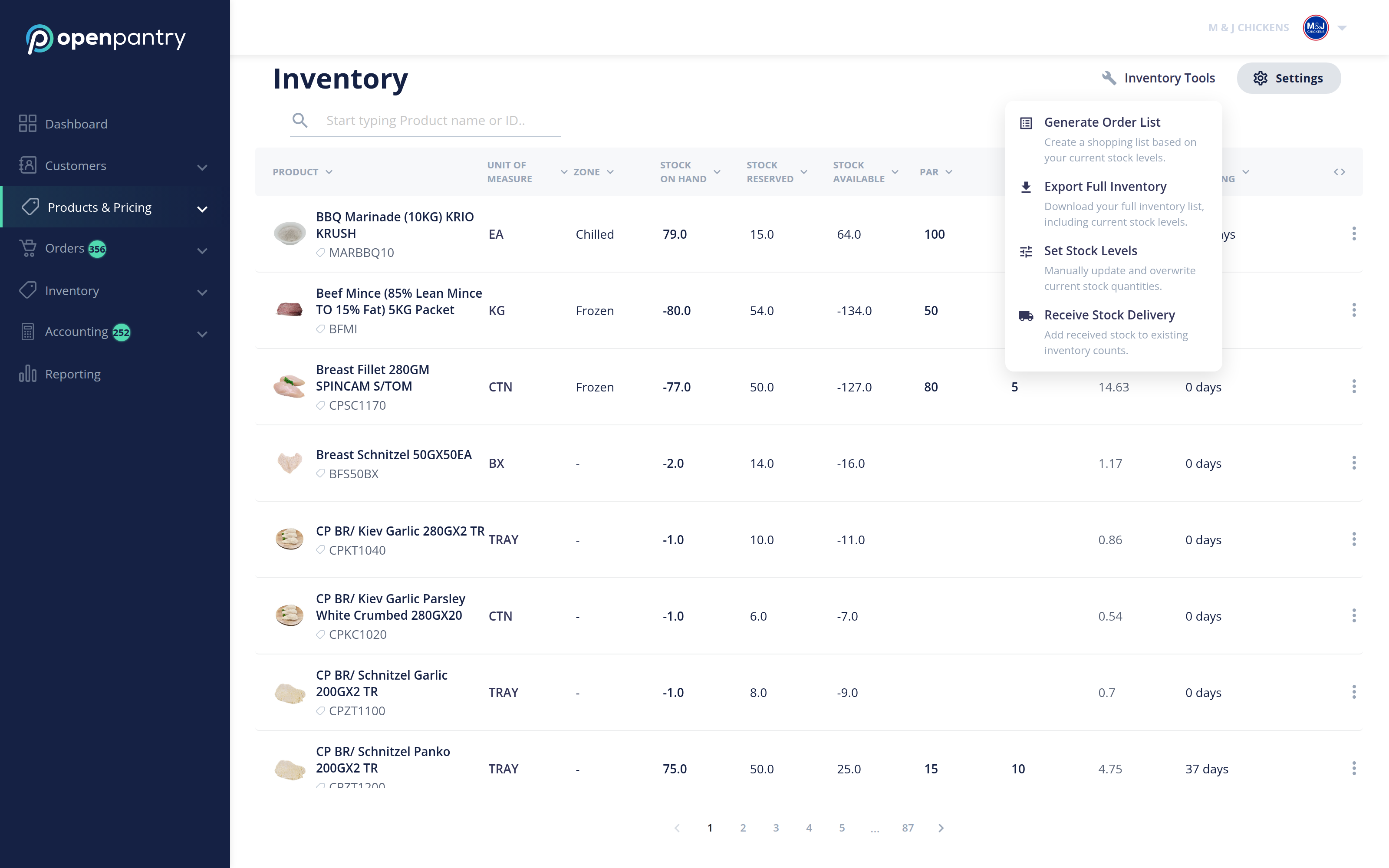
- Choose Generate Order List to build a shopping list of just the products that have hit their trigger, ready to send to your own suppliers.
- Choose Export Full Inventory instead if you want every product, not only the ones needing restock.
Note: this menu was previously a three-dot icon labelled "Export Shopping List". It is now Inventory Tools, and the shopping list is Generate Order List.