

Back
How to reset my password
If you cannot remember your password, you can reset it yourself from the sign-in screen. You do not need to contact support.
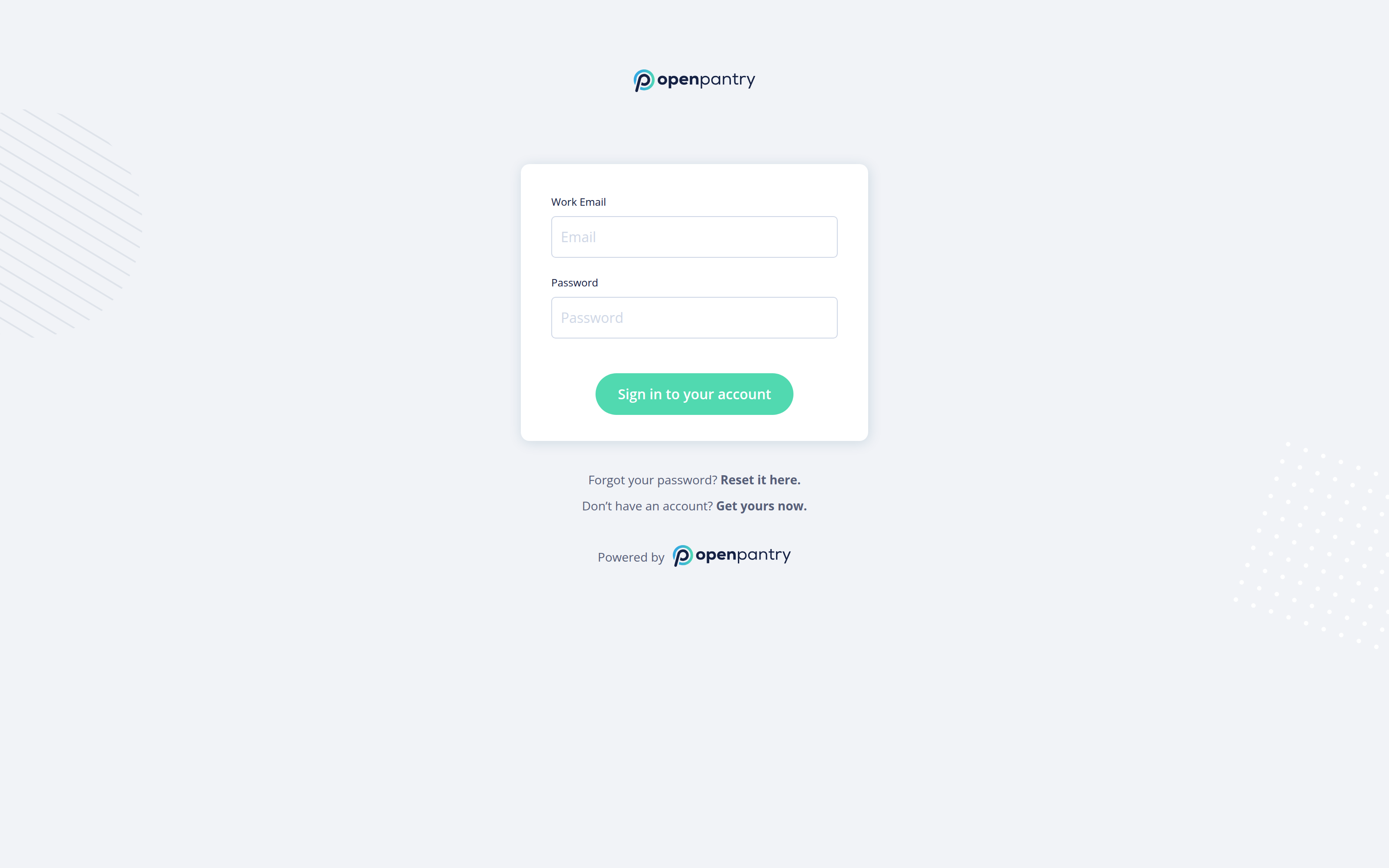
- Go to the sign-in screen and select Forgot your password? Reset it here.
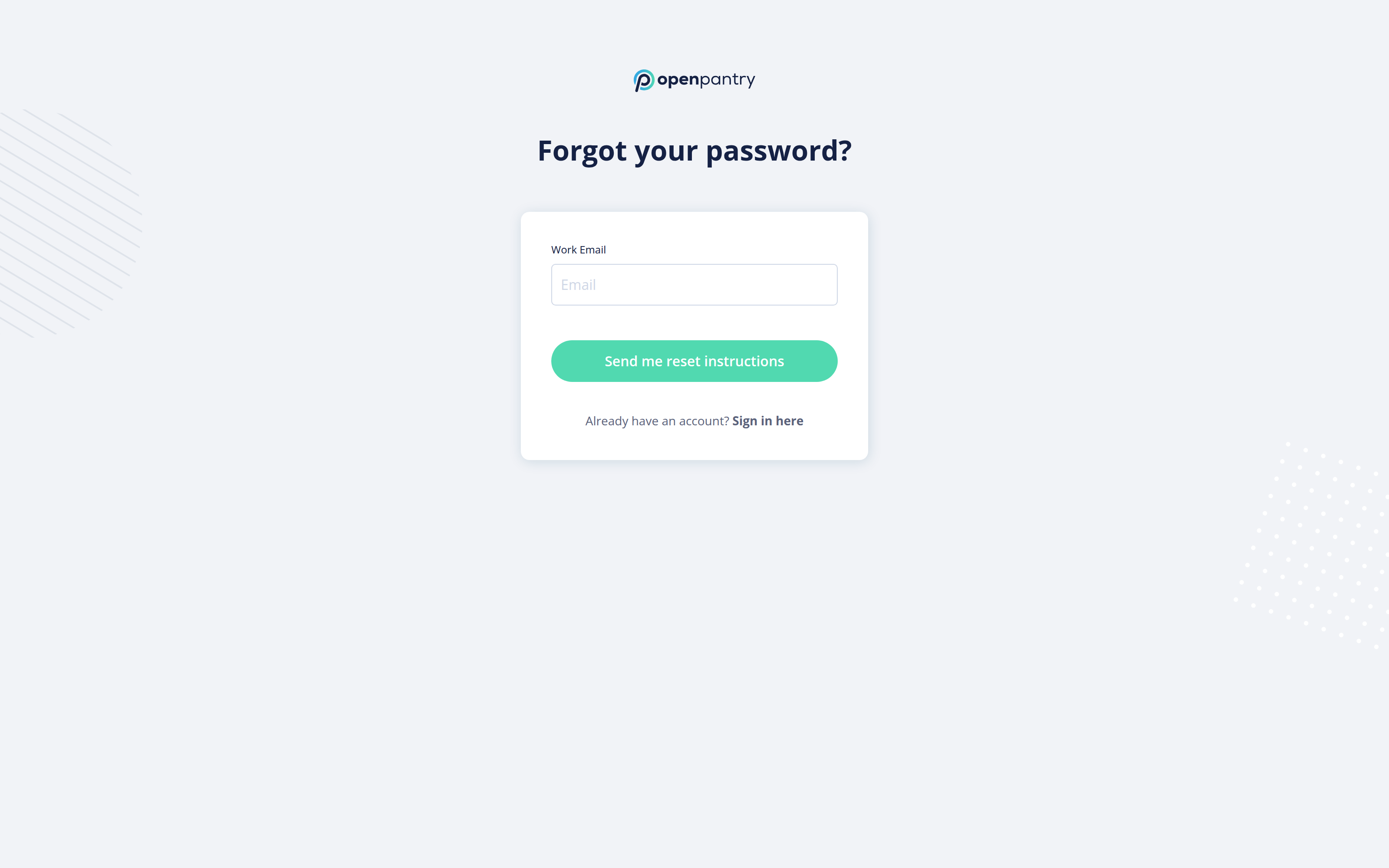
- Enter the email address you sign in with and select Send me reset instructions.
- Open the email we send you and follow the link back to Open Pantry.
- Enter your new password and confirm it to finish.
The reset link is only good for a short time. If it has expired by the time you open it, just request another one.
If you know your current password and simply want to change it, you do not need this at all — use My Profile instead.