Back
How to see my Order History
How do I see my order history?
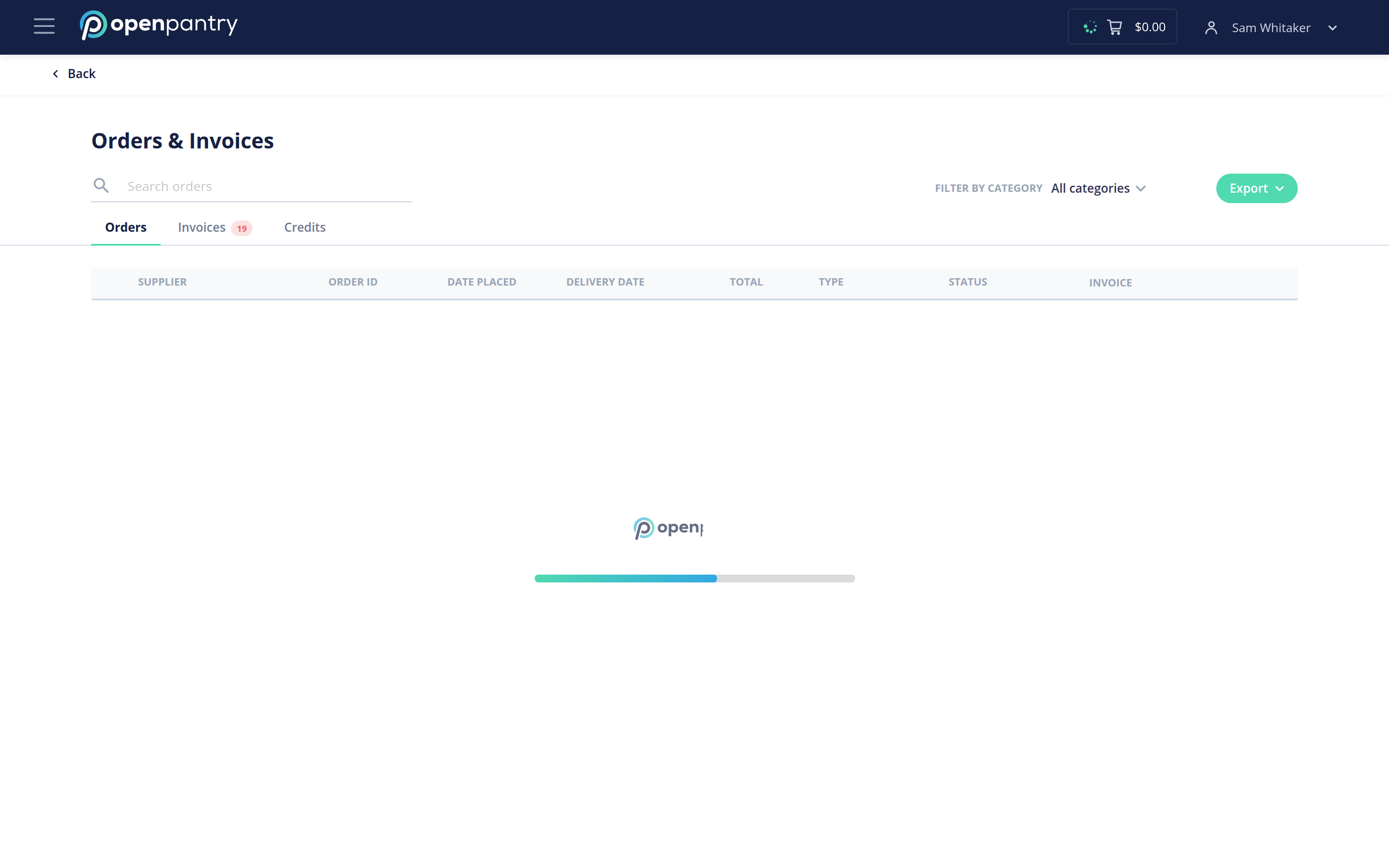
- Click the ☰ icon in the top left, then choose Orders & Invoices.
- Your past orders are listed there. Open any one to see the items it contained, and switch to Invoices for the matching paperwork.
- Use Filter by category to narrow the list, or Export to take the orders away as a file.
An order placed across several suppliers is split into one order per supplier, so each appears on its own line.