

Back
How to update your inventory list
Your Inventory screen shows live stock on hand for every product, along with the PAR and Trigger levels that drive reordering.
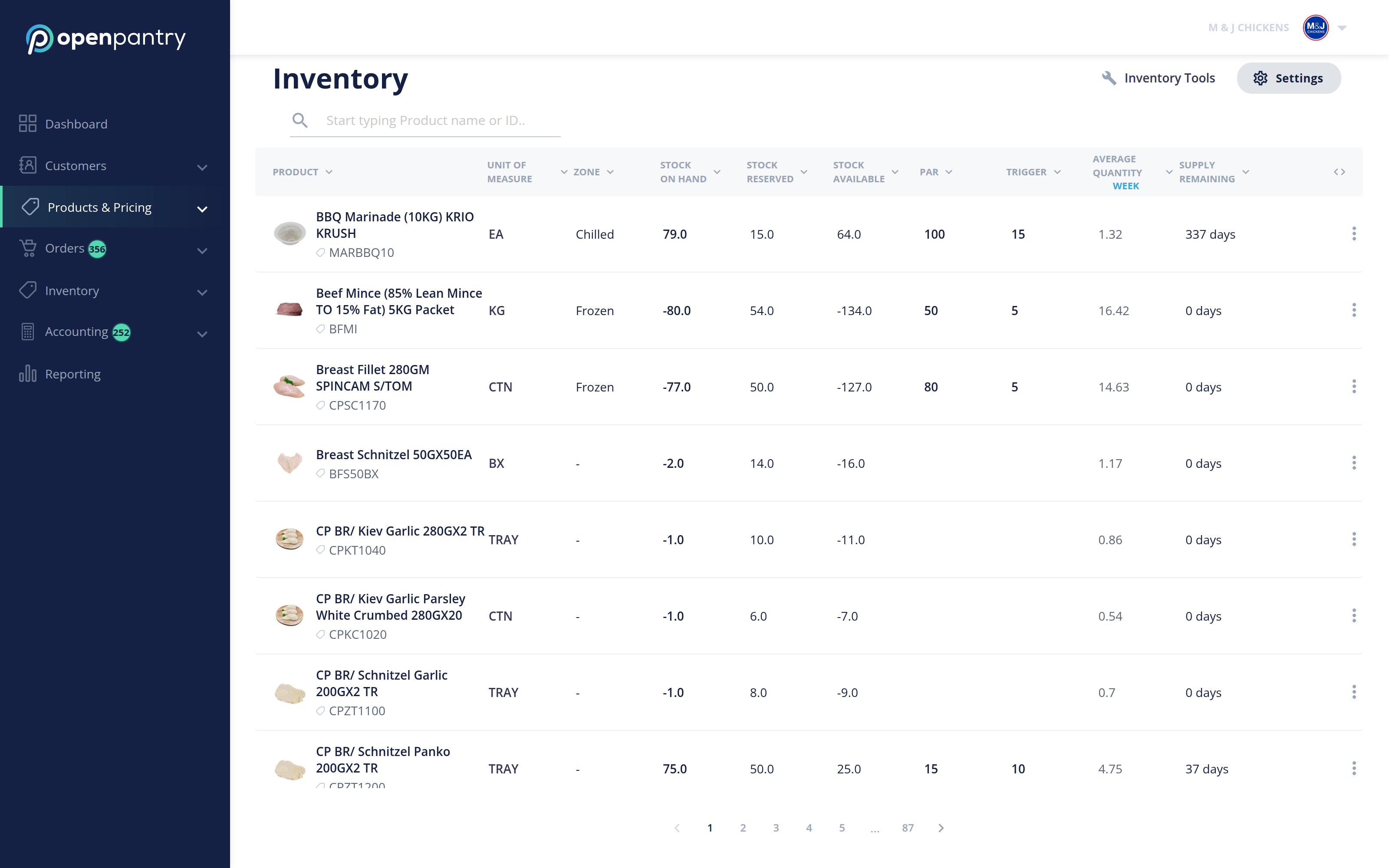
- Select Products & Pricing in the menu, then Inventory.
- Select Inventory Tools in the top right.
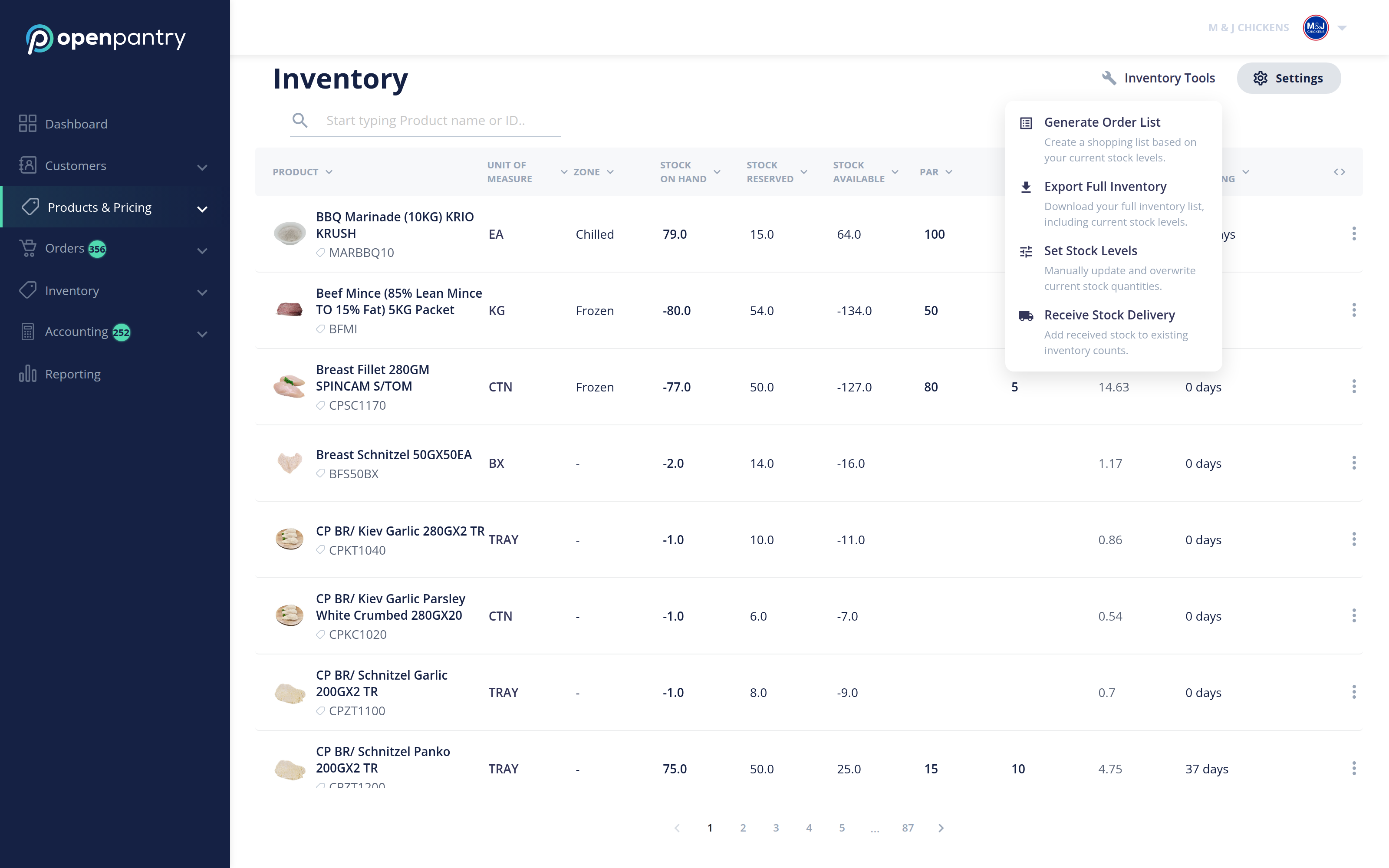
From here you can:
- Set Stock Levels — set or correct stock on hand, including in bulk.
- Receive Stock Delivery — add stock as it arrives from your own suppliers.
- Generate Order List — build a shopping list of what has fallen to its trigger.
- Export Full Inventory — download the whole list.
Note: the spreadsheet-based "Update Inventory" flow this article used to describe — download a template, fill in quantities, upload it back — is no longer offered in this menu. Use Set Stock Levels to adjust quantities.