Back
How to use reporting
How do I use reporting?
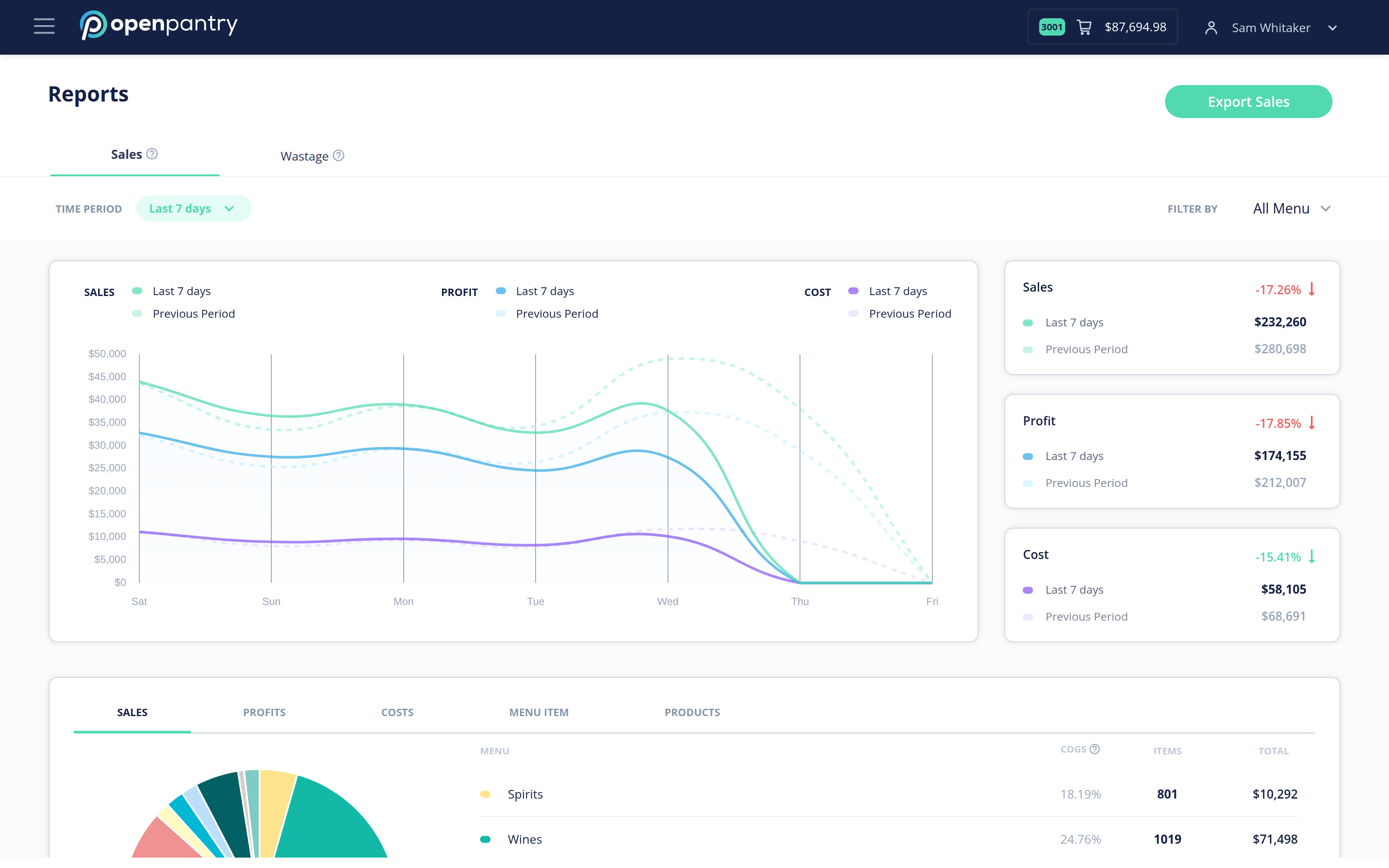
Once your sales and wastage data is in, reporting shows where your restaurant makes and loses money — down to individual dishes and drinks.
- Click the ☰ icon in the top left, go to Restaurant Pro Suite, then Reports.
- Choose a time period and use Filter by to focus on a menu, a category or a single item.
- Switch between the Sales and Wastage views, and use Export Sales to take the numbers with you.