Back
How To View / Edit Customer Details
How do I view or edit customer details?
The left-hand menu is always on screen on a wide window. On a narrow one it collapses to icons — click the ☰ button in the top left to open it.
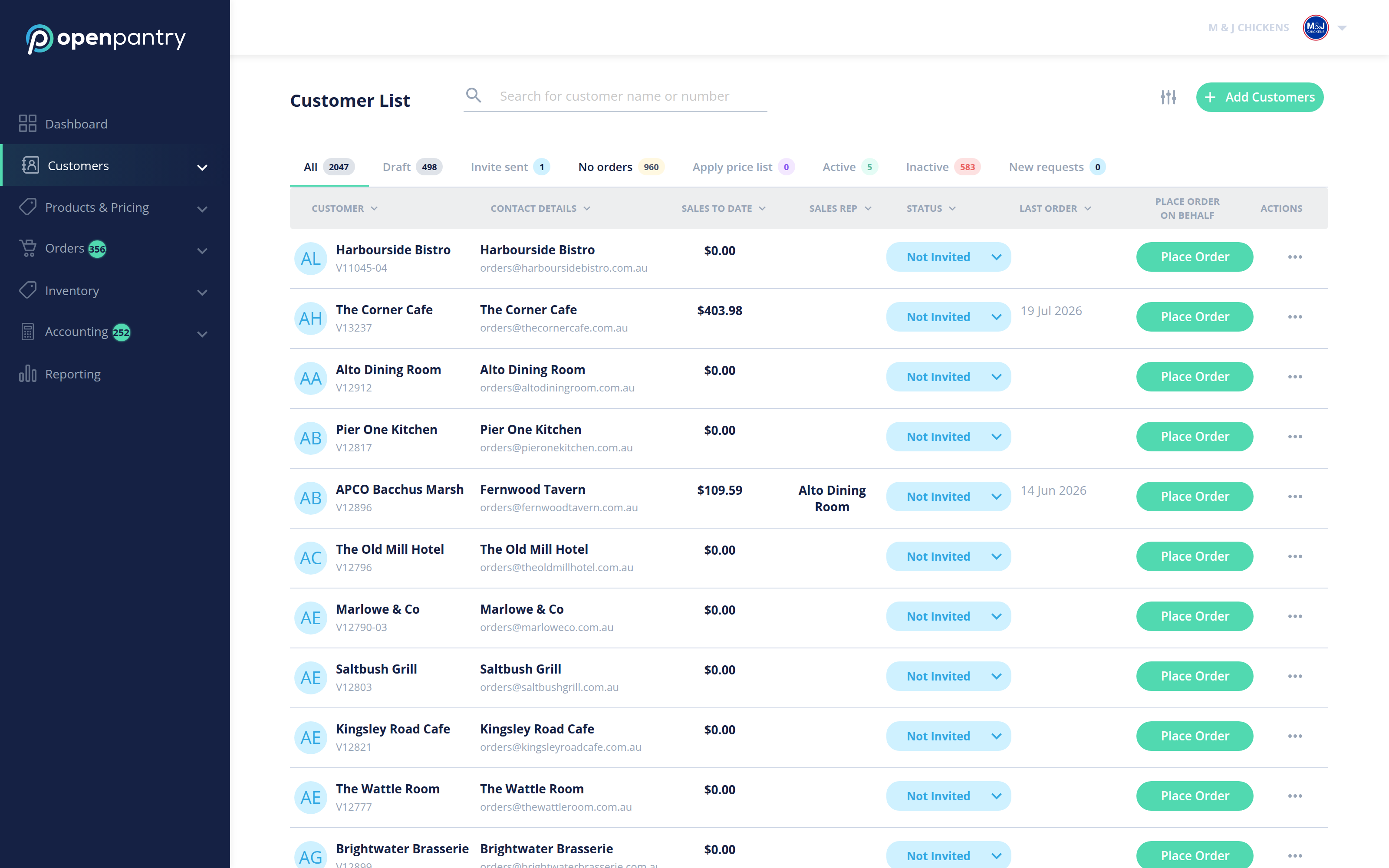
- Choose Customers, then Customer List. You will see every customer with their contact details, and tabs for All, Draft, Invite sent, No orders, Active, Inactive and New requests.
- Find the customer you want and open the actions control at the end of their row.
- Choose Edit details, change what you need, and save.
Customers own their own primary details — company name and email address are changed by them, not by you. Everything else is yours to edit.