A restaurant stops typing supplier invoices by capturing them: forward the email or photograph the docket, let software read every line, and check only what doesn't match the order and delivery. Approved bills then go to Xero, MYOB or QuickBooks as drafts, so nobody keys the same invoice twice.
Key takeaways
- Invoice capture replaces typing: forward the supplier email or photograph the paper docket instead.
- Capturing every invoice line, not just the total, shows which product's price actually moved.
- Checking deliveries at the door turns invoice capture into credits you can actually claim.
- Approved bills should reach Xero, MYOB or QuickBooks as drafts for the bookkeeper to post.
- A monthly statement reconciliation per supplier still catches missing invoices and unapplied credits.
In this guide 7 sections
Forty-odd dockets, a Sunday night and an office computer: that is how a lot of venues still get supplier invoices into Xero. The way out is supplier invoice scanning. Every invoice arrives by email forward or phone photo, the software reads each line, and a person only looks at the few lines that disagree with the order or the delivery.
Until then, the folder wins. Dockets come in damp from the cool room, half the suppliers email PDFs to whoever placed the order, and someone keys each one in, line by line or just the total. Nobody has time to check whether the lamb went up again, the credit for the missing box of lemons never shows, and food cost stays a mystery until the accountant asks.
Why does invoice entry take so long?
Invoice entry takes long because the job is really three jobs: finding the invoice, typing it, and checking it against what turned up. Typing is the visible part. The hidden time goes on:
- Chasing paper. The docket went home in a driver’s pocket, or into the bin with the produce box.
- Matching. Was this the Tuesday or the Thursday delivery? Did the eight kilos of chicken thigh that arrived match the ten on the invoice?
- Credits. Shorts and damaged stock need a credit note, and someone has to remember to ask for one and check it arrives.
- Coding. Which account, which venue, GST or GST-free.
- Lines vs totals. Typing every line is slow, so people type the total. That’s quicker today and costs you later (more on that below).
The lag adds up. An invoice that sits in the folder for a week and a half is an invoice nobody checked, and by then the driver, the docket and anyone’s memory of what came off the truck are long gone. The fix is to deal with each invoice the day it arrives, which only works if it takes a minute rather than ten.
How does invoice capture work?
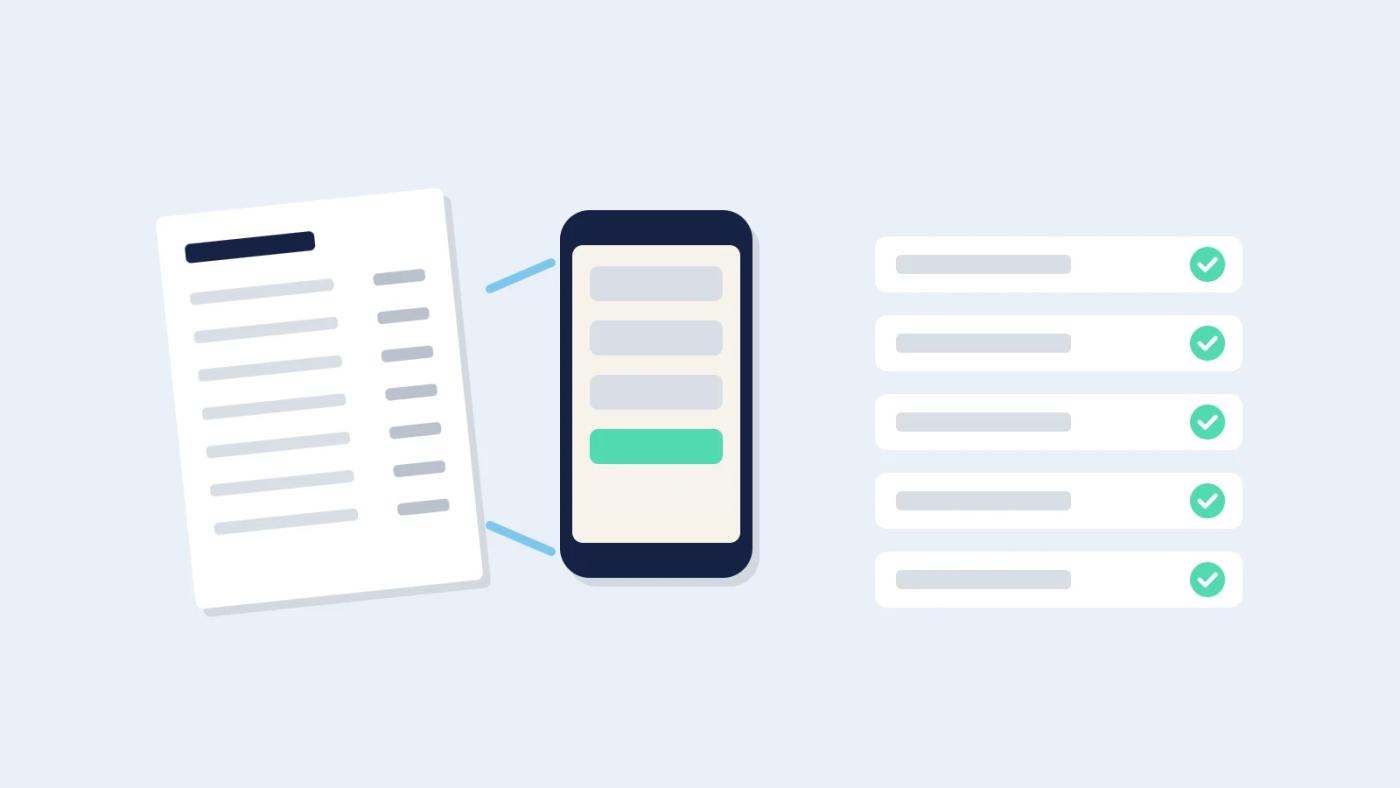
Invoice capture works by turning each invoice into lines (product, quantity, unit, price) without anyone typing, then comparing those lines with the order and the delivery. Most tools follow the same pattern:
- Get the invoice in. Ask suppliers to email invoices to one dedicated address, or forward them there. For paper, snap a photo at the door or in the office.
- Read the lines. The software reads supplier, date, invoice number, each line and the totals, including GST.
- Match the supplier’s products to yours. "LAMB SHLDR B/IN 2-3KG" on the invoice becomes "Lamb shoulder, boneless, per kg" in your list. The first invoice from each supplier takes the most matching; after that it’s mostly remembered.
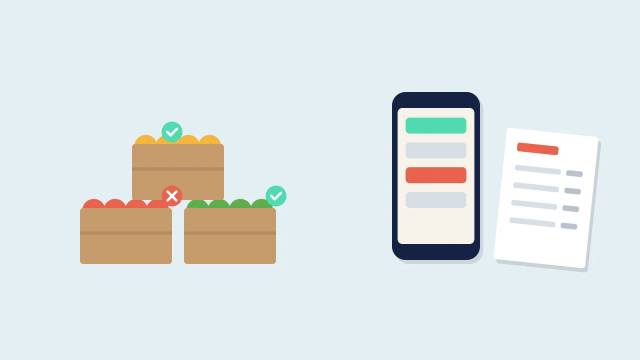
- Compare against the order and the delivery. Ordered ten, received eight, invoiced ten: that’s a short and a credit to request. Ordered Roma tomatoes, invoiced truss: that’s a sub to approve or reject.
- Flag what changed. New prices, subs, shorts, missing invoices, duplicates.
- Approve. A person checks the flags and approves. The bill goes to accounting.
Here is what a morning’s flags might look like once lines are matched:
| Line | Ordered | Received | Invoiced | Flag |
|---|---|---|---|---|
| Chicken thigh | 10 kg | 8 kg | 10 kg | Short: request credit |
| Roma tomatoes | 5 kg | 5 kg truss | 5 kg truss | Sub: approve or reject |
| Lamb shoulder | 30 kg | 30 kg | +$1.50/kg | Price rise: call the rep |
| Lemons | 1 box | 0 | 1 box | Missing: request credit |
The step people skip is the delivery check. Capture without a check-off at the door only tells you what the supplier says they sent. A quick count against the order on a phone while the driver is still there is what turns "invoice says ten" into "cool room got eight, and here’s the credit request". Our guide to chasing short deliveries and missing supplier credits covers that step in detail.
Why do invoice lines matter, not just totals?
Invoice lines matter because food cost moves one product at a time, and a total can’t tell you which one moved. If Friday’s produce invoice is $40 higher than last week, the total doesn’t say whether you bought more, the price of zucchini doubled, or you were charged for a box that never arrived.
Line detail is also what a proper invoice is meant to carry. The Australian Taxation Office says a tax invoice must give a brief description of the items sold, including quantity and price, and that a supplier must provide one within 28 days if you ask, unless the sale is $82.50 (including GST) or less. If a supplier only ever sends you a total, you’re within your rights to ask for the lines.
Prices aren’t standing still either. The ABS reported that food and non-alcoholic beverage prices rose 3.0% in the 12 months to August 2026, and it treats fruit and vegetables as a volatile item, one whose price can jump or fall sharply from month to month. That’s exactly the kind of line a total hides.
- Rise in food and non-alcoholic beverage prices, 12 months to August 2026 (Australia, ABS)
- 3.0%
- Time a supplier has to provide a tax invoice when you ask (Australia, ATO)
- 28 days
- Sale value (incl. GST) at or below which a tax invoice isn't required (Australia, ATO)
- $82.50
A worked example, with hypothetical numbers: say a bistro uses 30 kg of lamb shoulder a week and the supplier adds $1.50 a kilo without a word. Put the increase in B2 and weekly kilos in B3, and the yearly cost is:
=B2*B3*52That comes to $2,340. On a totals-only system you’d find it at stocktake, if at all. With lines captured, it’s a flag on the first invoice, and you can call the rep, swap the cut or reprice the dish that week. For more on spotting these early, see how to catch supplier price rises before they eat your margin.
Lines also feed recipe costing. Once each line has a product and a unit price, the plate cost of every dish using that product updates from the latest invoice instead of a price list typed in six months ago. Open Pantry’s guide on how to cost a menu explains why that matters for menu pricing, and it is one reason actual food cost runs higher than your recipes say when prices are out of date.
How do bills get into Xero, MYOB or QuickBooks?
Approved bills should arrive in Xero, MYOB or QuickBooks as drafts, with supplier, date, invoice number, account coding and GST already filled, for the bookkeeper to check and post. Drafts rather than final bills keep the bookkeeper in control of the ledger and the payment run.
A few things make the accounting side run smoothly:
- Map each supplier once to its contact in your accounting file, so bills don’t create duplicate suppliers.
- Set default account codes per supplier or per product category (food, beverage, packaging, cleaning).
- Split by venue if you run more than one, using tracking categories or separate files, whichever your bookkeeper already uses.
- Handle credit notes the same way as bills, so the credit for the short lemons lands against the right invoice.
- Keep the image or PDF attached to the bill, so anyone can check the original later. Business.gov.au says you need to keep most business records for 5 years, and that the ATO accepts electronic images of paper records if they are a true and clear reproduction of the original. A sharp photo saved against the bill means the damp docket can go in the recycling.
What should you still check by hand?
Check anything flagged, plus a monthly statement reconciliation per supplier. Software reads the lines; a person still decides whether a sub is acceptable, whether a price rise was agreed, and whether a credit actually arrived. At month end, match each supplier’s statement against the bills you’ve approved: missing invoices and unapplied credits show up there. Ten minutes a supplier a month is a fair trade for not typing the invoices at all.
How Restaurant AI Manager helps with supplier invoice scanning
Restaurant AI Manager, Open Pantry’s AI restaurant operations software, reads a venue’s orders, invoices, stock and POS sales and drafts fixes for a person to approve. Open Pantry is an Australian ordering and operations platform for food and beverage suppliers and the restaurants they supply, founded in 2018. You forward the invoice email or snap a photo, with no typing. Substitutions and price rises are flagged before you pay. With delivery check-off on a phone at the door, ordered vs arrived vs invoiced is matched line by line, and the gap is drafted as a credit request for you to send. Approved bills go to Xero, MYOB AccountRight or QuickBooks Online as drafts for your bookkeeper. More on supplier invoice scanning, or try the free live demo, which needs no sign-up.
So, how does a restaurant stop typing supplier invoices?
Supplier invoice scanning for a restaurant replaces typing with capture: forward or photograph each invoice, read every line, match it to the order and delivery, and approve only what’s flagged. Capture lines rather than totals, check deliveries at the door, and send approved bills to accounting as drafts.
Frequently asked questions
How does supplier invoice scanning work for a restaurant?
Invoices are forwarded to a dedicated email address or photographed on a phone. The software reads the supplier, date, invoice number, each line and the totals, then matches the supplier's product names to your own list. Lines are compared with what was ordered and delivered, and price changes, substitutions and shorts are flagged. A person approves the invoice and the bill goes to accounting.
Why should a restaurant capture invoice lines instead of just invoice totals?
Food cost moves one product at a time, and a total can't tell you which one moved. Line-level capture shows a price rise on lamb or a charge for a box that never arrived, on the first invoice it appears. It also keeps recipe costs current, because each dish's plate cost can update from the latest invoice price rather than an old price list.
Can restaurant supplier invoices go straight into Xero, MYOB or QuickBooks?
They can, and the safest way is as draft bills with the supplier, date, invoice number, account code and GST filled in, so the bookkeeper checks and posts them. Map each supplier to its accounting contact once, set default account codes, split by venue if you run more than one, and treat credit notes the same way as bills.
What still needs checking by hand after automating restaurant invoice entry?
Anything the software flags still needs a person: whether a substitution is acceptable, whether a price rise was agreed, and whether a credit arrived. Once a month, reconcile each supplier's statement against approved bills to catch missing invoices and unapplied credits. It takes about ten minutes per supplier, far less than typing the invoices.
Can I throw out paper supplier dockets once I have photographed them?
Generally yes, if the photo is sharp. Business.gov.au says the ATO accepts electronic images of paper records when they are a true and clear reproduction of the original, and once saved you don't need the paper. Most business records must be kept for 5 years, so store the image against the bill in your accounting or invoice software rather than on someone's phone.