

How to Choose Wholesale Supplier Software: 7 Questions To Ask Before You Commit
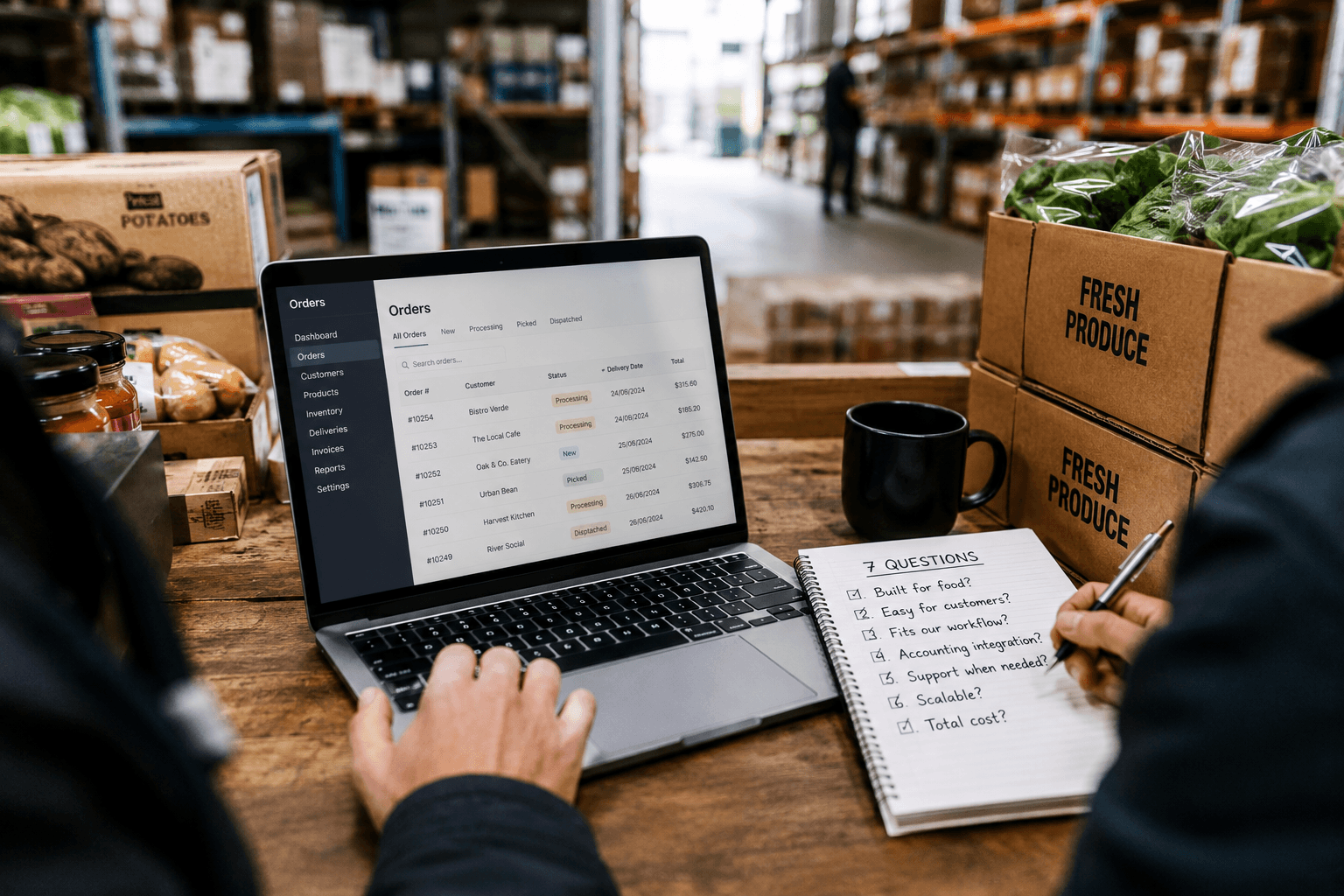
Choosing wholesale software sounds simple — until you realise most platforms were never built for the way food suppliers actually work.
A generic wholesale system might handle products and invoices, but that’s not enough when you’re managing perishable stock, delivery cutoffs, pick lists, customer-specific pricing, and regular restaurant orders.
For Australian wholesale food suppliers, the right software should fit your daily operation — not force your team into workarounds. Before you commit, ask these seven questions to work out whether a platform is genuinely built for your business or just marketed that way.
The 7 Questions
1. Was it built for food, or adapted from something else?
This is the foundational question. Many wholesale platforms started life as inventory management tools for retail, or as B2B e-commerce platforms for manufactured goods, and have been retrofitted for food distribution. That retrofit often shows. You end up with workarounds for perishable stock, delivery run logic bolted on as an afterthought, and cutoff time handling that requires manual configuration every week.
Ask directly: was this platform designed for wholesale food from the start? What percentage of their customers are food and beverage suppliers? Can they show you examples of operations like yours?
Wholesale Food Ordering Automation Guide (2026)
2. Can your customers actually use it without hand-holding?
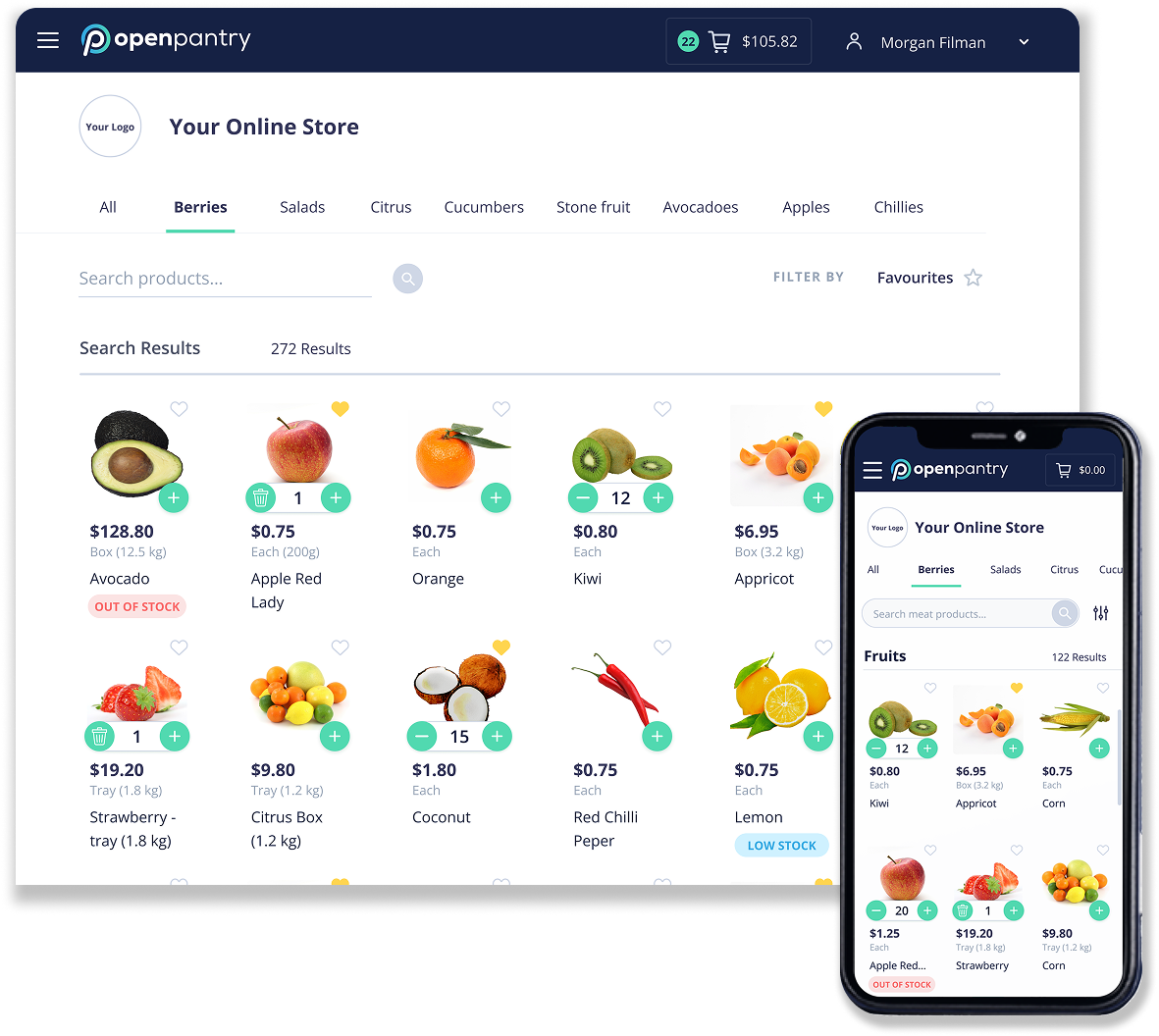
The best ordering portal in the world is useless if your customers won't use it. Restaurant and café operators are time-poor. They're often placing orders from their phone while doing three other things. If the customer-facing interface is complicated, slow, or requires them to log in on a desktop, they'll just call you instead — and you're back where you started.
Ask to see the customer portal on a mobile device before you commit. Is it fast? Is it obvious how to place an order? Can a new customer figure it out without being trained? If the answer to any of those questions is uncertain, it's worth testing with an actual customer before signing.
How to Transition Restaurant Customers to Digital Ordering
3. Does it handle your specific order workflow?
Wholesale food suppliers have workflows that are quite specific: orders come in up to a cutoff time, then get consolidated into a pick list, then packed and allocated to delivery runs. That sequence — order to pick to pack to deliver — needs to be natively supported, not stitched together from generic modules.
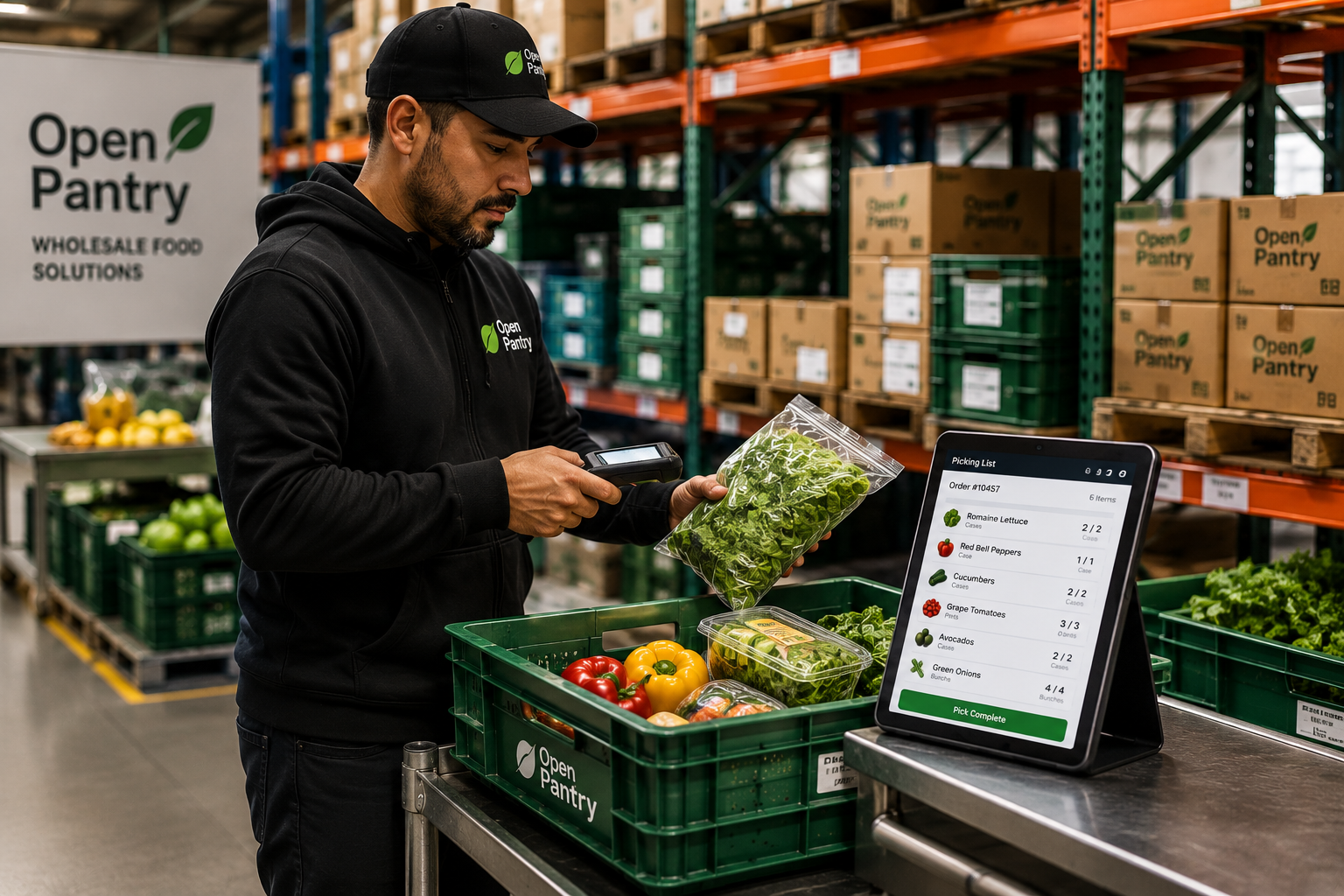
Ask how the platform handles delivery run scheduling and pick and pack. Does it generate pick lists automatically? Can you run multiple delivery zones with different cutoff times? Can your pickers use it on a tablet or phone in the warehouse? If these features require significant setup or aren't available at all, you'll be building workarounds from day one.
How Wholesale Food Suppliers Can Transition From Paper Pick Slips to Digital Picking
4. Will it connect to your accounting software?
Most Australian wholesale food businesses use Xero, MYOB, or QuickBooks. Your order management platform needs to be able to push invoices and credit notes through to your accounting software without someone manually re-entering everything. If it doesn't integrate, you've just moved the data entry problem from one place to another.
Ask which accounting integrations are available, whether they're native integrations or third-party connectors, and whether the sync is real-time or batched. Also ask what happens when there's a sync error — is it obvious, and is it easy to fix?
The Real Cost of Manual Order Entry for Foodservice Suppliers
5. What happens when something goes wrong — how's the support?
Software fails at the worst times. A platform issue at 6am on a delivery day, when your team is trying to pull pick lists, is a serious operational problem. Before you commit, understand exactly what support looks like.
Ask how you reach support when something breaks — is there a phone number, a live chat, or just an email ticket system? What are the response time commitments? Is there an Australian support team, or is it offshore with time zone lag? For a small wholesale operation, the difference between getting a response in 10 minutes and waiting 24 hours for a ticket response can be the difference between a rough morning and a completely missed delivery run.
6. Can it grow with you, or will you outgrow it in 18 months?
Some platforms are built for small operations and hit a ceiling quickly. Others are enterprise systems with pricing and complexity that doesn't make sense until you're significantly larger. You want something that works well at your current scale and can grow with you without requiring a full system migration every few years.
Ask what their largest customers look like — and what their smallest customers look like. Ask whether the pricing model scales proportionally with your order volume or whether there are cliff edges where costs jump dramatically. Ask whether the features you'll need in two years (more delivery zones, multiple warehouses, a larger product catalogue) are already in the platform or still on the roadmap.
The Hidden Cost of Spreadsheets for Wholesale Suppliers
7. What's the real cost when you include onboarding, training, and migration?
The monthly subscription fee is rarely the full picture. Many platforms charge separately for onboarding, for data migration from your existing system, for training sessions, and for integrations. Some have annual contracts with significant exit penalties. Others charge per user in ways that add up quickly as your team grows.
Before you commit, ask for a full breakdown of every cost in the first 12 months — setup fees, training, integrations, and any ongoing per-user charges. Then ask what the notice period is if you decide to leave. A company confident in its product won't need to lock you in with a punishing contract.
Red Flags to Watch For
- Features that don't exist yet: If a salesperson tells you a feature is "on the roadmap" or "coming soon," don't count on it. Evaluate the platform on what it can do today.
- Long contracts with steep exit clauses: A 12 or 24-month contract isn't automatically a red flag, but significant financial penalties for leaving early should prompt questions about why they feel they need to retain customers that way.
- Poor mobile experience: If the demo you're shown is always on a desktop, ask to see the mobile view explicitly. Many older platforms are desktop-first and the mobile experience is an afterthought — which matters enormously when your customers are placing orders from their phones.
- Vague answers about integrations: If it's unclear how an integration actually works, or you're told to "talk to the implementation team" before they can confirm, that's often a sign the integration is more manual than advertised.
What Good Looks Like
The right platform for a wholesale food supplier should feel like it was designed for exactly what you do. Orders flow in through a customer portal that your hospitality customers can navigate without help. Your cutoff times are enforced automatically. Pick lists generate themselves. Delivery runs are allocated sensibly. Invoices sync to your accounting software. And when something doesn't work, you can reach someone who knows your business and can help you fix it quickly.
It won't be perfect on day one — no software is. But the right platform should make your operation meaningfully simpler within the first few weeks, not more complicated.
Open Pantry is purpose-built for Australian wholesale food suppliers. It handles everything from customer ordering portals to pick and pack and accounting sync — and the team actually answers the phone.
Want to see what purpose-built wholesale food supplier software looks like? Book a demo with Open Pantry and see how it can simplify ordering, picking, delivery, and invoicing for your business.