


How to Automate Email, SMS and WhatsApp Orders Without Making Your Customers Use an App
You can automate email, SMS and WhatsApp orders without asking a single customer to download an app. Put an AI order-capture layer behind the channels they already use: forward your order inbox to it, give customers a number for texts, WhatsApp and voicemail, and let it turn each message into a priced order in the same queue as your online orders. The customer changes nothing. Your team stops retyping.
That matters because most of the hospitality trade has not moved, and will not move on your timetable. In the Australian Bureau of Statistics’ latest business survey, only 32% of Australian businesses reported receiving orders online in 2024–25, barely up from 30% in 2021–22. Only 5% of accommodation and food services businesses reported using AI at all, against 14% in wholesale trade (ABS, Characteristics of Australian Business 2024–25).
This guide covers how to automate email and SMS orders as a food wholesaler, what each channel involves, and the step most tools skip: what happens to the order after it is captured.
How can a food wholesaler stop taking orders by phone and text?
A food wholesaler stops taking orders by phone and text by automating the reading and entering of those orders, not by banning the channels. Customers keep emailing, texting, sending WhatsApp messages and leaving voicemails; software reads each one, identifies the customer, matches every line to your catalogue and their price list, and creates the order. Your team reviews the exceptions instead of typing every line.
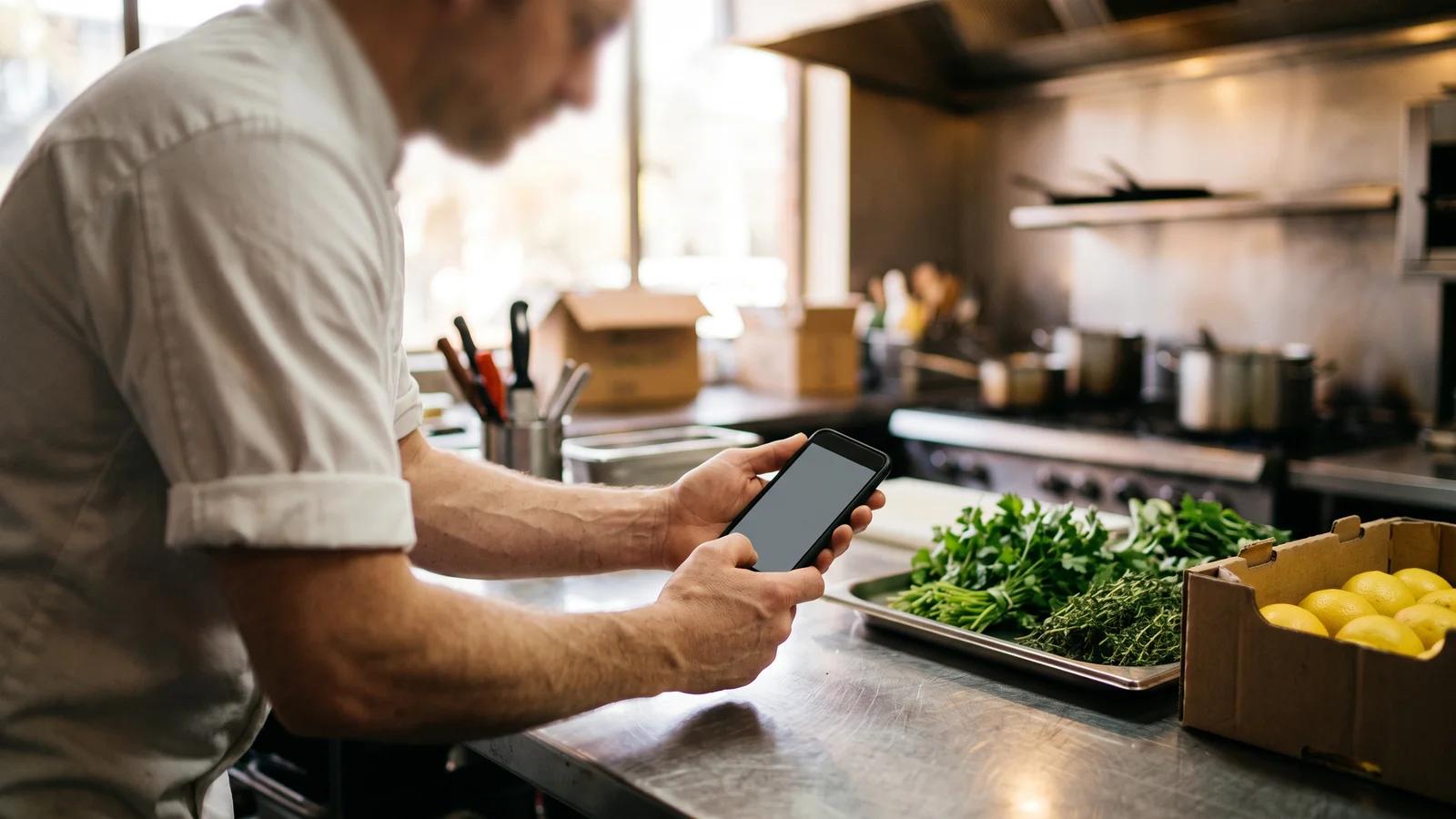
The alternative most suppliers try first is the app push: send every venue a login, offer a discount for ordering online, and switch off phone orders by a set date. It works with some customers. It rarely works with all of them, and the ones it fails with are often your biggest and oldest accounts. A head chef ordering for three sites at 10pm after service is not going to learn a new portal because you asked nicely.
If you have already tried the app route, our guide to getting restaurant customers to order online covers how to lift adoption. This article is about the customers who will never adopt.
Why the chef who won’t use an app isn’t the problem
The chef who texts "usual + 2 bx brocc, no bread" is not being difficult; they are using the fastest tool they have, in the middle of a shift, with wet hands. Their message is a complete order to anyone who knows them. The problem is that only one or two people in your business know them well enough to decode it, and those people spend the first two hours of every day doing it.
The manual work sits in three places:
- Decoding: turning shorthand, nicknames and "same as last week" into product codes and pack sizes.
- Retyping: keying the decoded order into your system, line by line, before cut-off.
- Chasing: ringing back about the line nobody could read, the venue that was not identified, or the quantity that looks wrong.
None of that work is the customer’s fault, and none of it needs the customer to change. That reframing is the whole strategy: treat the customer’s habit as fixed, and automate everything on your side of it.
How do food distributors eliminate manual order entry without forcing customers onto an app?
Food distributors eliminate manual order entry without an app by capturing orders where they already arrive and converting them into structured orders automatically. The pipeline has four steps:

- Capture. Every channel feeds one place: an inbound email address, a messaging number, a voicemail line.
- Identify. The sender’s email address or mobile number is matched to a customer account and delivery address.
- Match. Each line is matched to a product, quantity and pack size using your catalogue, any aliases you have recorded and that customer’s order history.
- Price and place. The order is created against that customer’s own price list and exceptions, then either placed automatically or held for a quick check.
The fourth step is where confidence matters. A well-built system scores how sure it is about each order. Orders it is sure about can be placed with no human step; the rest are shown next to the original message for someone to confirm in seconds. What it must never do is guess quietly and let a wrong line reach the truck.
For a deeper walk through the matching layer, including catch-weight, pack conversions and substitutions, see how AI order entry works for food wholesalers.
Every channel your customers order through, in one place
A no-app strategy only works if it covers the channels your customers actually use. Ask any vendor for the full list that is live today, not on a roadmap.
Email is the biggest and easiest channel. The usual set-up is a dedicated inbound address for your business: you set your existing orders mailbox in Gmail or Outlook to forward to it, so customers keep emailing the address they always have. One watch-out: before go-live, check whether your email admin allows external auto-forwarding from your mailbox.
PDFs, photos and handwritten notes
Larger venues and groups send PDF purchase orders. Smaller ones photograph an order sheet or a handwritten list on the cool-room door. A capture tool should read attachments and images, not only the email body, and handwritten notes are where the review step earns its keep.
SMS
Texts are short and dense with shorthand: "4 tray eggs 700g, 2 roma, 1 cs lemons". That shorthand is exactly what the matching layer is for. Because texts usually go to a rep’s personal mobile, automation means giving customers a business number that feeds the system instead.
WhatsApp is now an ordering channel in its own right, and it brings photos and voice notes with it. Meta’s pricing rules help here: when a customer messages a business, it opens a 24-hour customer service window in which the business can reply with service messages at no charge (WhatsApp Business Platform pricing, accessed 6 October 2026). Ask whether your vendor confirms orders back inside that window.
Voicemail
The 5am voicemail is the hardest channel: kitchen noise, accents and half-finished sentences. The working approach is two steps: transcribe the recording, then run the transcript through the same extraction as a text. Ask to see it run on your own recordings before you rely on it.
The staff member who just needs to order
There is one more no-app case: the venue’s own floor or kitchen staff, who need to order but should not have a full account. When you compare ordering platforms, ask whether they offer a no-login option for this, such as a printed QR code a venue manager can limit to one product list and a spending cap, then revoke. It covers the staff who order occasionally, while the head chef keeps texting.
The part most tools skip: what happens after capture
Capture is the visible part; the value is in what happens next.
A captured order should become an ordinary order. That means it lands in the same queue as orders from your web store or app, not in a separate inbox with its own export step. It is priced on that customer’s price list, including price exceptions and current specials, so nobody has to re-check prices. It joins the same pick list and delivery run, follows the same cut-off and delivery-day rules, produces the same invoice, and syncs to your accounting system like every other order.
If any of those steps still needs a person to copy something across, you have moved the manual work rather than removed it. Watch especially for cut-offs: if texted orders skip the rules your online orders obey, customers will quickly learn that texting after cut-off works.
The other test is learning. When someone on your team corrects "brocc" to the right broccoli line once, the system should remember that mapping for that customer. A tool that needs the same correction every Tuesday has automated the typing but kept the decoding.
What it takes to automate email and SMS orders as a food wholesaler
Email is usually the quickest channel to start with; messaging channels can follow. A practical rollout:
- Measure the baseline. Count orders per morning by channel, the hours spent on entry, and credits raised for wrong items over a fortnight.
- Clean the catalogue. Product names, pack sizes and units need to be right before anything can match to them. Add the nicknames your team already knows ("brocc", "toms", "cs").
- Check customer contact details. Every email address and mobile number that orders should be on the right customer account, including each site of a multi-venue group.
- Start with email. Forward the orders inbox, keep the review step on for every order, and watch the exceptions.
- Add SMS, WhatsApp and voicemail. Tell customers about the new number with their next invoice. The change for them is small: it is still just a text.
- Raise the confidence threshold gradually. Once a customer’s orders have come through cleanly for a few weeks, let orders above your threshold place automatically.
Track two numbers once live: the share of orders approved without edits, which should climb as the system learns, and errors that reach a delivery, which should stay close to zero.
Questions to ask any vendor
- Which channels are live today: email, PDF, photo, SMS, WhatsApp, voicemail?
- Is the order priced on the customer’s own price list and exceptions?
- What happens to an unknown sender or an ambiguous line: flagged or guessed?
- Do captured orders follow the same cut-offs, pick lists, invoicing and accounting sync as online orders?
- Does it remember corrections per customer?
- Can confident orders place automatically, and who sets the threshold?
- Which plan includes it, and how is it priced?
How Open Pantry helps you automate orders without a customer app
Open Pantry is an Australian B2B ordering and operations platform for wholesale food and beverage suppliers. Its AI order capture reads email, attached PDFs, photos of order sheets (including handwritten ones), SMS, WhatsApp and transcribed voicemail, matching lines using the customer’s order history and your catalogue aliases. Orders above a confidence threshold you set are placed automatically; the rest appear beside the original message for a quick confirmation. Every captured order is priced on that customer’s price list and exceptions, then flows into digital pick and pack, invoicing and accounting sync. AI order capture is part of the Enterprise plan; see supplier pricing. To automate email and SMS orders without changing how a single chef orders, start there.
Frequently Asked Questions
Sources
- Australian Bureau of Statistics, Characteristics of Australian Business 2024-25 (released 25 June 2026)
- WhatsApp Business Platform pricing: 24-hour customer service window (accessed 6 October 2026)
- Open Pantry, AI Order Capture feature page (accessed 6 October 2026)
- Open Pantry, supplier plans and pricing (accessed 6 October 2026)
Related articles
 How AI Order Entry Works for Food Wholesalers: Email, WhatsApp, SMS, Voice and PDF Orders ExplainedA step-by-step guide to AI order entry for food wholesalers: how email, SMS, WhatsApp, voice and PDF orders become priced draft orders your team approves.Read the article →
 How Wholesale Food Suppliers Can Eliminate Manual Orders ForeverDiscover how wholesale food suppliers can eliminate manual orders, reduce errors, and streamline fulfilment with automated digital ordering systems.Read the article →
 Get Restaurant Customers to Order Online, Not by Phone.Help restaurant customers move from phone orders to online ordering with simple tactics that improve adoption and reduce manual admin.Read the article →