


EDI for Food Suppliers: How to Take Supermarket and Large-Buyer Orders Through Open Pantry
You have just landed a supermarket range review, or a large foodservice buyer wants to put you on their supplier list. Then the onboarding pack arrives and one line stops you: you will need to trade with us via EDI. For many wholesale food suppliers it sounds like an IT project bolted onto a business that runs on price lists, delivery runs and cut-offs.
This guide explains EDI for food suppliers in plain terms: what it is, the four documents a supermarket trade runs on, what it has traditionally taken to comply, and how Open Pantry brings EDI purchase orders into the same order queue as the rest of your customers.
What EDI actually is (and why Woolworths, Coles and Metcash insist on it)
EDI (electronic data interchange) is a set of agreed message formats that let one business’s system send a purchase order, confirmation, delivery notice or invoice straight into another business’s system, with no one retyping it. GS1 Australia describes EDI as letting computer applications exchange business data "without the need for human intervention", replacing faxes and manual data entry. In Australia, GS1 maintains two EDI standards, GS1 EANCOM and GS1 XML.
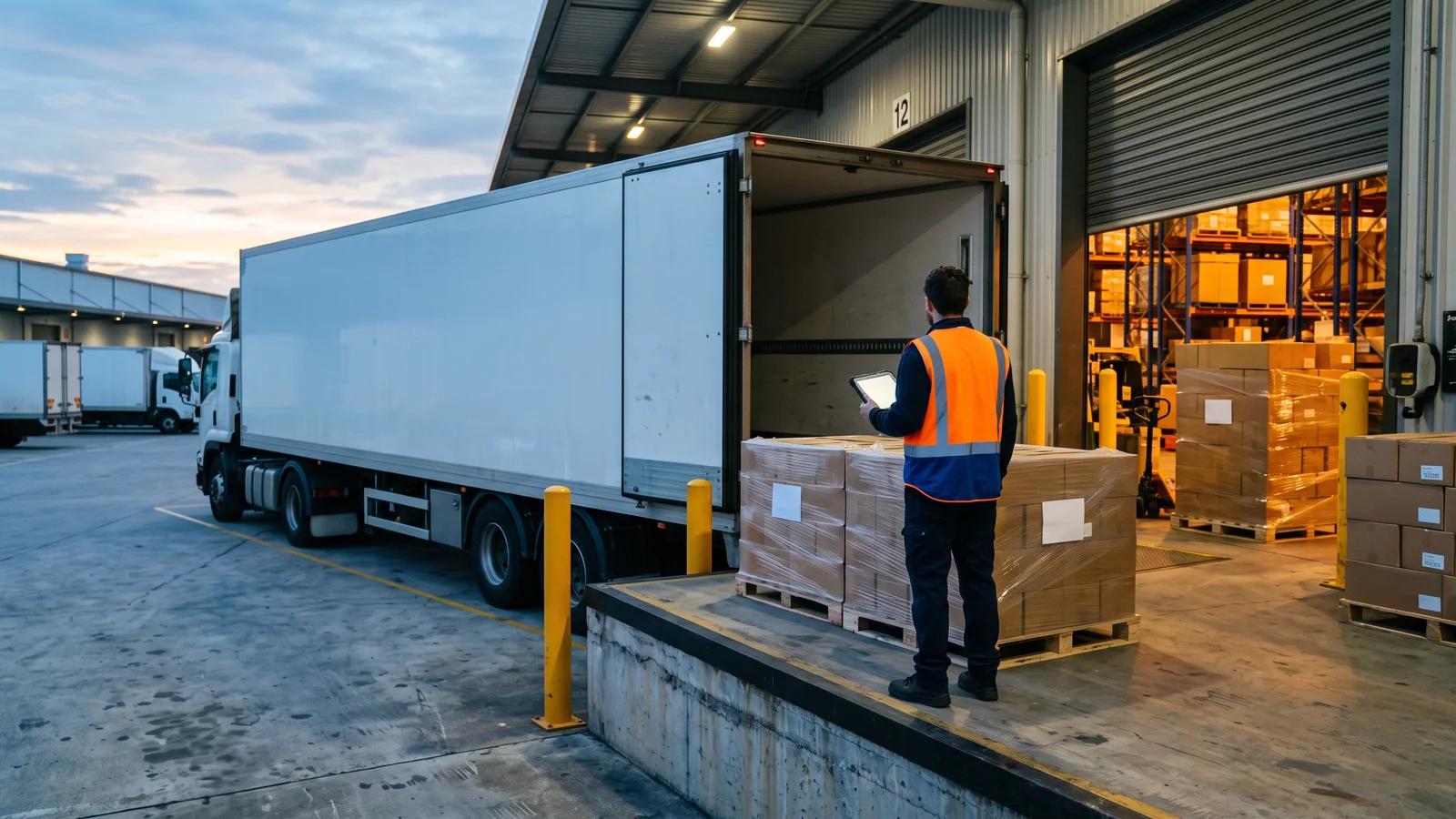
For a large retailer, the reason is scale. A national chain orders from a very large supplier base into multiple distribution centres, and keying every PDF order and invoice by hand would stall its docks and accounts payable. EDI makes each step machine-readable, so deliveries are receipted against what was promised and invoices are matched automatically.
Metcash’s published eBusiness overview for suppliers lists the benefits it expects: fewer missed orders, faster truck turnaround at DCs, fewer claims from misaligned pricing and fewer errors from mismatched product data. Woolworths publishes its own message implementation guidelines that define which messages suppliers use and when, according to a GS1 Australia and MessageXchange case study.
For many supermarket and large-buyer accounts, EDI is a condition of trade, with each retailer running its own accreditation before you go live.
The four documents every supermarket trade runs on
Retailers use slightly different names and add extra messages, but supermarket EDI is built around four core documents. Metcash’s overview lists purchase order, purchase order acknowledgement, advance shipping notice and electronic invoice, plus a functional acknowledgement confirming receipt.
1. Purchase order (PO)
The buyer’s order. It typically carries the item identifier (GTIN), description, quantity, price, delivery date and delivery location. This is the only document that comes to you. Everything after it goes back from you.
2. PO response (also called POA or order acknowledgement)
Your reply saying what you can actually supply. Metcash’s overview allows three statuses: accepted in full, rejected in full, or accepted with changes, where the changed lines are returned. It also sets a deadline: a POA must be sent within 3 hours of the PO being received. That deadline lands in the middle of a normal day of picking and customer calls.
3. Advance shipping notice (ASN, or despatch advice)
Sent before the truck arrives, the ASN tells the distribution centre exactly what is coming: quantities, delivery date and location, the PO and ASN numbers, and pallet information identified by an SSCC. The DC receipts your delivery against the ASN. This is where EDI reaches into the warehouse: the ASN has to describe what was physically packed, not what was ordered.
4. Invoice
The electronic version of your paper invoice, referencing the PO and ASN, with your ABN, vendor number, GTINs and invoice total. Because it is tied to the PO and ASN, the retailer can match it automatically. When the three disagree, expect a query or a claim rather than a payment.
The GS1 identifiers underneath
EDI messages only work if both sides identify things the same way, which is why retailers ask about your GS1 setup early. GS1 Australia’s identification keys include the GTIN for products, the GLN for companies and locations such as warehouses and stores, and the SSCC for logistics units such as pallets. If your products do not have GTINs yet, sort that out before anything else.
What it used to take: a separate EDI portal and someone re-keying
Smaller suppliers have traditionally met an EDI requirement in one of two ways.
A web-form portal. The retailer’s EDI community gives you a login to a browser-based portal. Purchase orders appear there, and you respond by filling in on-screen forms: tick the lines you accept, type the ASN, key the invoice. Coles, for example, runs supplier accreditation on the Colladium platform, which suppliers also use to trade via EDI web forms. Colladium’s own guide walks through registering your GLN as your EDI address, entering at least five sample products, and completing scripted purchasing, despatch and invoicing tasks before go-live.
A fully integrated EDI connection. Larger suppliers connect their ERP to an EDI network provider, which translates between the retailer’s format and their own system. It is the cleanest outcome, but usually means an ERP project and per-retailer mapping.
The web-form route is where most mid-sized food suppliers end up, and it creates a familiar problem. The supermarket order lives in one system and everything else lives in another. Someone logs into the portal, reads the PO, re-keys it into your ordering or accounting system so it gets picked, then goes back to the portal to send the PO response before the deadline. After despatch, they type the ASN from the pick sheet, then key the invoice a second time. Every re-key risks a wrong quantity or mismatched price, and in supermarket trade a mismatch can become a claim against your payment. Your biggest customer is also invisible in your normal order view until someone enters it.
How Open Pantry handles EDI orders
Open Pantry treats an EDI purchase order as one more way an order arrives, alongside app orders and the emails and messages read by AI order capture. (For more on that side, see how AI order entry works for food wholesalers.)

Here is what the EDI channel does today:
- EDI purchase orders land in Imported Orders, next to every other incoming order, with a badge showing where they came from, for example EDI · WOOLWORTHS.
- The PO response deadline is visible on the order. Pending EDI orders show a live countdown, such as "PO Response due 2h 45m", which changes to "PO Response overdue" if it passes. The default window is 3 hours and can be adjusted per trading partner.
- The PO response goes back from Open Pantry. You accept the order, accept it with changes, or reject it, and that response is sent back to the buyer.
- The ASN is built from your Pick & Pack data, with SSCC logistics units taken from what was actually packed, not from what was ordered.
- The invoice is sent electronically at Finalise & Invoice, from the same invoice that flows to your accounting system.
An accepted EDI order is then picked, delivered and invoiced through the same order-to-invoice workflow as everything else, so nobody re-keys it.
Two things to be clear about: the overdue label is a visual flag, not an automatic escalation, so someone still owns the queue; and retailer certification is an accreditation run by the retailer and its EDI platform, not something software completes for you.
What setup looks like and what it costs
EDI trading-partner connections are part of Open Pantry’s Enterprise plan. In the product you choose the trading partner you need (Woolworths, Coles, Metcash / IGA, ALDI, PFD Food Services, or another EDI customer) and request the connection. From there:
- Open Pantry sets the connection up with you and your EDI network provider. The product’s own estimate is typically 2–4 weeks to go live, including retailer certification.
- GS1 is checked during setup. Your retailer may require a GS1 membership, with GTINs on your products and a GLN for your business, and this is confirmed with you as part of setup.
- Certification testing runs as a test PO cycle. You send PO responses, ASNs and invoices against test orders until the retailer signs you off. Orders from a partner still in testing are not charged.
- The connection goes live, and from then on it shows as an active trading partner, PO in and PO response out.
On cost, Open Pantry’s current pricing for EDI is $99 per month per live trading-partner connection, which covers setup, certification and monitoring, plus 20¢ of order credit per processed EDI order, drawn from the same credit balance as AI order capture. AI-read orders use $1.00 of credit each; EDI orders cost less because they arrive already structured. Pricing can change, so check the pricing page or ask during setup. Your EDI network provider and GS1 membership are separate costs.
Is EDI worth it for a mid-sized supplier?
Usually the question is not whether to do EDI. If a supermarket or large buyer requires it, you either comply or you do not get the account. The real question is how much manual handling you accept around it.
Work it through with your own numbers:
- Volume. How many POs a week will the account send, across how many delivery points? A handful a week can be managed in a portal. Daily POs to several DCs quickly become a part-time job of re-keying.
- Deadlines. Can someone reliably send every PO response inside the retailer’s window, every trading day, including when they are sick or on leave?
- Error cost. Look at the claims and deductions on your current large-buyer remittances. Quantity and price mismatches between PO, ASN and invoice are exactly what EDI is designed to remove.
- Visibility. Does the warehouse see supermarket orders alongside everything else?
If most answers point to friction, bringing EDI orders into the system that already runs your picking and invoicing is worth it. If the account is small and occasional, a web form may do for now. Either way, EDI for food suppliers is easiest when your product data is clean: GTINs on every ranged line and product codes that match what the buyer orders.
How Open Pantry helps food suppliers take EDI orders
Open Pantry brings supermarket and large-buyer EDI purchase orders into the same order queue as the rest of your trade. EDI orders land in Imported Orders with the trading partner named and the PO response deadline counting down. You accept, change or reject from Open Pantry, the ASN is built from what Pick & Pack recorded, and the invoice is sent electronically when you finalise it and synced to your accounting through accounting sync. The trading-partner connection is set up with you and your EDI network provider on the Enterprise plan. See how AI Order Capture connects wholesale food suppliers to supermarket EDI ordering, and every other channel their orders arrive on.
Frequently Asked Questions
Sources
- GS1 Australia — GS1 EDI (GS1 eCom) standards
- GS1 Australia — GS1 identification keys (GTIN, GLN, SSCC)
- Metcash — eBusiness Overview for suppliers (PO, POA, ASN, eInvoice)
- GS1 Australia / MessageXchange — Woolworths Group EDI Certify case study (2023)
- Colladium support — Coles accreditation testing for web forms users
- Open Pantry — AI Order Capture feature page
- Open Pantry — Wholesale supplier pricing and plans
Related articles
 How AI Order Entry Works for Food Wholesalers: Email, WhatsApp, SMS, Voice and PDF Orders ExplainedA step-by-step guide to AI order entry for food wholesalers: how email, SMS, WhatsApp, voice and PDF orders become priced draft orders your team approves.Read the article →
 How Food Wholesalers Reduce Manual Order Entry: A Problem-Led GuideWhere manual order entry hides in a wholesale food business, what it really costs, five practical ways to cut it, and the numbers to measure before and after.Read the article →
 How Wholesale Food Suppliers Can Eliminate Manual Orders ForeverDiscover how wholesale food suppliers can eliminate manual orders, reduce errors, and streamline fulfilment with automated digital ordering systems.Read the article →