Back
How to change my password
How do I change my password?
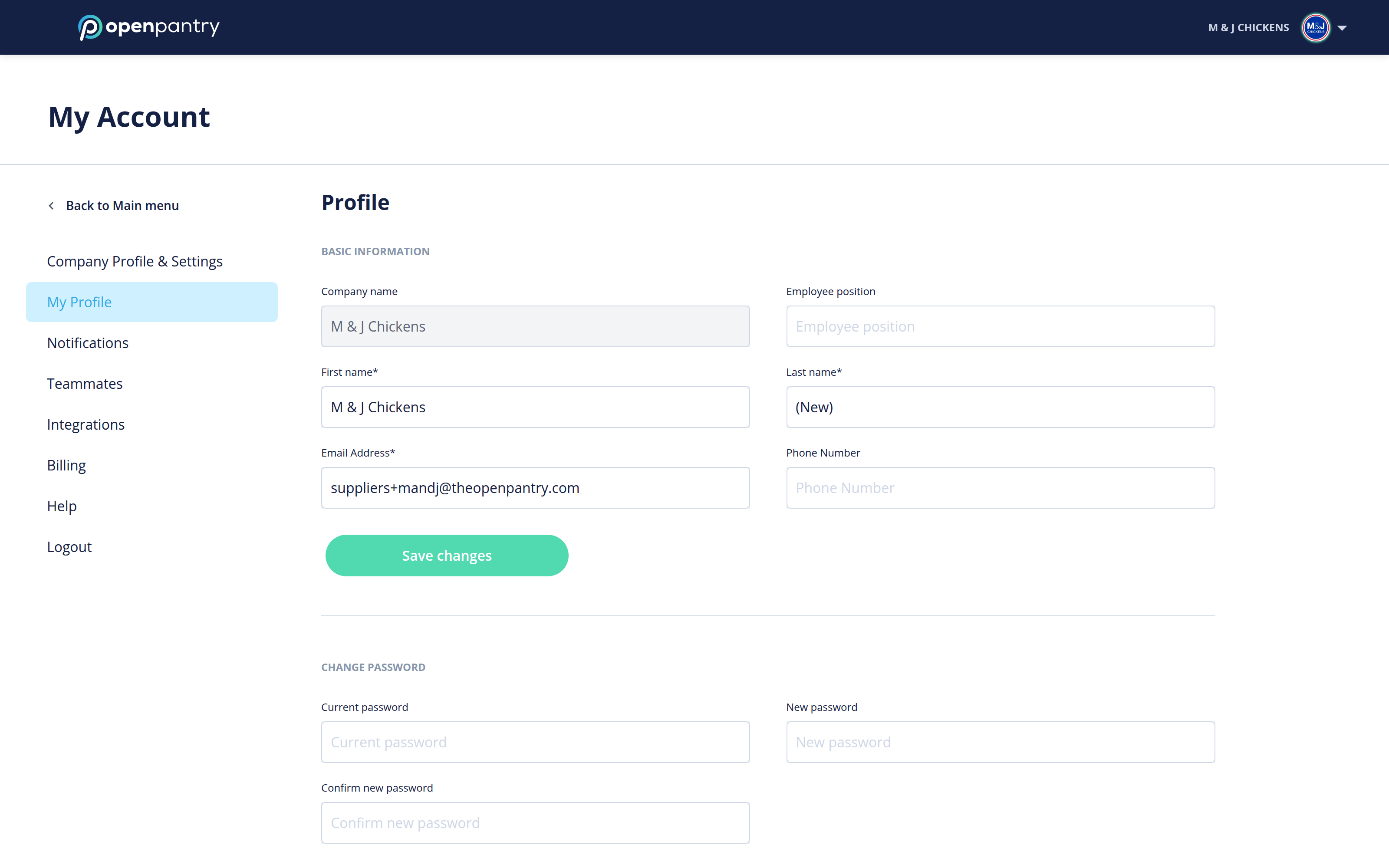
Open the account menu: on a wide window, click your business name in the top right. On a narrow window, tap ☰ in the top left, then your business name at the bottom of the menu.
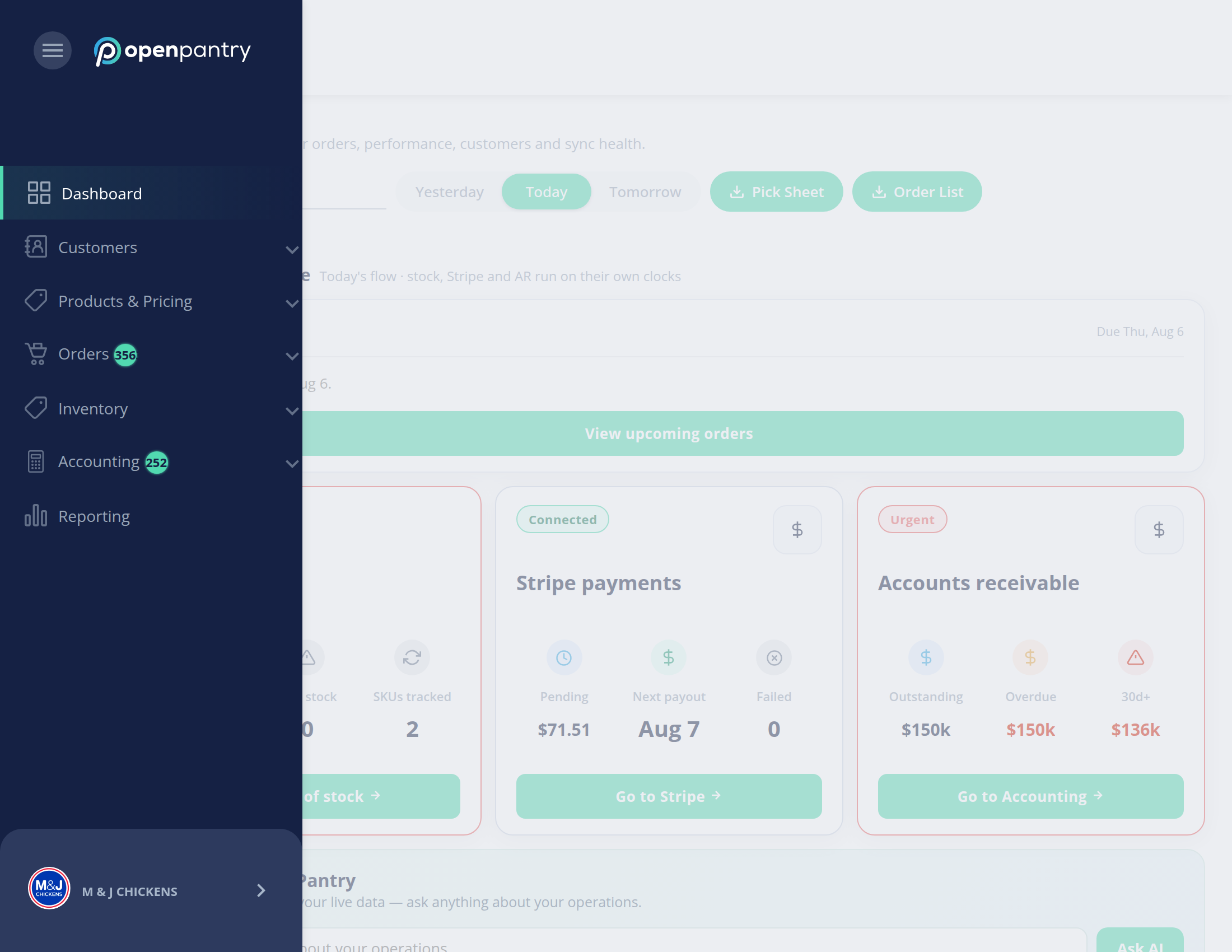
- Choose My profile.
- Click Change password.
- Enter your Current password, then your New password and Repeat new password.
- Click Save.
Changed your mind? Click Cancel password change.
Forgotten your current password? Sign out and use Forgot your password? on the sign-in screen instead.