Back
How to use reporting
How do I use reporting?
On Restaurant AI Manager? Open Restaurant AI Manager from the menu instead: stock, counts and waste are under Stock, ordering under Orders and reports under Money. The steps below are for restaurants still on the older Restaurant Pro Suite.
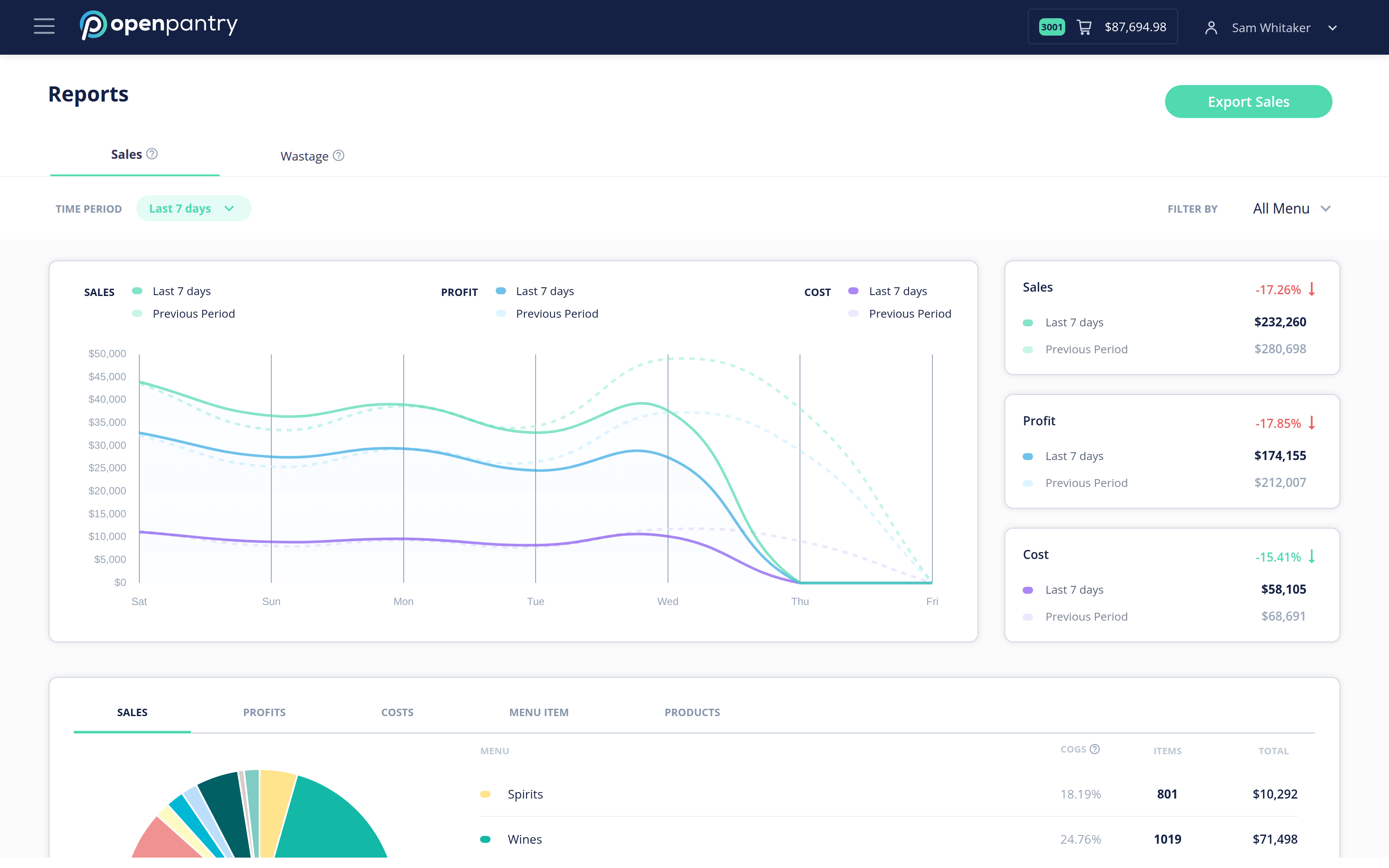
Once your sales and wastage data is in, reporting shows where your restaurant makes and loses money — down to individual dishes and drinks.
- Click the ☰ icon in the top left, go to Restaurant Pro Suite, then Reports.
- Choose a time period and use Filter by to focus on a menu, a category or a single item.
- Switch between the Sales and Wastage views, and use Export Sales to take the numbers with you.