


Back
The repricing queue: which dishes need a new menu price
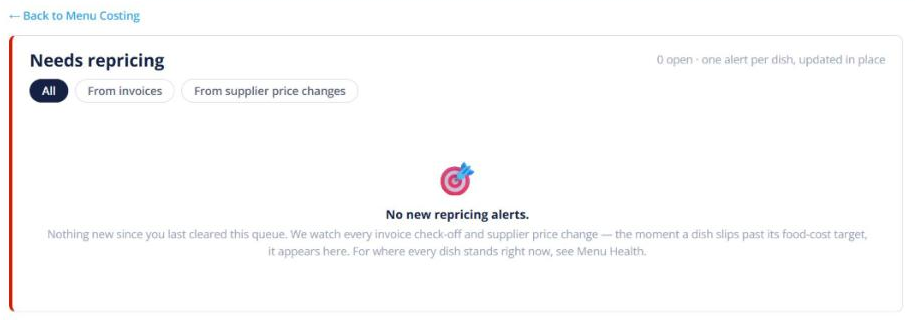
Quick answer: When a supplier price rises enough to hurt a dish’s margin, Menu Costing adds it to the repricing queue. A red “N dishes need repricing” bar appears; click it (or Review & Reprice on your dashboard) to see each dish, the new cost and a suggested price.
Working the queue
Each row shows the dish’s cost per portion before and after the change, its current price, and two ways to fix it:
- Raise the price to the suggested amount (rounded to .90), or
- Hold the price and cut the cost by the amount shown.
Or set your own price — the margin recalculates as you type. Dismiss a row if you’re happy to leave it.
Where the alerts come from
Alerts are grouped as From invoices (a new price read off a supplier invoice) and From supplier price changes (a connected supplier changed their list price).