Vendor invoice matching software compares every line of a vendor's bill with your purchase order and the quantity you actually received, then flags price and quantity differences before you pay. For food wholesalers that means short deliveries, unordered items and quiet price rises are caught on the first invoice instead of months later in the margins.
Key takeaways
- A three-way match checks the vendor invoice against your purchase order and the goods you actually received.
- Record the quantity that came off the truck, not the PO quantity, or short deliveries get paid in full.
- Open Pantry reads scanned or uploaded vendor invoices by OCR, so nobody re-keys lines into accounts.
- Price differences within 2% pass automatically; quantity mismatches are always flagged for review.
- Raise a credit request and the bill is held back from accounting sync until the credit arrives.
- Catch price creep on the first invoice by updating cost price there, without touching customer sell prices.
In this guide 9 sections
- 01Where wholesalers lose money on the buy side
- 02Purchase orders and receiving: the two facts the match needs
- 03Scan or upload the invoice, no re-keying
- 04How the three-way match works
- 05Resolving a flagged line in clicks
- 06Price creep, caught the day it happens
- 07Getting your vendors and POs set up
- 08How Open Pantry helps with vendor invoice matching software
- 09FAQs
Most wholesale food suppliers put serious effort into the sell side: price lists, customer-specific pricing, order cut-offs, invoices that go out the same day. The buy side often gets far less attention. You raise a purchase order with a grower, a dairy or a dry-goods vendor, the pallets arrive, and a week later their invoice lands in someone’s inbox. Someone checks it against memory and a crumpled docket, then keys it into accounts.
Vendor invoice matching software replaces that eyeball check with a proper comparison: what you ordered, what you actually received, and what the vendor has billed you for. This guide explains how a three-way match works, where suppliers lose money without one, and how to set up the purchase order and receiving habits that make the match possible.
Where wholesalers lose money on the buy side
Every dollar you overpay a vendor comes straight off your margin, and it rarely shows up as a single big mistake. It shows up as small things nobody had time to chase:
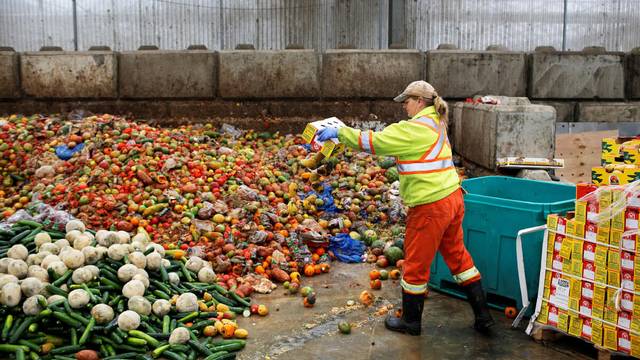
- Short deliveries billed in full. Twenty cases ordered, eighteen arrived, twenty invoiced. If nobody wrote down the real count, nobody can dispute it.
- Price creep. A vendor’s case price moves up a little on one invoice, then again a month later. Your cost price in the system still shows the old number, so your sell prices and margins are quietly wrong.
- Items you never ordered. A line appears on the invoice that was not on any purchase order: a substitution, an add-on, or simply another customer’s product.
- Damaged or spoiled stock. Product that went straight into the bin at the dock still gets paid for because the credit was never requested.
- Statements paid as invoices. A monthly statement arrives, gets treated as a new bill, and the same goods are keyed in twice.
None of these need fraud. They happen because the order, the count and the bill live in three places and are rarely put side by side.
Purchase orders and receiving: the two facts the match needs
A three-way match is only as good as its inputs. Accounting guides describe it as matching three documents: the purchase order, the receiving report and the supplier invoice, so that only authorised purchases that actually arrived get paid (AccountingTools). For a food wholesaler that means two habits.

Raise a purchase order for every vendor order
The PO is your record of what you agreed to buy and at what price. Phone or text orders with nothing written down leave nothing to compare the invoice against.
A good starting point is your reorder points. When stock of a line drops below the level you set, that line should appear as a suggestion to reorder. Our guide to common purchase order system mistakes covers the traps to avoid when you introduce POs.
Record what actually arrived
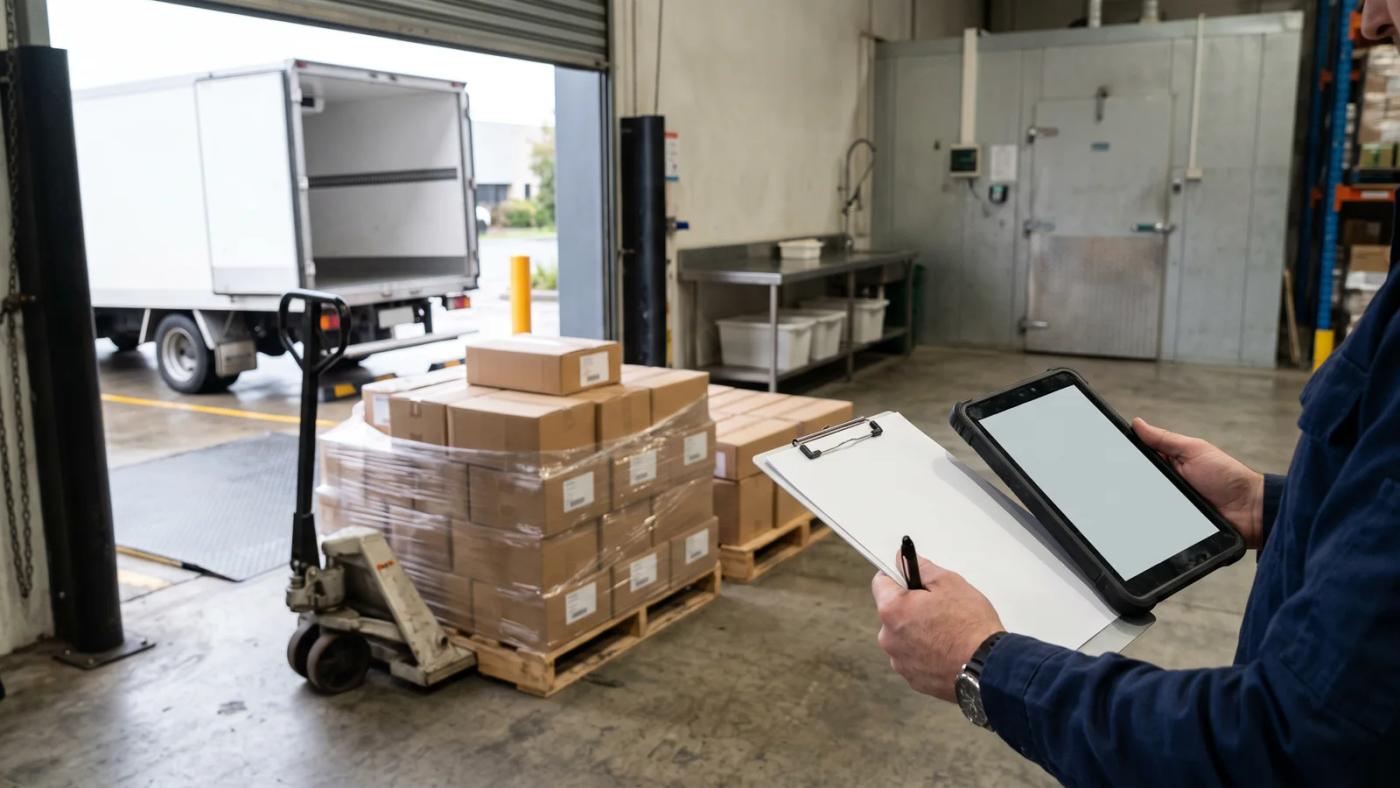
The second fact is the count at the dock. Whoever receives the delivery should record the quantity that actually came off the truck against each PO line, not the quantity the PO asked for and not the quantity the docket claims. Received and invoiced are two different facts; merging them is exactly how a short delivery gets paid in full.
For short-shelf-life and regulated products, receiving is also where you capture batch details. Recording a lot or batch number and an expiry date for each batch as it comes in gives you traceability later and lets you sell oldest stock first.
Scan or upload the invoice, no re-keying
The third fact, the vendor’s bill, usually arrives as a PDF attachment or a paper copy handed over with the delivery. Re-keying every line is slow and creates its own errors.
In Open Pantry, you photograph the paper invoice or upload the PDF (PDF, JPG or PNG, up to 15MB each) into the Invoices tab under Inventory. The document is read line by line using OCR, so product, quantity and price come off the page without anyone typing them.
Before anything is matched, each document is classified as an Invoice, a Statement or Not relevant. Only genuine invoices go on to matching, which stops a monthly statement being treated as a fresh bill for goods you have already paid for.
To be clear about what "scan" means here: it is the vendor’s invoice document that gets scanned, not the cartons. Goods are counted in on the receiving screen by entering quantities. Barcode scanning in Open Pantry is used on the pick side, where Enterprise customers can scan to pick during Pick & Pack.
Many suppliers would rather have vendors email bills straight in. A dedicated email-in address for vendor invoices is coming soon; until then, forwarding the attachment to whoever uploads it is the simplest routine.
How the three-way match works
Once the invoice is read, each line is compared against two things: the purchase order line it belongs to, and the quantity recorded as received. Open Pantry shows this as "3-way match: invoice vs PO vs received", with a pill on every line:

- Match: price and quantity agree with the PO and the receipt.
- Price: the billed price differs from the PO price by more than the tolerance.
- Qty: the billed quantity does not match what was received. A quantity mismatch is always flagged, whatever the price.
- Not on PO: the line does not appear on any purchase order.
Why a tolerance matters
Insisting on a perfect match to the cent creates noise: rounding and small adjustments would flag half your invoices and train your team to ignore flags. Accounting practice commonly allows automatic approval when figures fall within a set percentage (Wikipedia: Accounts payable).
Open Pantry uses a 2% price tolerance. As an illustration: if your PO says $50.00 a case and the invoice says $50.80, that is a 1.6% difference and the line passes. If the invoice says $52.50, that is 5% and the line is flagged. When every line is within tolerance, the invoice shows as ready to approve and sync as a bill. When some are not, the screen tells you how many lines sit outside the 2% tolerance and asks you to resolve them before syncing.
Each invoice carries a status (Needs match, Variance, Matched, Credit pending or Synced) so the admin team can see at a glance which bills are cleared and which are waiting on a decision.
Resolving a flagged line in clicks
A flag is only useful if dealing with it is quick. Each of the three likely answers has its own action.
Accept variance and match. The difference is real but acceptable: a one-off surcharge you agreed to by phone, for example. The line is accepted as billed and nothing else changes.
Accept and update cost price. The vendor has really changed their price and you accept it going forward. The new cost is written to that vendor’s supply link for the product, and the change is logged in price-change history. It does not touch your customer sell prices; repricing to customers remains a deliberate decision you make separately.
Raise credit request. You were billed for something you should not pay for. Choose the reason (overcharge, short delivery, damaged or spoiled goods, or wrong item) and a credit reference is generated. The invoice is marked Credit pending and held back from syncing to accounting until you mark the credit as received, so a disputed bill cannot slip through to payment while the conversation with the vendor is still open.
This is where the receiving count earns its keep. A credit request for a short delivery is far easier to win when you can point to the quantity your team recorded at the dock on the day.
Price creep, caught the day it happens
Price creep is the most expensive buy-side leak because it compounds. If a vendor’s price rises and your recorded cost does not, every sale of that line is priced off a margin you no longer have.
A three-way match catches the rise on the first invoice that carries it, because the billed price no longer agrees with the PO. You then decide on the spot: dispute it with a credit request, or accept it and update the cost price so the rest of your system reflects reality. Either way the change is recorded, and you can review your sell prices knowing the cost underneath them is current. For the wider picture of where stock-related margin disappears, see why food suppliers lose money on inventory.
Getting your vendors and POs set up
You do not need to switch everything over at once. A practical rollout looks like this:
- Add your main vendors. Start with the handful who account for most of your spend. Each vendor needs an email address on file.
- Link products to vendors. For each product, record the supply details: cost, pack size and unit, minimum order quantity, lead time, the vendor’s SKU, and whether this is your preferred vendor for that line.
- Set reorder points on your fast-moving lines so reorder suggestions appear on the Purchase Orders screen and "Create draft PO" pre-fills the order.
- Place the order with your vendor. Open Pantry records the PO but does not transmit it to the vendor, so send the order the way you already do and keep the PO as your record.
- Receive against the PO line by line when the delivery arrives, adding a batch row with an expiry date for lot-tracked products (the batch number is optional).
- Upload the invoice, match, resolve and approve. Approved bills sync to your accounting system. Vendor-bill sync is confirmed for Xero and QuickBooks.
One more check worth building into the routine: food invoices often mix GST-free and taxable items, and the ATO requires a tax invoice covering both to show clearly which items are taxable (ATO: Tax invoices). Querying an unclear invoice at matching time is easier than at BAS time.
How Open Pantry helps with vendor invoice matching software
Open Pantry brings the buy side into the same system you use to sell. Reorder-point suggestions pre-fill draft purchase orders, your team receives deliveries line by line with lot and expiry details, and vendor invoices are scanned or uploaded and read by OCR. Every line is checked invoice vs PO vs received, small differences pass within a 2% tolerance, and flagged lines are resolved by accepting the variance, updating the cost price or raising a credit request. Approved bills then sync to Xero or QuickBooks. See how it works on the vendor invoice matching page, the purchasing and purchase orders page, and our Xero integration.
Frequently asked questions
What is a three-way match for vendor invoices in a food wholesale business?
A three-way match compares three documents before a vendor bill is paid: the purchase order you raised, the record of what was actually received at the dock, and the vendor's invoice. If price and quantity agree across all three, the bill is approved. If not, the difference is investigated, usually ending in an accepted variance, a corrected invoice or a credit from the vendor.
What is the difference between two-way and three-way invoice matching?
A two-way match only compares the invoice with the purchase order, which checks that the billed price is what you agreed. It does not check what arrived, so you can still pay for a short delivery. A three-way match adds the receiving record, so quantity is checked against what your team counted, not just against what you ordered.
Can Open Pantry read a vendor invoice from a photo or PDF?
Yes. You can upload a PDF or photograph a paper invoice (PDF, JPG or PNG, up to 15MB each) in the Invoices tab under Inventory. OCR reads the line items, and the document is classified as an invoice, a statement or not relevant. Only documents classified as invoices go on to matching. An email-in address for vendor bills is coming soon.
What happens when a vendor invoice line is outside the matching tolerance?
The line is flagged and the invoice cannot be synced until it is resolved. You can accept the variance as billed, accept it and update the cost price on that vendor's supply link, or raise a credit request with a reason such as overcharge, short delivery, damaged goods or wrong item. A credit-pending invoice stays out of accounting sync until the credit is received.
Does updating a vendor cost price change what my customers are charged?
No. Accepting a new price and updating the cost price writes the new cost to that vendor's supply link and logs it in price-change history, but it does not touch your customer sell prices. Repricing to customers stays a separate decision, made in your price lists once you have seen the new cost and decided how much of it to pass on.
Which accounting systems do matched vendor bills sync to from Open Pantry?
Approved, matched vendor invoices sync as bills to your connected accounting system. Vendor-bill sync is confirmed for Xero and QuickBooks. If you use a different accounting package, check with the Open Pantry team before relying on vendor-bill sync for it, as support for bills can differ from support for your sales invoices.