Back
Contact
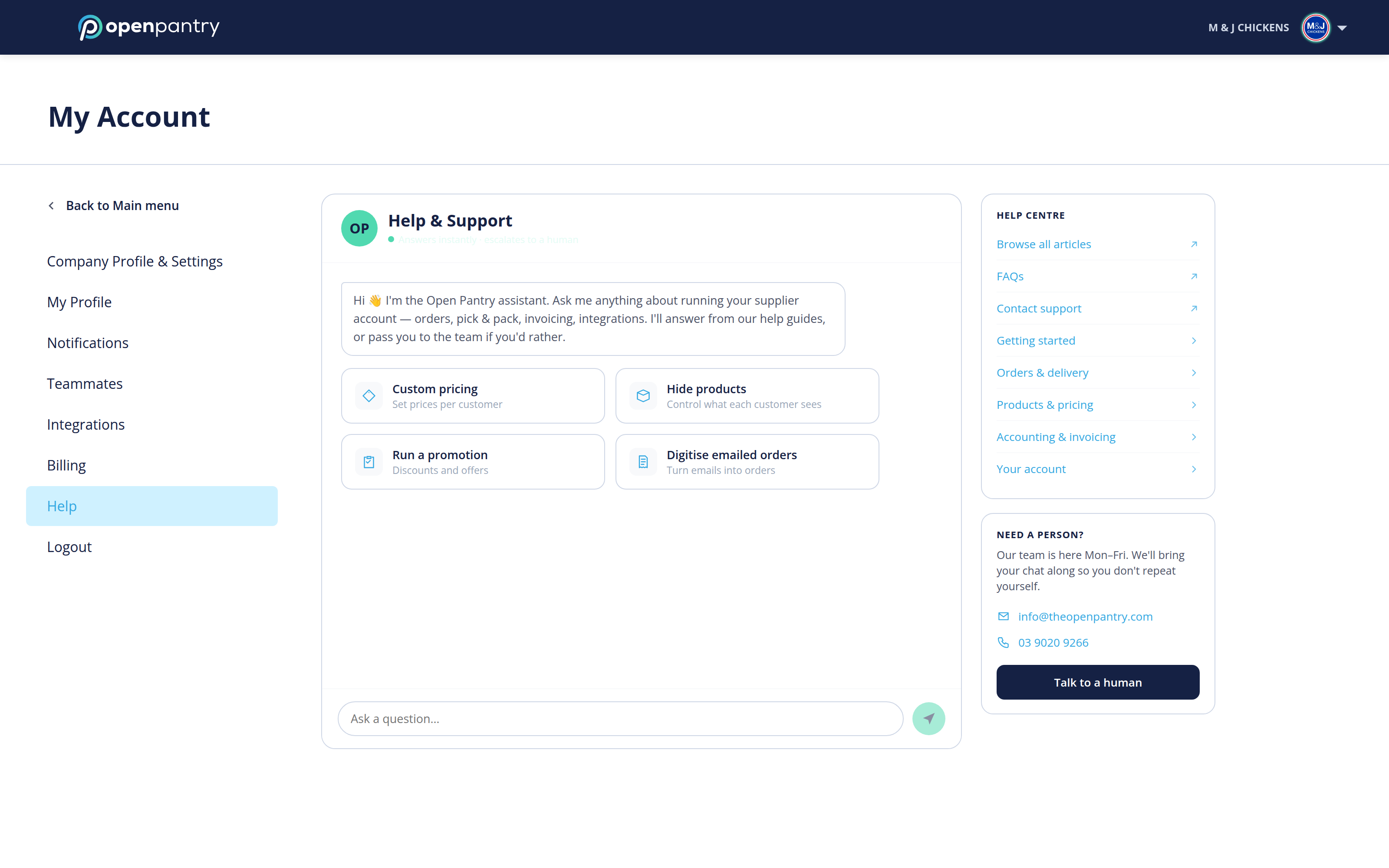
How do I contact Open Pantry?
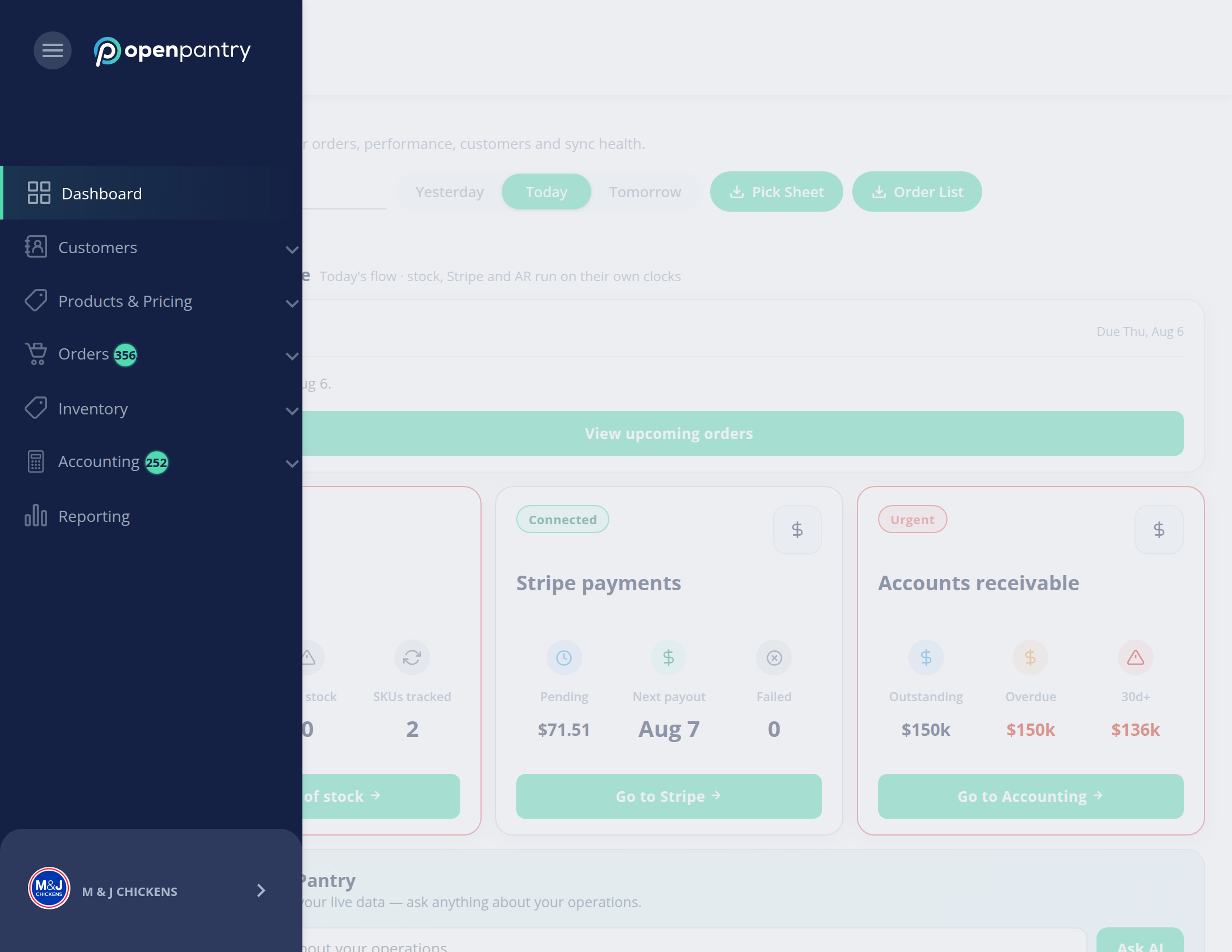
Your account settings live in the same place either way, but how you get there depends on how wide your browser window is:
- Wide window: click your company name in the top right, then choose the setting you want.
- Narrow window: the left menu collapses to icons — click the ☰ button in the top left, then your company name at the bottom of the menu.
- Open Help and ask your question in the chat. Most questions are answered straight away from our help guides.
- If you need a person, click Talk to a human and the conversation is passed to our team along with what you have already typed.
You can also reach us directly at info@theopenpantry.com or on 03 9020 9266. The team is available Monday to Friday.