Back
Help
How do I get help?
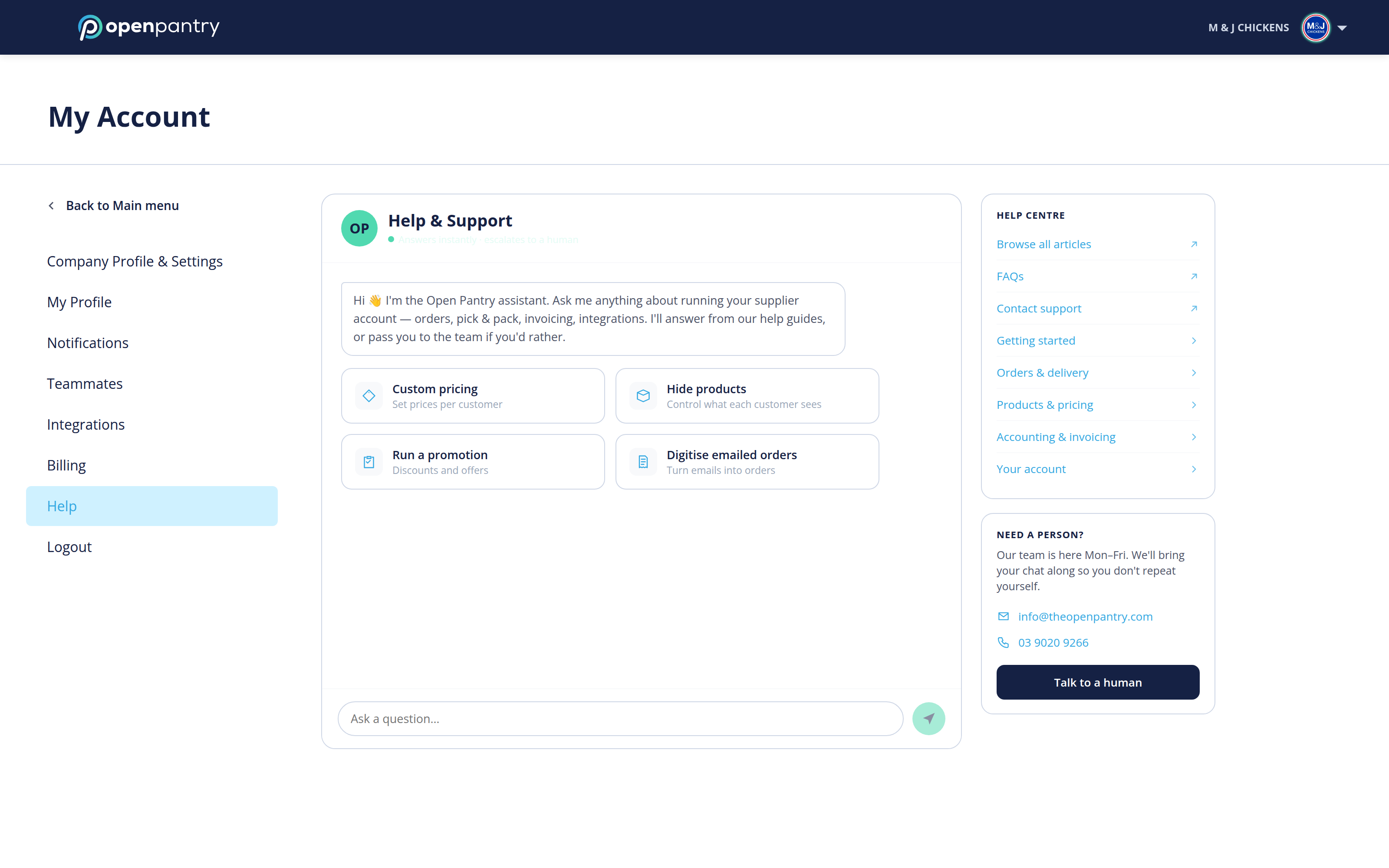
Your account settings live in the same place either way, but how you get there depends on how wide your browser window is:
- Wide window: click your company name in the top right, then choose the setting you want.
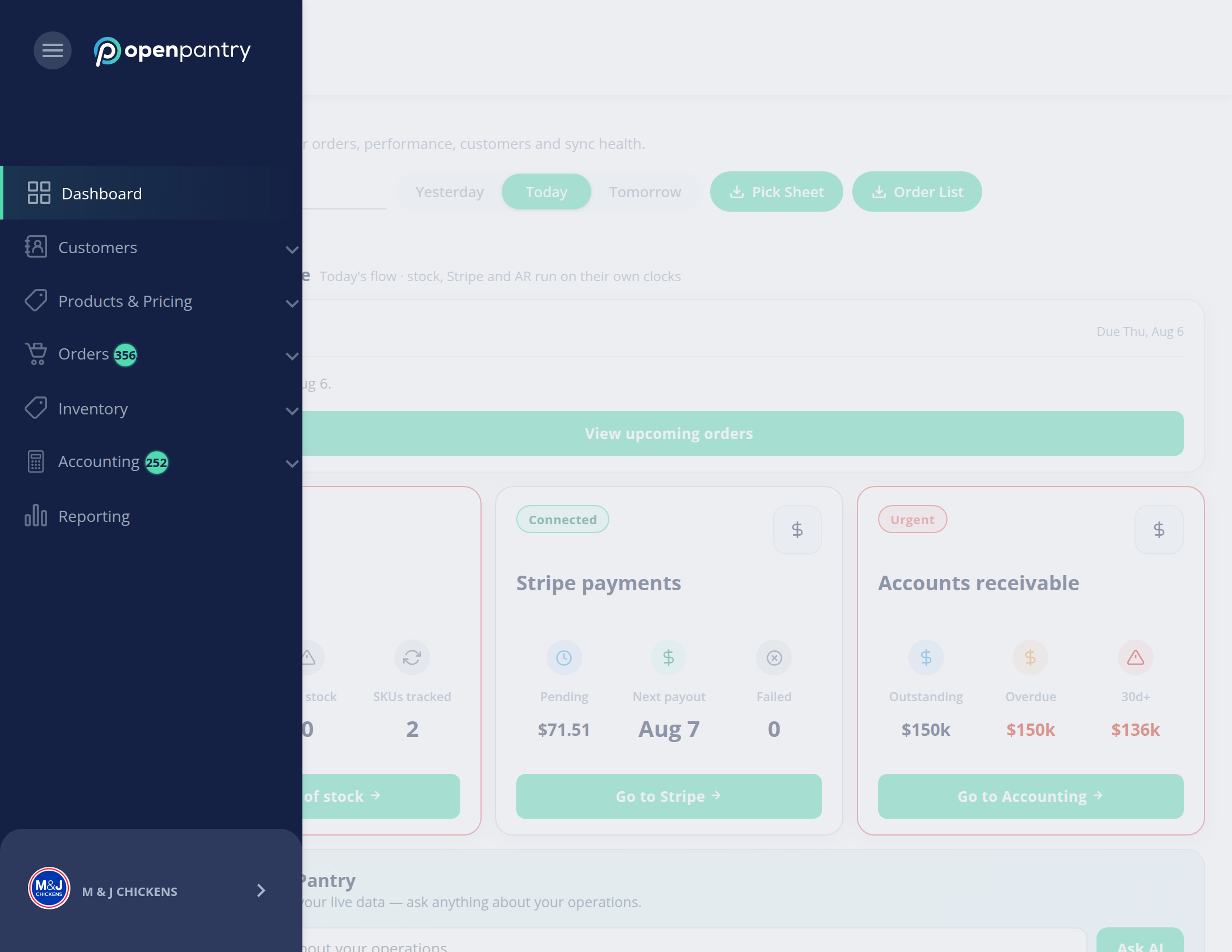
- Narrow window: the left menu collapses to icons — click the ☰ button in the top left, then your company name at the bottom of the menu.
- Open Help. The assistant answers from our help guides — type your question in Ask a question, or pick one of the shortcuts such as custom pricing, hiding products, running a promotion or digitising emailed orders.
- The Help Centre panel on the right links to all the articles, grouped by topic.
- If you would rather speak to someone, click Talk to a human. Your conversation goes with you, so you will not have to repeat yourself.