


Back
How to add a price exception (special price)
A special price (price exception) overrides the price of a product for one customer or customer group, without changing your price lists.
- Go to Products → Special pricing in the left menu.
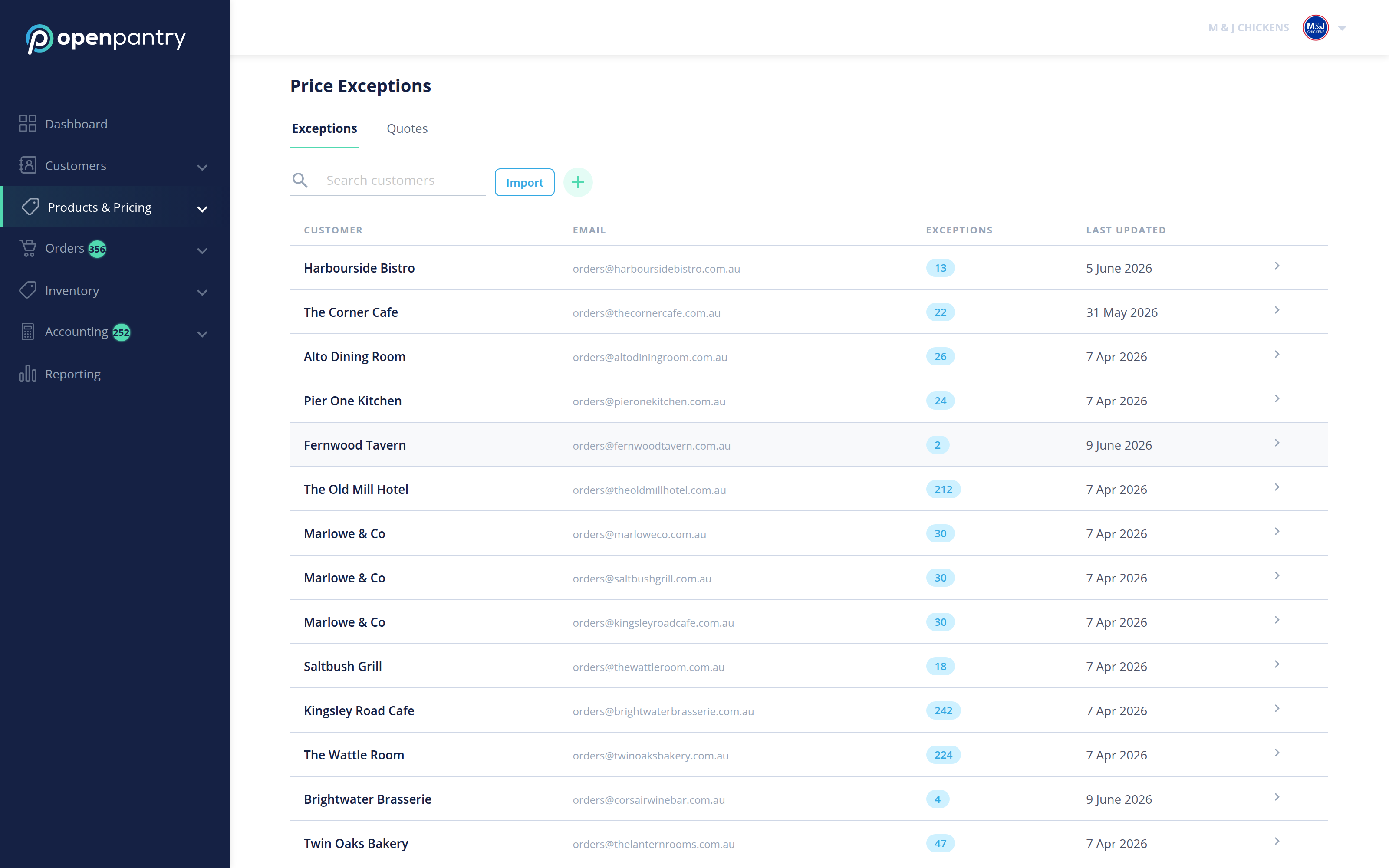
- Click Add special price.
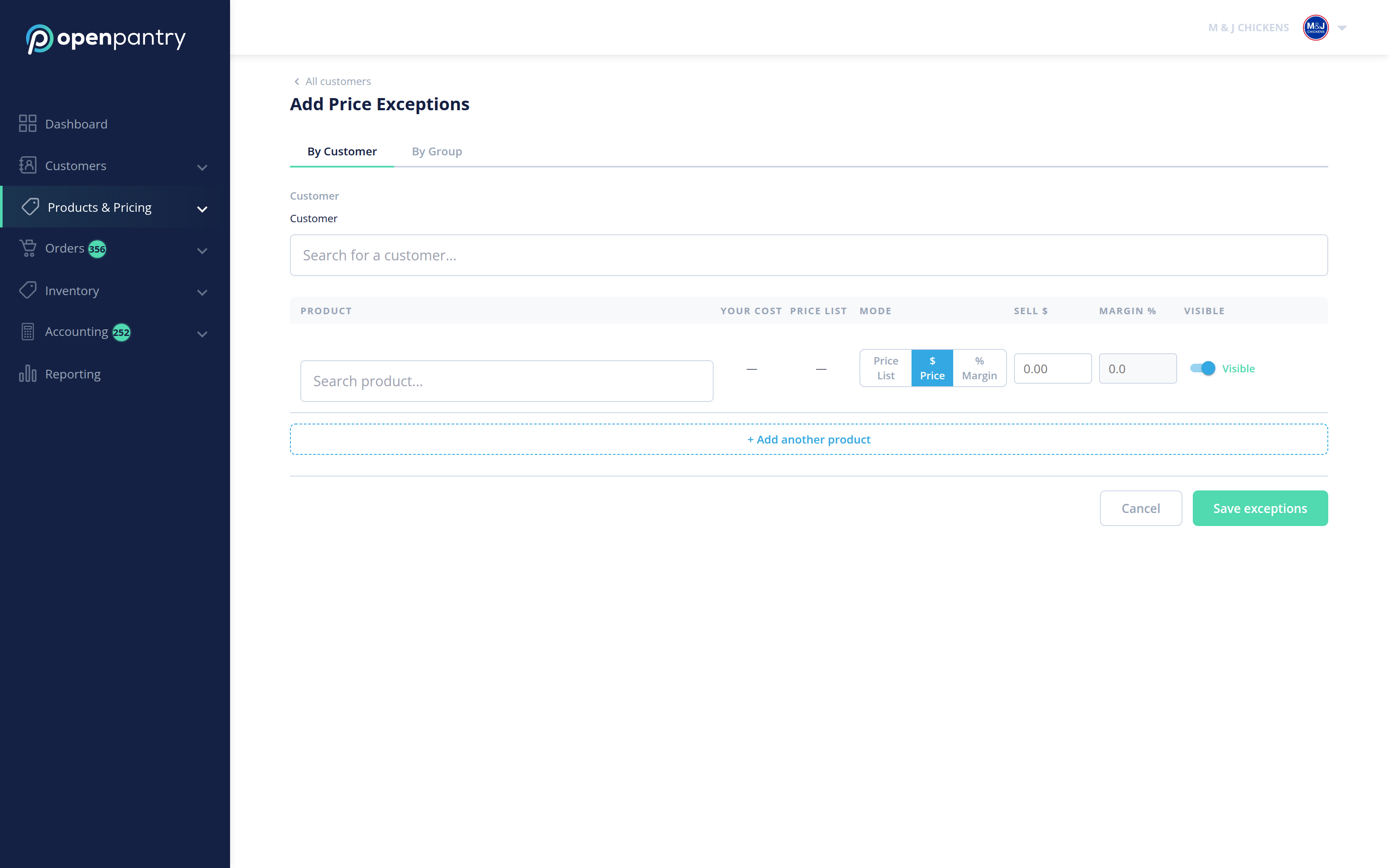
- Under Apply to, choose Customer and search for them, or choose Customer group.
- Optionally set From and Until dates. Leave them empty to apply from now with no end.
- Search for the product. Choose the Mode and enter a Sell $ or Margin %. The Visible / Hidden switch controls whether that customer sees the product at all.
- Use Add another product to keep going, then click Save special prices.
Lots to set? Open the ⋯ menu and use Download template and Import from CSV….