


Back
How to check off your orders and increase stock
Checking off an order confirms what actually turned up. It adds the goods to your inventory, and it is how you raise a credit request when something is missing or wrong.
Click the ☰ menu in the top left, then Order History (or Orders & Invoices).
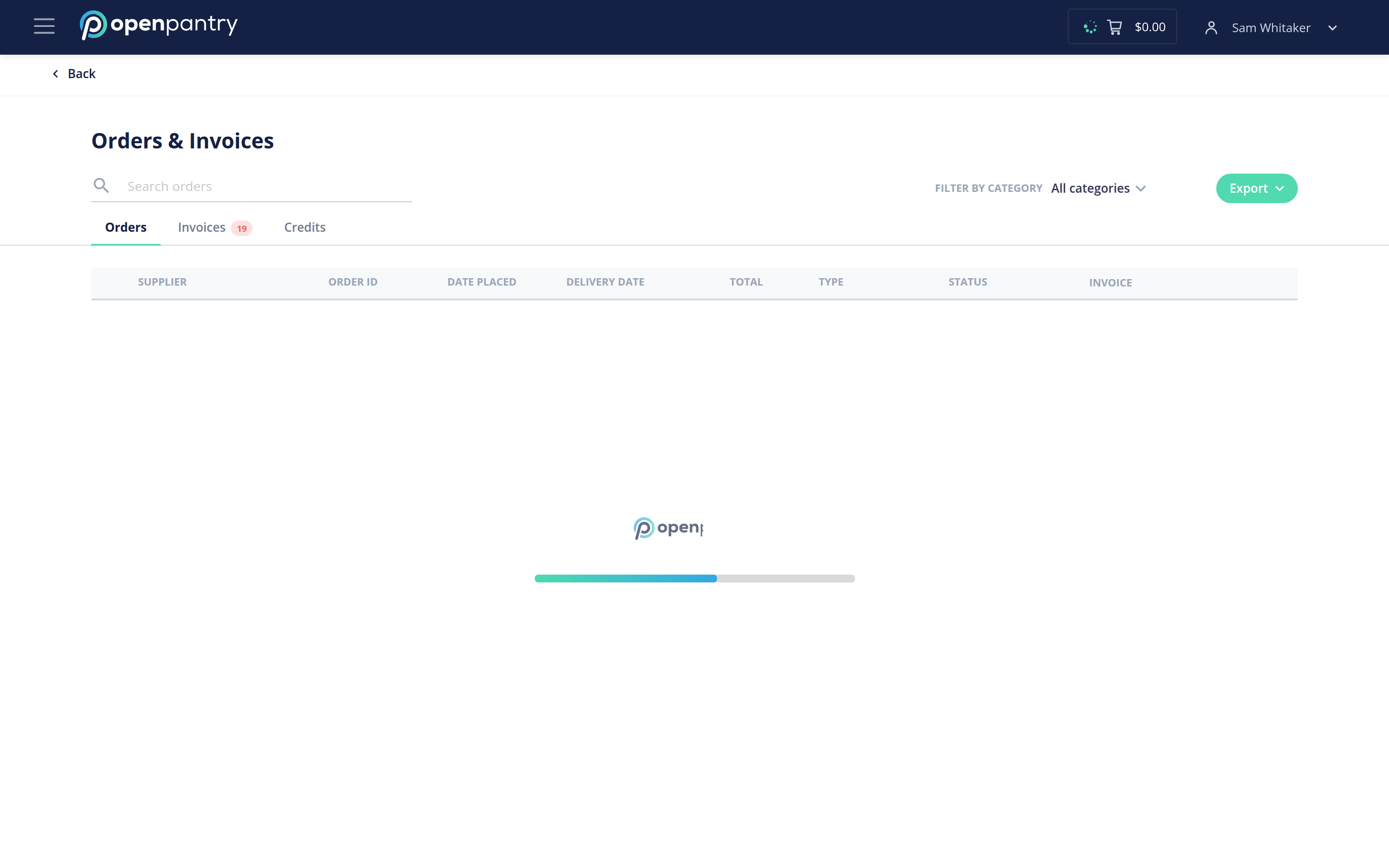
Checking off an order
- Open the order. On delivery day the main button is Check off delivery (it’s also under Options → More).
- For each line, enter how many arrived with the stepper, or tap the “all arrived” button if the line came in full.
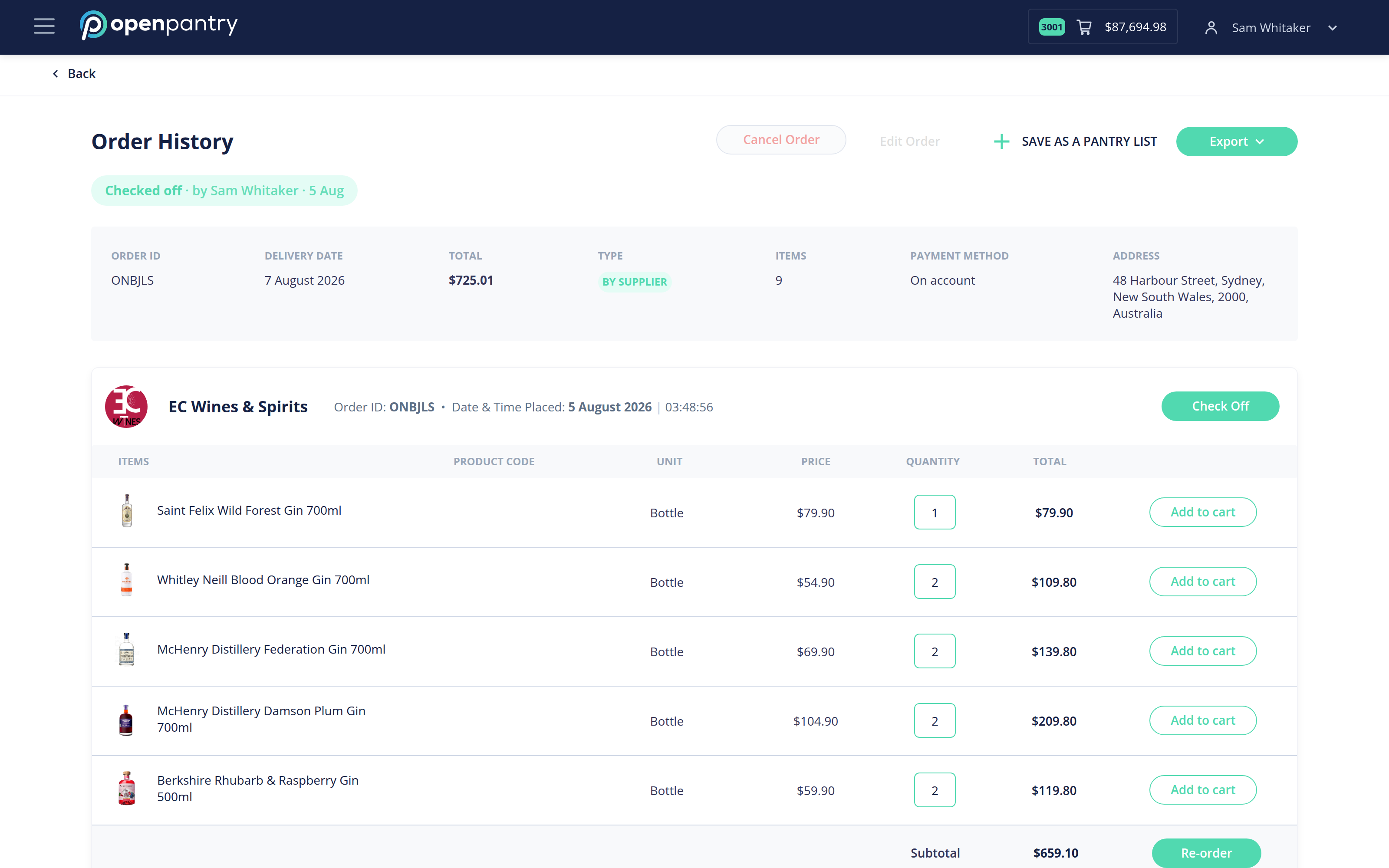
- If a line is short, choose a reason — for example Missing — never arrived, Short delivered, Damaged / broken, Expired or short-dated, Wrong item sent or Rejected at the door — and add a note if you like.
- Tap Done. It stays greyed out until every line has a count.
Anything short or wrong becomes a credit request to that supplier, which you can follow under the Credits tab.
If the driver took a delivery photo or temperature reading, you’ll see it on the check off screen.