Back
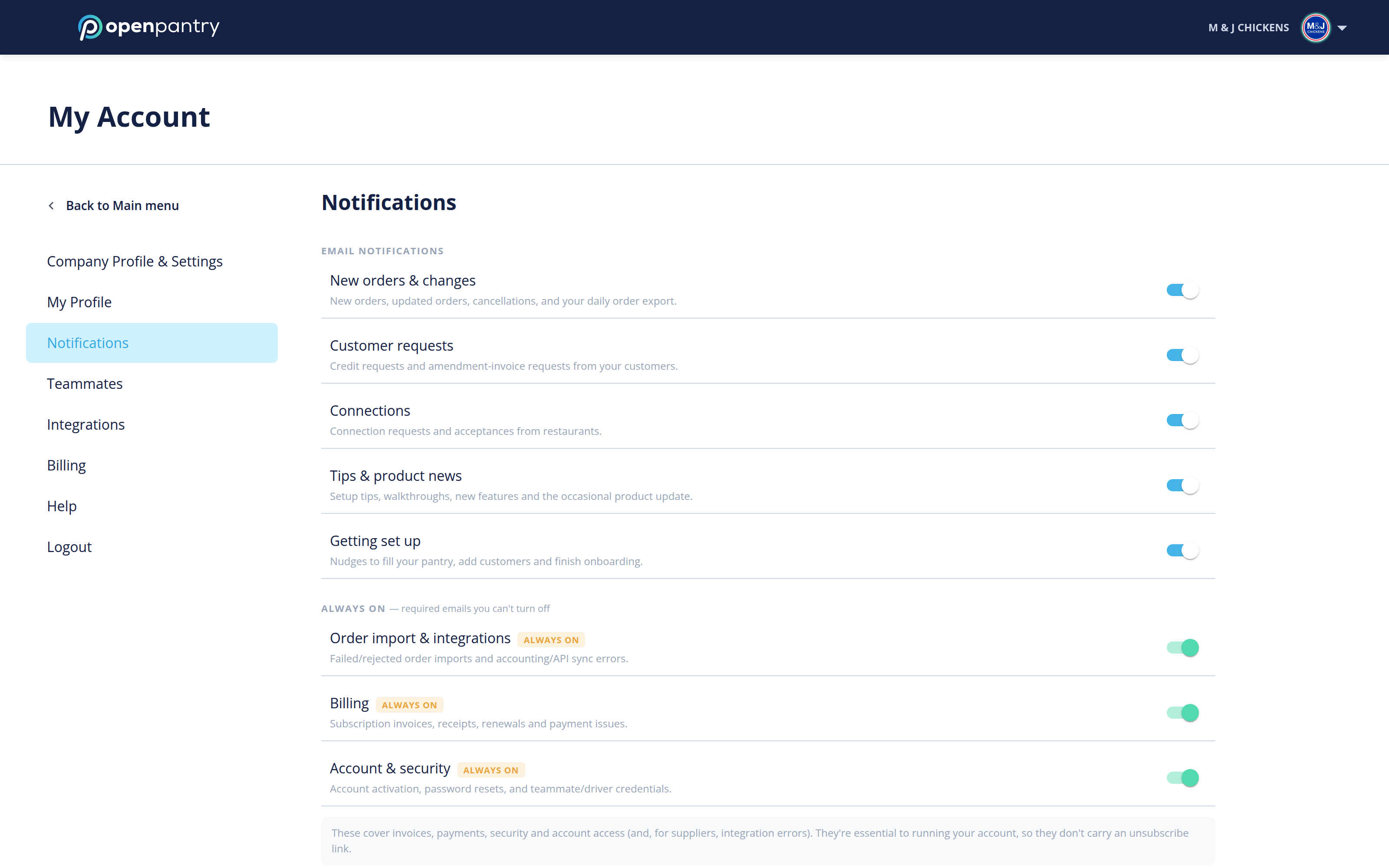
Notifications
How do I manage my notifications?
Your account settings live in the same place either way, but how you get there depends on how wide your browser window is:
- Wide window: click your company name in the top right, then choose the setting you want.
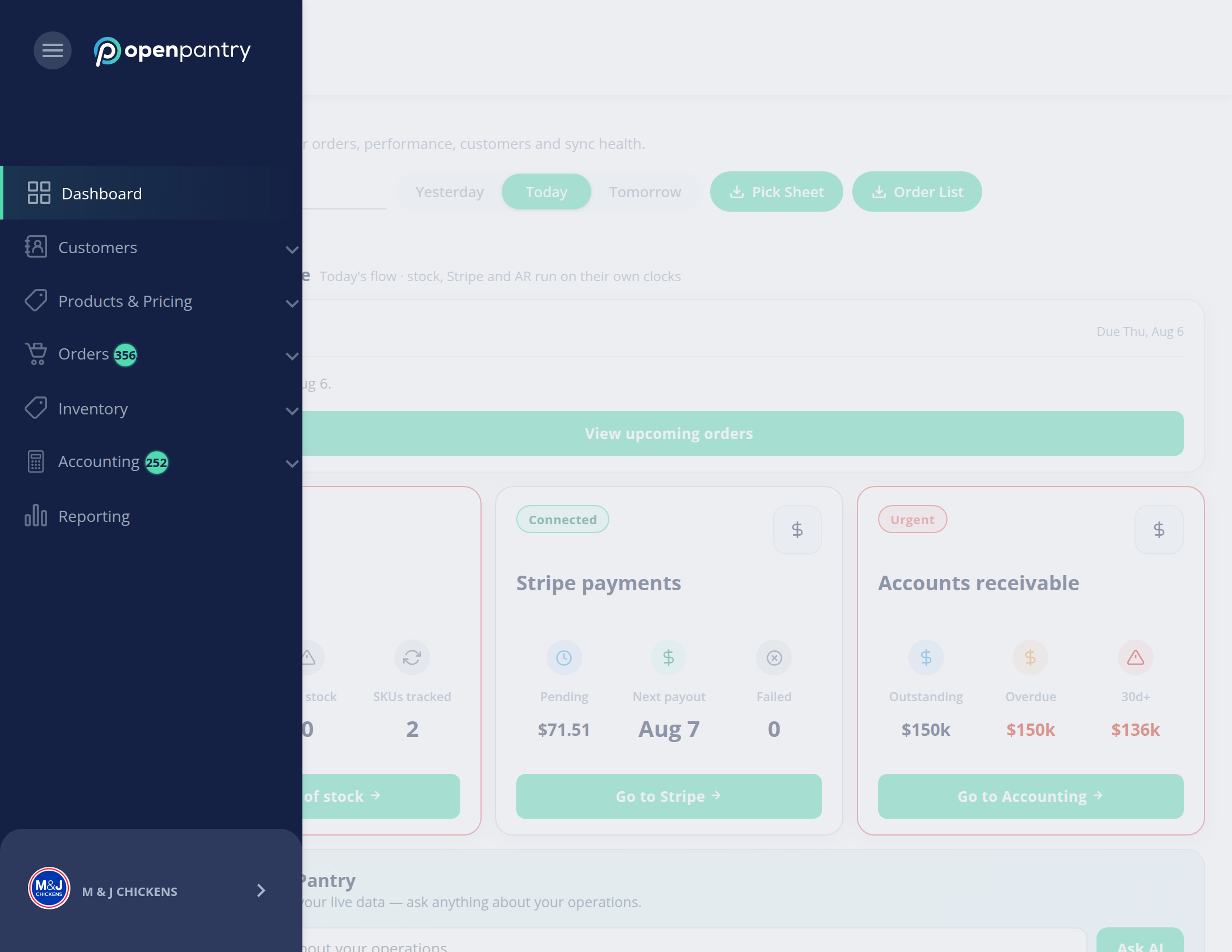
- Narrow window: the left menu collapses to icons — click the ☰ button in the top left, then your company name at the bottom of the menu.
- Open Notifications.
- Use the toggle beside each action to choose what you are notified about. Blue is on, grey is off. Changes save as you make them.