Most restaurant inventory software can work with your POS, because every POS records what was sold item by item. Sales arrive through a direct integration or a daily sales report, and the real work is matching each POS item and modifier to a recipe so sales turn into ingredient usage.
Key takeaways
- A POS records what sold, when and for how much, but not recipes or pack sizes.
- POS sales become stock usage only once each item and modifier is matched to a recipe.
- Unmapped modifiers like add bacon make real usage look like waste or theft.
- If a POS has no integration, a daily product sales report exported as CSV works.
- Ask both the POS company and the inventory vendor about data access and connector fees.
- Match POS items by sales value first, because a few dozen items carry most revenue.
In this guide 7 sections
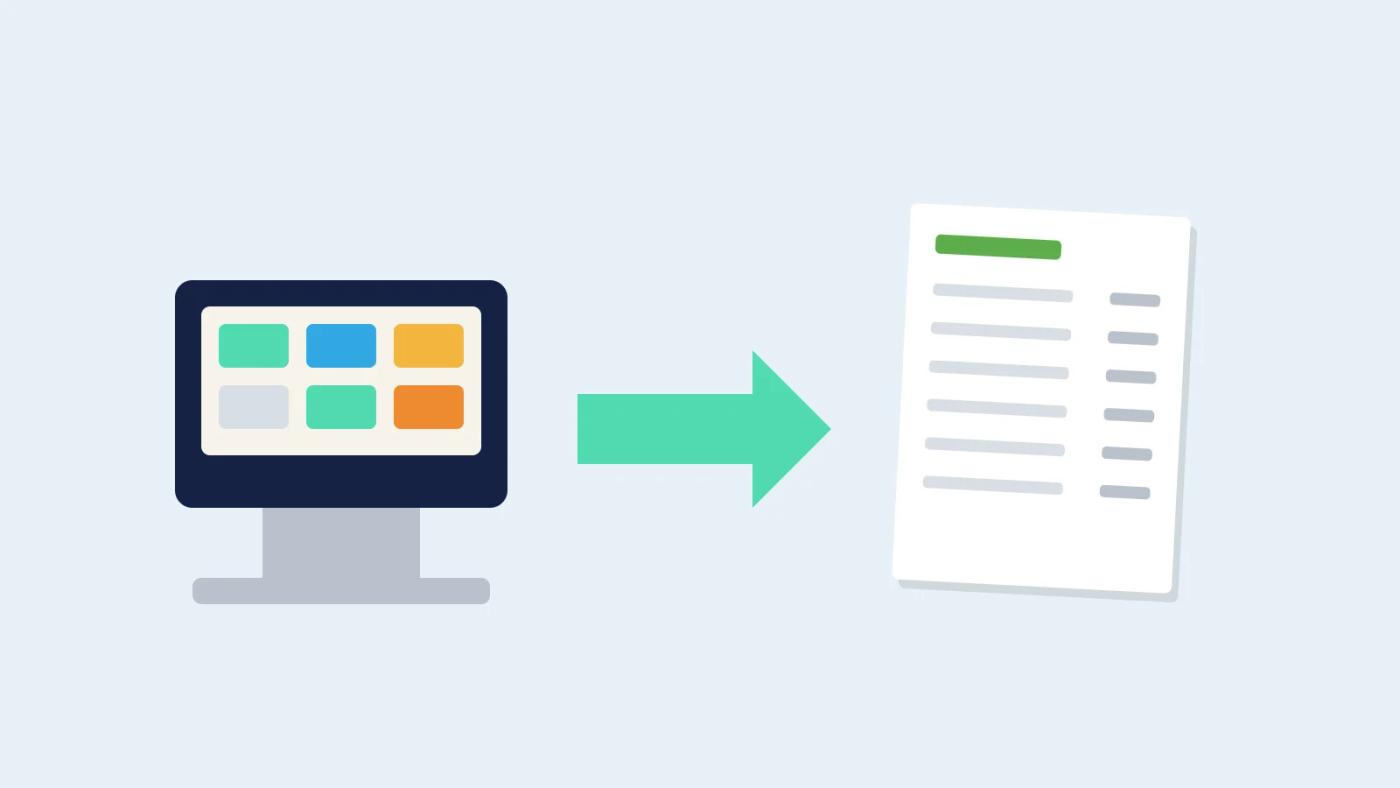
Almost certainly, yes: if your till can tell you that 120 cheeseburgers went out on Saturday, it holds what inventory software needs. Those sales arrive through a direct feed or an exported report, and once each button is linked to a recipe the software can tell you that 21.6 kg of mince should have left the cool room.
The worry behind the question is usually a past setup that went badly. You bought a stock system, found out your till "wasn’t supported", paid for a connector you didn’t know existed, then spent weeks fixing a list of 300 menu buttons that matched nothing. Or the sales came in fine but every "add bacon" and "large" was ignored, so the numbers never looked right.
What data does a POS actually hold?
A POS holds what was sold, when, for how much and how it was paid. It doesn’t hold what went into each dish, and that split explains most POS inventory integration problems.
What a POS generally exposes:
- Menu items, often called PLUs or buttons, with names and prices.
- Modifiers: add bacon, no onion, large, gluten-free bun, extra shot.
- Sale lines: item, quantity, price, time, table or order, staff member.
- Discounts, comps, voids and refunds.
- Payment types and totals for the day, sometimes with covers.
What a POS generally does not hold:
- Recipes and ingredient quantities.
- Pack sizes and supplier prices.
- Yields, prep loss or waste.
- What arrived, what was invoiced, what is on the shelf.
So the POS tells you 120 burgers went out. Only the recipe turns that into kilos of mince, 120 buns and a fair bit of cheese.
How do POS sales become stock usage?
POS sales become stock usage once each POS item is matched to a recipe that lists its ingredients in the units you buy and count. Multiply quantity sold by recipe quantity and you have theoretical usage for every ingredient.
A worked example: burgers and modifiers
Say a pub sells 120 cheeseburgers on a Saturday. The recipe uses a 180 g patty and 20 g of cheese. Thirty of those burgers carried the "add extra cheese" modifier, another 20 g each.
| POS line | Serves | Grams each | Usage |
|---|---|---|---|
| Cheeseburger: mince patty | 120 | 180 g | 21.6 kg |
| Cheeseburger: cheese | 120 | 20 g | 2.4 kg |
| Modifier: add extra cheese | 30 | 20 g | 0.6 kg |
| Total cheese | 3.0 kg |
In Excel, with quantity sold in B2 and grams per serve in C2, this gives usage in kilos:
=B2*C2/1000Add the modifier lines the same way and you have what the kitchen should have used. Compare that with what it actually used, from the stocktake, and the gap is your variance. Our guide to why actual food cost runs higher than your recipes say covers what that gap is usually made of.
Where the matching goes wrong:
- Modifiers ignored. If "add bacon" isn’t mapped, bacon usage looks like waste or theft.
- Duplicate buttons. The same dish on the lunch, dinner and function menus, each with its own POS item.
- Open items. A "food $" button staff use when they can’t find the right one. It has a price and no recipe.
- Renamed and new items. A special added on Friday that nobody mapped.
- Non-food items. Gift vouchers, service charges, delivery fees and corkage should be marked as no recipe, not left unmatched.
- Set menus and combos, where one button covers three courses or a burger with chips and a drink.
Doing the matching properly is also where costing surprises appear. The ATO’s small business benchmarks for restaurants put average cost of sales at 34% to 35% of turnover (2023-24 tax data, food and drink together). An average like that can hide a popular dish running well above it, and until POS items are matched to recipes you can’t see which dishes those are. For the costing side, see how to cost a menu.
What if my POS has no integration?
If your POS has no integration, use its product sales report. Most POS systems can produce one by item and modifier for any date range, and export it as a CSV or email it on a schedule.
That fallback is less elegant but works well with a routine:
- Use the same report every time, with item and modifier detail rather than category totals.
- Run it to your venue’s trading-day boundary, especially if you trade past midnight.
- Keep item names stable. Renaming a button every week breaks the matching.
- Load it daily, or at least weekly, before you look at variance.
Ask any inventory vendor what happens if the integration stops working. A good answer includes a report or file you can fall back on, so you never lose a week of sales. Keep the end-of-day reports either way: business.gov.au says you need to keep most business records for 5 years, and a folder of daily sales exports is the easiest way to rebuild a gap later.
Who pays for a POS integration?
Who pays depends on the POS, so ask before you sign. Some POS companies open their sales data to partners at no charge, some charge a monthly fee for API access, and some route integrations through a third-party connector that bills per venue.
Questions to put to both the POS company and the inventory vendor:
- Is there a fee from the POS for data access, and is it per venue?
- Is there a middleware or connector fee, and who bills it?
- How often does sales data come through: live, hourly or once a day?
- Are modifiers, comps, voids and discounts included, or only item totals?
- How much sales history comes across on day one?
- What happens to the connection if you change POS plans?
Linking sales to stock is becoming normal, at least in bigger operators. In a Deloitte survey of 375 restaurant executives across 11 countries, 55% said they use AI for inventory management daily. That’s a global sample of executives, not small Australian venues, so treat it as direction rather than a local benchmark. Whatever you choose, get any connector fees in writing.
- Average cost of sales as a share of turnover, Australian restaurants, 2023-24 (ATO)
- 34–35%
- Restaurant executives using AI for inventory management daily, 11 countries, surveyed late 2024 (Deloitte)
- 55%
Once sales are flowing, the matching takes a few weeks to settle as specials and odd buttons turn up. Our piece on how long restaurant inventory software takes to set up sets out what happens in the first week and the first month.
How Restaurant AI Manager helps with POS inventory integration
Restaurant AI Manager, Open Pantry’s AI restaurant operations software, works with every POS: whichever till you use, the day’s sales come in and POS items are matched to your recipes for you. Those sales sit alongside orders, deliveries, invoices and counts, so you see GP per dish and per venue, and when GP slips the movement is split into price rises, waste, yield and count error in dollars.
At the time of writing (October 2026), pricing is one price per venue with everything included and no add-ons. POS companies that want to connect can start at POS Connect. See POS sales integration, or open the free live demo with no sign-up to see sales matched to recipes in a demo venue.
So, will restaurant inventory software work with my POS?
Almost always, through either a direct integration or a daily sales report. A good POS inventory integration needs every item and modifier matched to a recipe, a fallback if the connection drops, and a clear answer on who charges for the data.
Frequently asked questions
What sales data can restaurant inventory software get from a POS?
A POS generally exposes menu items and prices, modifiers such as add bacon or large, individual sale lines with quantity and time, discounts, comps, voids and refunds, and payment totals for the day. It does not hold recipes, ingredient quantities, pack sizes, supplier prices or waste. Inventory software combines the POS sales with recipes to work out how much of each ingredient should have been used.
How do POS modifiers affect restaurant stock usage and food cost?
Modifiers change what goes on the plate, so each one needs its own recipe adjustment. If thirty burgers had extra cheese and that modifier is not mapped, the extra cheese never appears in theoretical usage. At stocktake it looks like waste or theft. Mapping modifiers such as extra shots, added protein and size upgrades is one of the most common fixes in a POS inventory setup.
Can I use inventory software if my POS has no integration?
Yes. Most POS systems can produce a product sales report by item and modifier for a date range, exported as a CSV or emailed on a schedule. Use the same report each time, run it for your venue's trading day boundary, keep POS item names stable so the matching holds, and load it daily or weekly before you look at variance.
Who pays for connecting a restaurant POS to inventory software?
It varies. Some POS companies give partners sales data at no charge, some charge a monthly fee for API access, and some integrations run through a third-party connector that bills per venue. Before signing, ask the POS company and the inventory vendor who charges what, how often data refreshes, and whether modifiers, comps and voids are included or only item totals.
How long does it take to match POS items to recipes in a restaurant?
It depends on the size of the menu and how tidy the POS is. Start with the items that make up most of your sales value, since a few dozen dishes usually carry most of the revenue. Mark non-food buttons such as gift vouchers, service charges and corkage as having no recipe, merge duplicate buttons, and map modifiers as you go.