


Back
How to delete a price list
Deleting a price list removes that column and its prices from every product. Check who is on it before you delete it, and move those customers to another list on their Pricing tab.
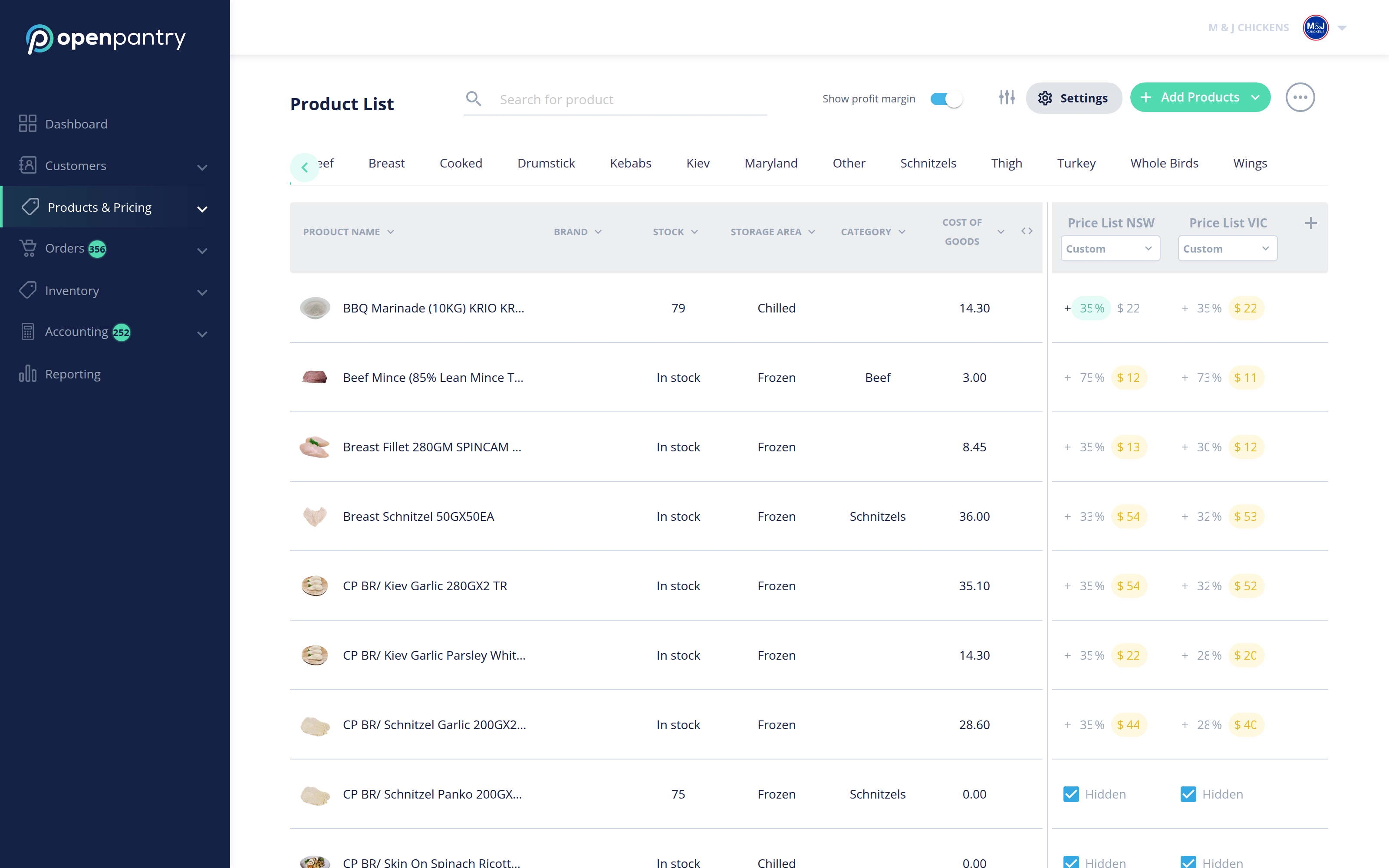
- Go to Products → Catalogue in the left menu.
- Open the ⋯ menu and choose Delete a price list.
- Under Select Price Lists to delete, tick the list or lists and confirm.
To rename or reprice a list instead, use Manage price lists in the same menu.