


Back
How to edit a Pantry List
Select the ☰ menu button in the top left of the screen, then Pantry Lists.
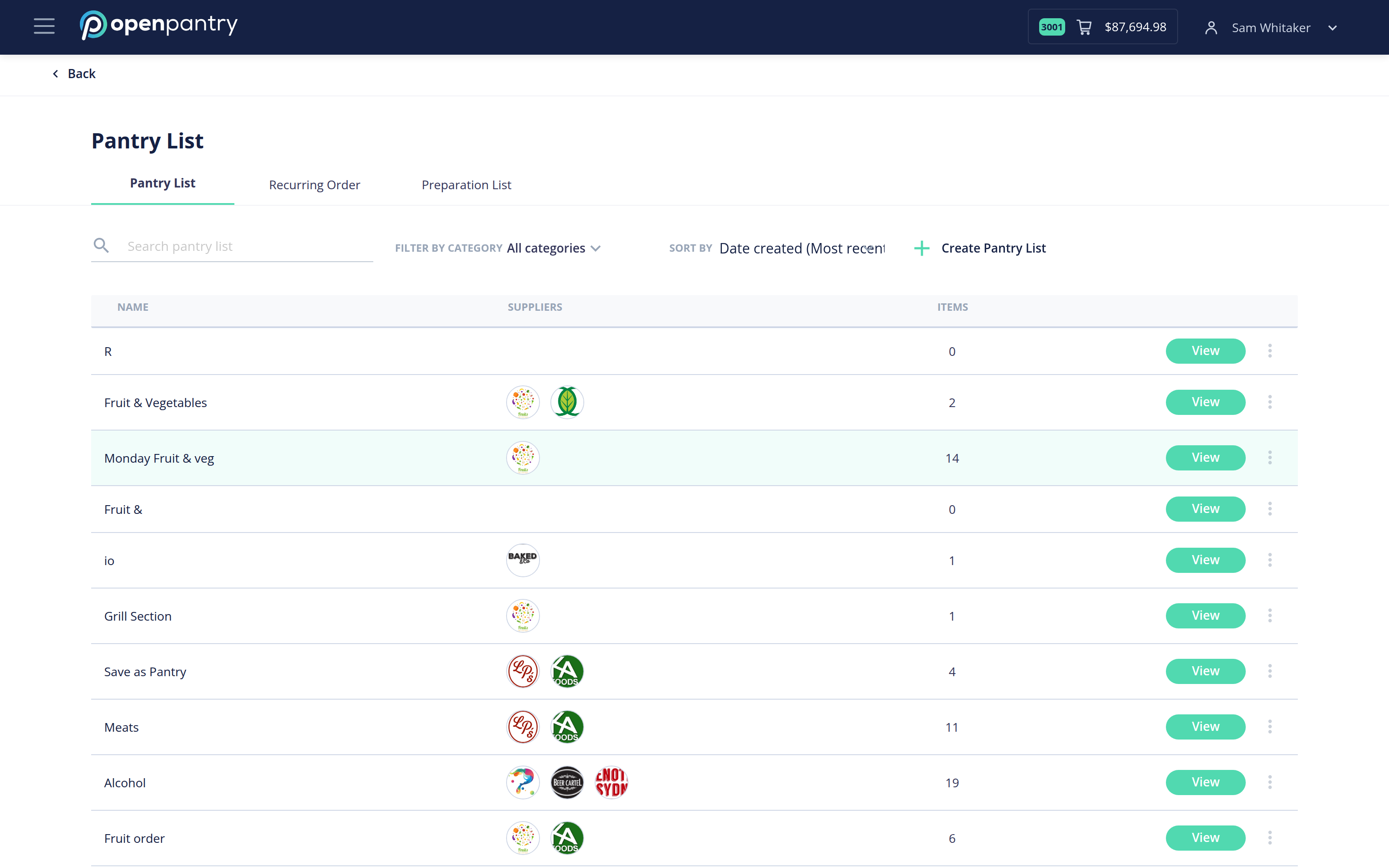
- Select View on the list you want to change.
- From here you can manage what is on it — Remove from List takes an item off, and the + adds new items from your suppliers. Save the list when you are finished.
- To rename a list, use Rename at the top of the list.
- To delete a list, use the three-dot menu at the right of its row and confirm.
Deleting a pantry list does not affect any order you have already placed from it.