Back
How to View your Pantry Lists
How do I view my pantry lists?
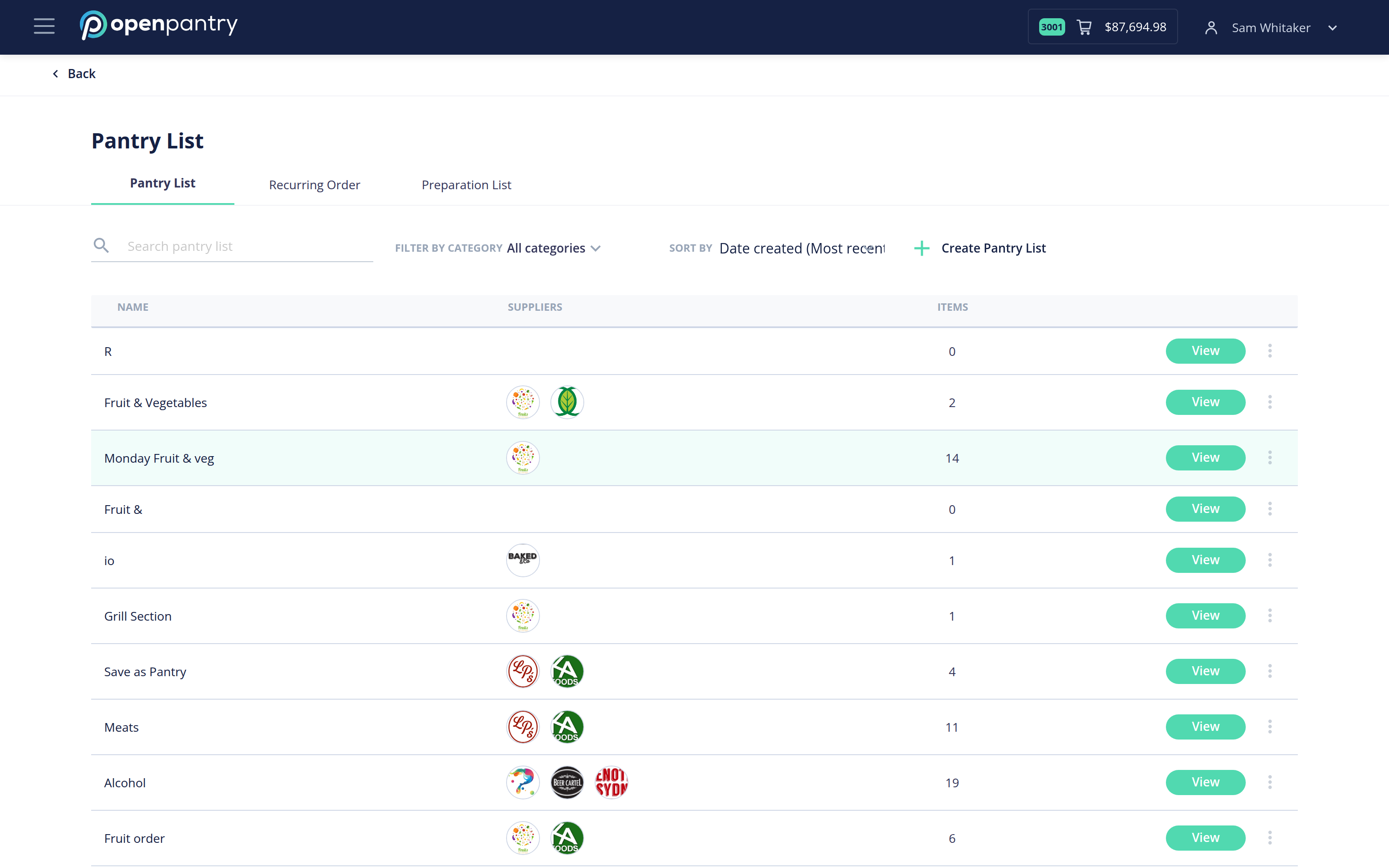
- Click the ☰ icon in the top left and choose Pantry Lists — or open Pantry Lists from your dashboard.
- The screen opens on the Pantry List tab, alongside Recurring Order and Preparation List.
- Use Filter by category to narrow what you are looking at, and open a list to see what is on it.