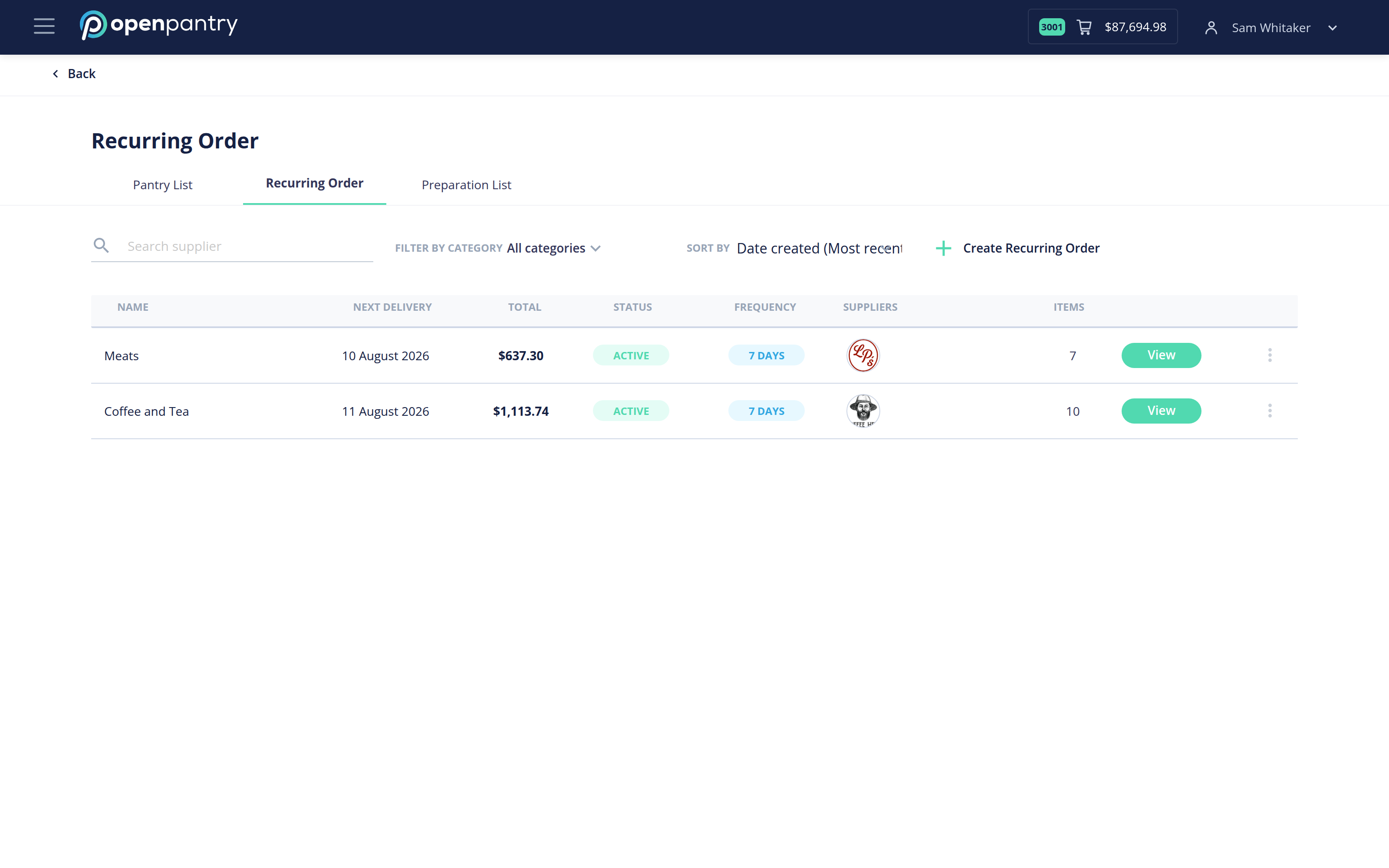
How do I view my recurring orders? Click the ☰ icon in the top left and choose Pantry Lists . Switch to the Recurring Order tab. Open any recurring order to see what it contains and when it runs.