Back
How to edit my name or email - My account / Profile
How do I change my name or email?
Open the account menu: on a wide window, click your business name in the top right. On a narrow window, tap ☰ in the top left, then your business name at the bottom of the menu.
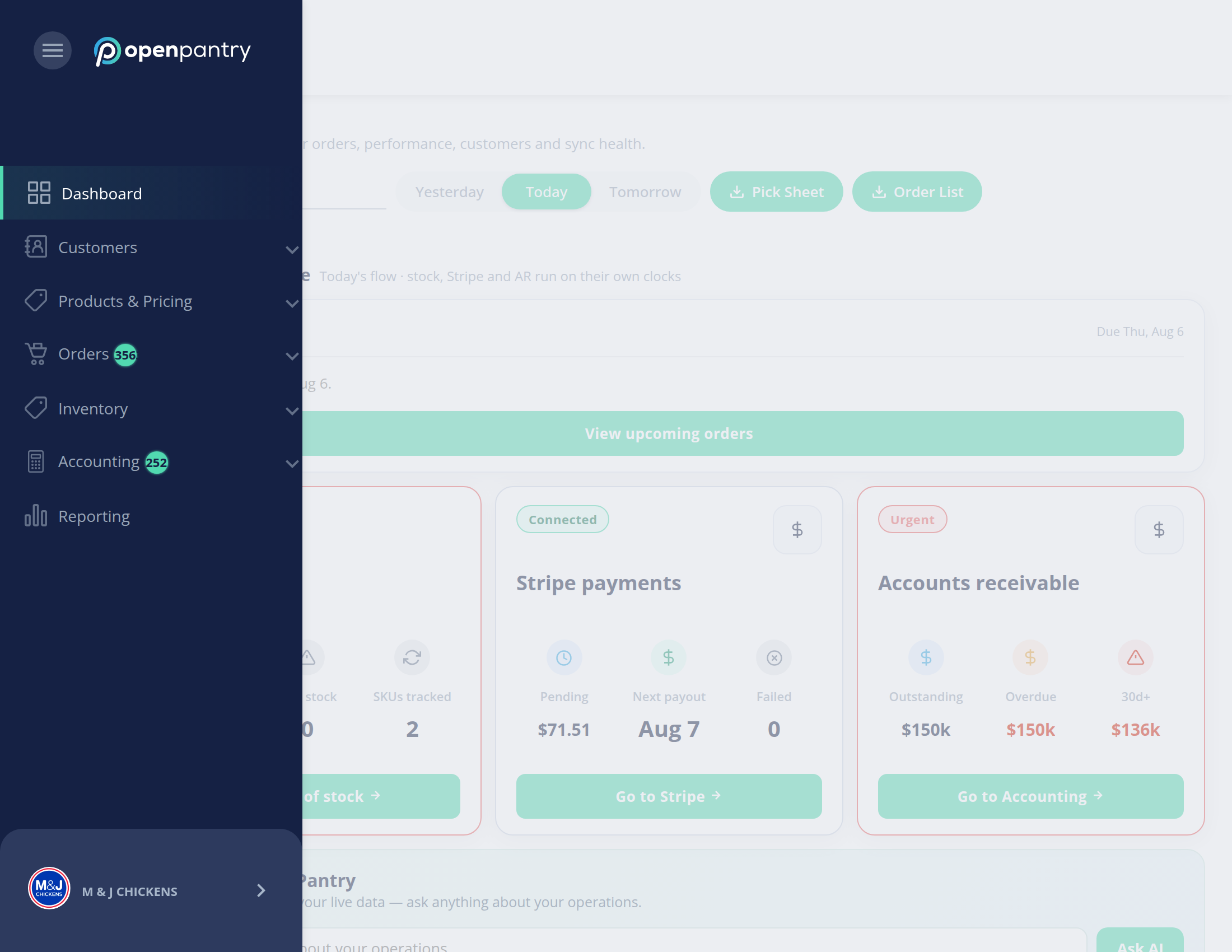
- Choose My profile.
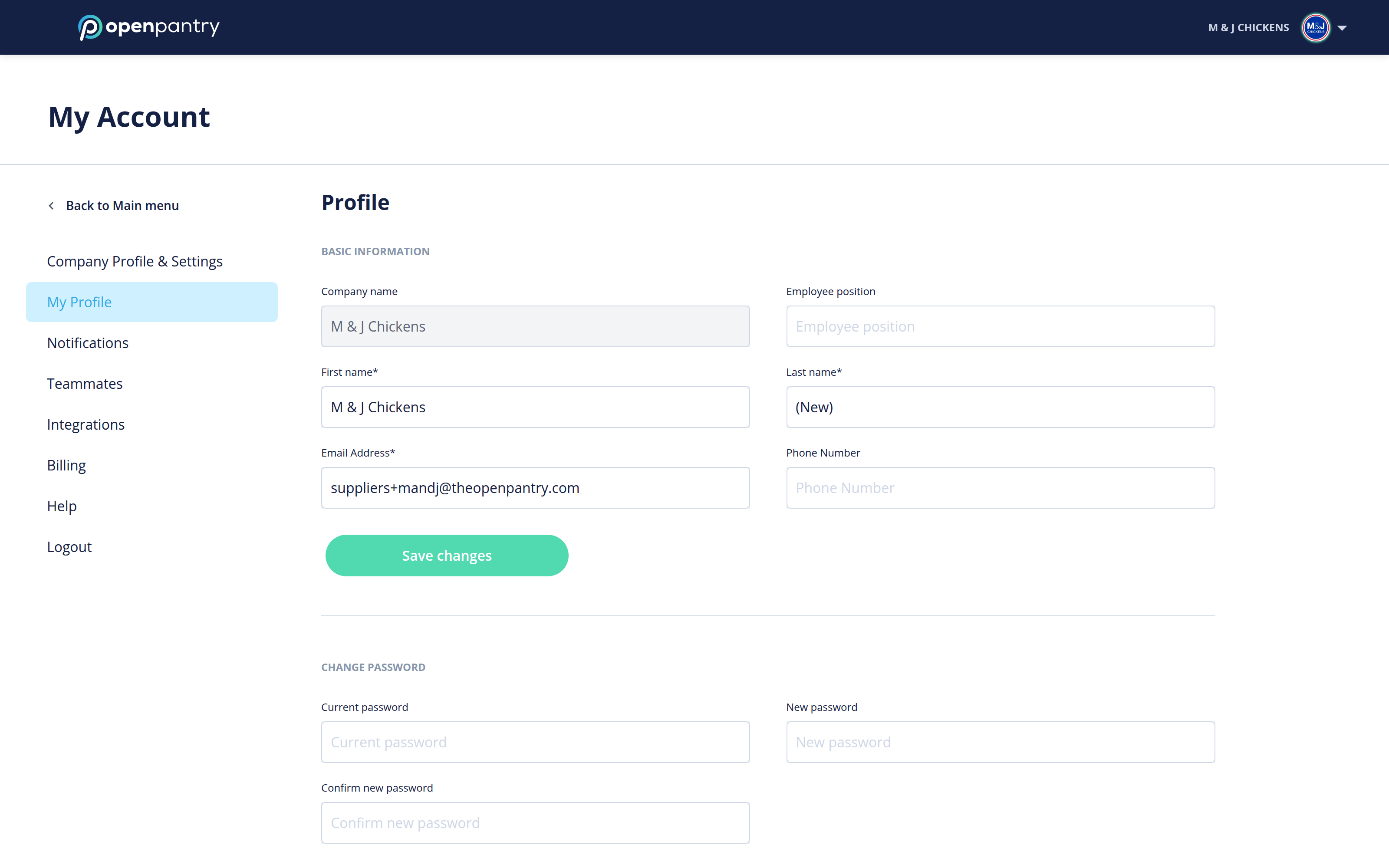
- Change your First name, Last name or Email. You can also add Mobile (optional) and Job title (optional).
- Click Save.
If you change your email, we send a confirmation email to the new address. Your login changes once you confirm it.
Your business details (business name, address, phone, ABN) are not on this page. They are under Business settings in the same menu.