Back
How to see my Order History
How do I see my order history?
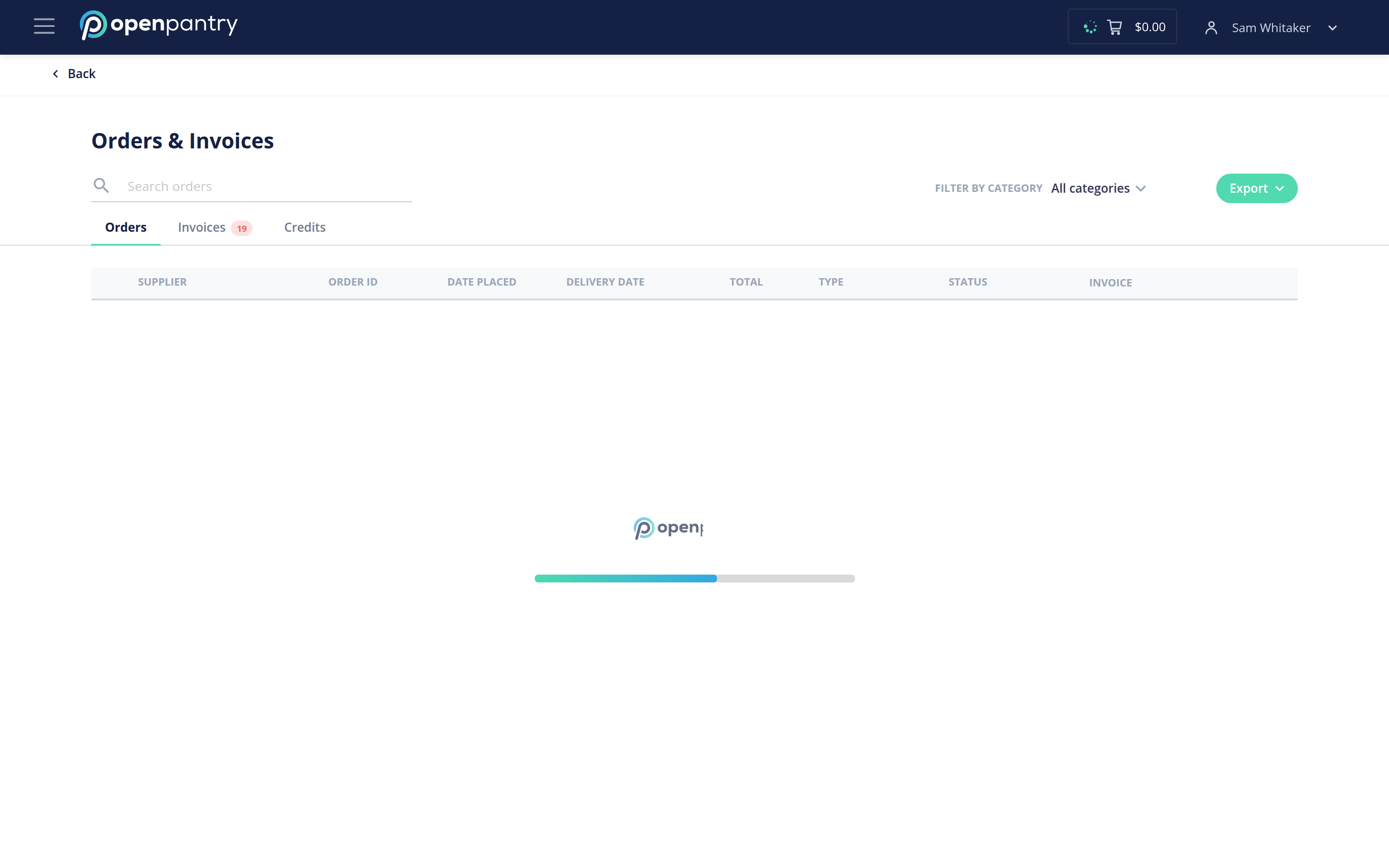
- Click the ☰ icon in the top left, then choose Order History (called Orders & Invoices if you use the invoice inbox).
- Your past orders are listed there. Use Search orders or Filter by Category to narrow the list, or Export to take orders away as a file.
- Open any order to see its items, delivery status and invoice.
On an order, the main button does the next thing for that order — Check off delivery, Edit order or Re-order. Everything else is under Options:
- Invoice — View invoice, open it in Xero or QuickBooks, Download purchase order (PDF) or Download order summary (CSV).
- Change this order — Edit order or Cancel order.
- More — Check off delivery, Re-order or Save as pantry list.
An order placed across several suppliers is split into one order per supplier, so each appears on its own line.