


Menu costs update automatically when three things are joined up: a live supplier price list, recipes built from those products rather than typed-in figures, and a menu that reads its cost from the recipes. Change a price at the source and every dish using that ingredient recosts, with the dishes past their target listed for repricing.
Key takeaways
- Live menu costing needs four links: price list, automatic price updates, product-linked recipes and menu.
- A recipe holding a typed cost is a snapshot; a recipe pointing at a product is a live calculation.
- Manual costings go stale silently, showing the same confident percentages they showed when correct.
- Sub-recipes carry the biggest price swings and are the first thing manual costing flattens.
- A pack size change moves your per-unit cost without moving the invoice total noticeably.
- Small movements across dishes sharing one ingredient cost more than any single dramatic spike.
In this guide 8 sections
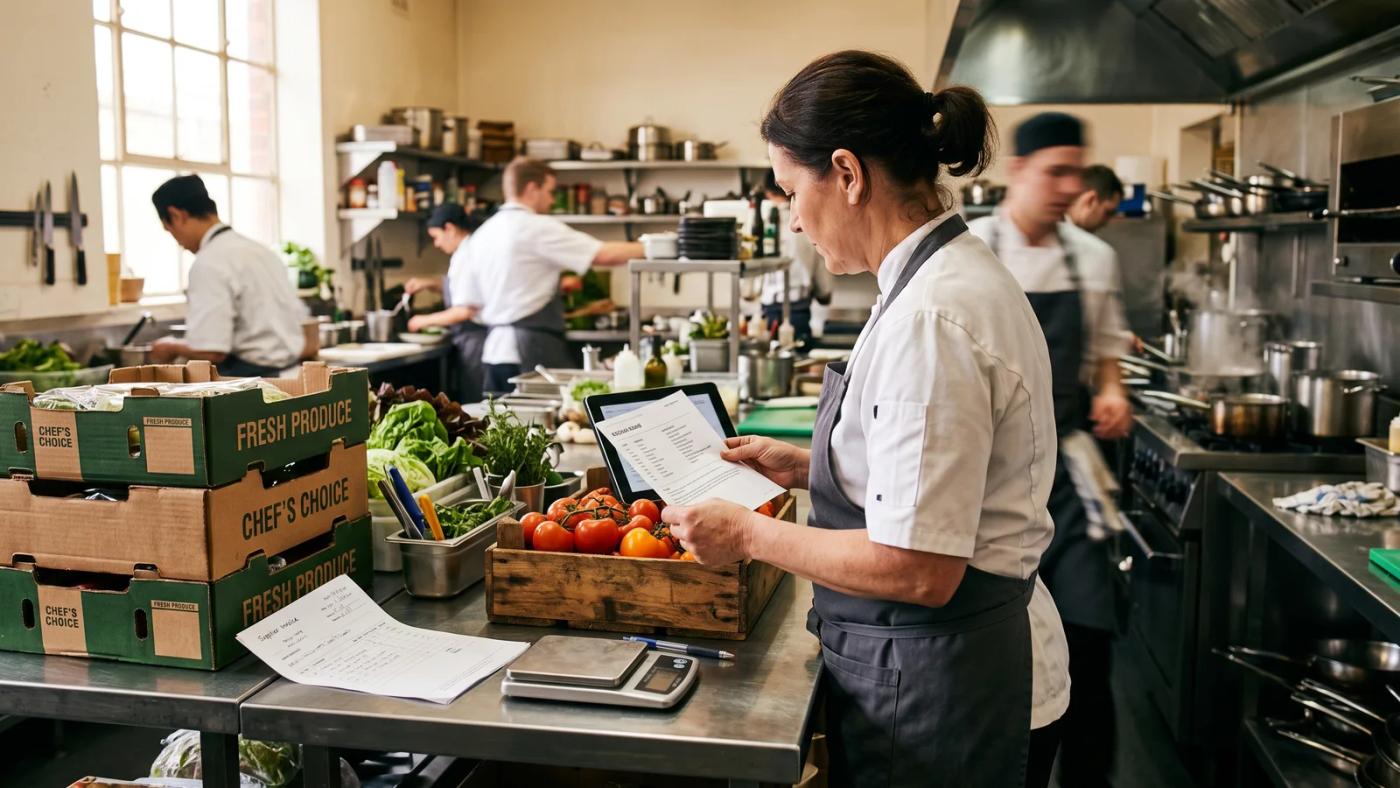
The short answer
Menu costs update themselves when three things are joined up: a live supplier price list, recipes built from the products on that list rather than from typed-in figures, and a menu that reads its cost from those recipes. Change any supplier price at the source and every dish using that ingredient recosts, every food-cost percentage moves, and the dishes that have slipped past their target appear on a list. Nothing is retyped, and nothing waits for a stocktake.
That is the whole mechanism. The rest of this article is about why the chain breaks, what it costs when it does, and what to check before you trust any system to do it for you.
The chain that has to be connected
There are four links, and a break anywhere in the chain means your menu costs are historical rather than current.
Link one — the price list. Every product you buy needs one place where its current price lives, in the unit you buy it in. A 10 kg case of Roma tomatoes at $12.20 is a case price; a recipe needs a per-kilogram figure. If the conversion between the two is done in someone’s head, the chain is already manual.
Link two — the price moves on its own. Someone or something has to update that price when the supplier changes it. There are three ways this happens: the supplier keeps their own catalogue current and you read it live; you photograph or forward the invoice and the system reads the new price off it; or a person types it in. The first two scale. The third does not.
Link three — recipes point at products, not at numbers. A recipe card that says "tomatoes, 200 g, $0.24" is a snapshot. A recipe card that says "200 g of this product" and works the cost out from the product’s current price is a live calculation. This is the link that most spreadsheets get wrong, and it is the one that matters most.
Link four — the menu reads the recipe. The dish’s cost, its food-cost percentage against your target, and the gross profit in dollars all come off the recipe. Sub-recipes count too: if your ragù is a recipe used in three dishes, a beef price rise has to travel through the ragù into all three.
Join all four and the answer to "what does this dish cost me today?" is a number on a screen rather than an afternoon’s work.
What breaks when it is manual
Every venue that costs its menu in a spreadsheet is running the same process: someone exports or retypes prices, a formula recalculates, and the file is saved. It works. The problem is not accuracy on the day it is done — it is the interval between the days it is done.

The costing goes stale immediately and silently. A spreadsheet costed in March is wrong in April, but it does not look wrong. It shows the same confident percentages it showed when it was right. There is no signal that the numbers underneath have moved.
Price rises arrive as a lump. If you only recost quarterly, four separate ingredient increases turn up as one unexplained margin drop, and you cannot tell which of them did the damage or when. Reacting to a 6 % chicken increase the week it happens is a menu decision. Discovering it three months later is an autopsy.
Sub-recipes are usually skipped. Nested recipes are laborious to maintain by hand, so most manual costings flatten them — the stock, the sauce and the pastry get a single made-up cost per litre or per kilo, set once. Those are exactly the components carrying the biggest ingredient swings.
The pack size changes and nobody notices. A supplier moves from a 2 L to a 1.5 L carton at a similar carton price. The per-litre cost has gone up 33 % and the invoice total barely moved. A manual costing keyed on the carton price does not see it. A system holding a buy unit and a recipe unit does.
Nobody owns it. Menu costing sits between the chef, the owner and the bookkeeper, so in practice it is done when someone has a quiet Sunday. That is not a criticism of anybody — it is what happens to any task that is important but never urgent.
A worked example
These figures are illustrative — plug in your own — but the shape is what matters.
Take a chicken parmigiana on the menu at $32.00, with a food-cost target of 30 %.
The recipe holds a 220 g chicken breast, 60 g of mozzarella, 100 g of napoli sauce (itself a sub-recipe), 40 g of crumb and a garnish. At a chicken price of $9.80/kg, the breast costs $2.16. Add the rest and the plate lands at about $4.80. That is a food cost of 15 % on a $32 menu price — a dish comfortably inside target.
Now the supplier moves chicken to $11.30/kg. That is a rise of $1.50/kg, which on 220 g is 33 cents. Not dramatic on one plate.
But the parmigiana is not the only dish using that breast. If the schnitzel, the chicken burger, the caesar and the parmigiana all draw from it and they sell a combined 260 plates a week, that 33 cents is roughly $86 a week, or about $4,400 a year, on one ingredient movement. And the parmigiana was the dish with the most headroom. The chicken caesar, sitting at 31 % before the rise, quietly goes past its target on the same day.
Two things follow from that. First, the money is not in the dramatic single price spike — it is in the small movements across the dishes that share an ingredient. Second, the decision you actually want to make is not "put prices up"; it is "which two dishes need repricing, and by how much, to get back to target". That is a question you can only answer if the costs are current.
What to check before you trust a system to do this
If you are looking at software that claims to keep menu costs live, these are the questions that separate the ones that do it from the ones that recalculate a spreadsheet for you.
Where does the new price come from?
Ask how a price gets updated without a human typing it. Reading a connected supplier’s catalogue and reading the invoice are both good answers. "You update it in the products screen" is a spreadsheet with a login.
Does it handle buy units and recipe units?
You buy a case, a carton or a bag; you cook in grams and millilitres. The system has to hold both and convert between them, and it has to cope with the conversion changing when a pack size changes.
Do sub-recipes recost?
Build a sauce, put it in three dishes, change one ingredient price and check all three dishes move. If they do not, nested costing is decorative.
Does it tell you, or do you have to look?
A cost that is current but unread is not much better than one that is stale. What you want is the alert: this ingredient moved, these dishes are affected, these ones are now past their target. That is what turns costing from a report into a decision.
What happens when the invoice disagrees with the price list?
Suppliers make billing errors and short deliveries. A system that checks the invoice line by line against what was actually received will show you the gap, so you can decide whether to accept a new price, pay it once, or claim the difference — rather than silently adopting an error as your new cost.
What to do this week
You do not have to solve all of this at once.
- Pick your top ten dishes by volume, not your whole menu. They carry most of the money.
- List the ingredients those ten dishes share. Chicken, dairy and oil usually appear across most of them — that is where a price movement hurts most.
- Get a current price for each of those ingredients in the unit you cook in, not the unit you buy in.
- Recost the ten dishes and compare against your food-cost target. Expect a couple of surprises.
- Then fix the process, not just the numbers — because in six weeks you will be back where you started otherwise.
How Open Pantry keeps menu costs current when supplier prices change
Open Pantry costs recipes off the products you actually buy, so a dish is priced from your real supplier prices rather than a figure typed in once. Prices reach the system two ways: suppliers on the platform keep their own catalogues current, and Menu Profit Manager reads prices off your invoices when you photograph, upload or forward them — including from suppliers who are not on Open Pantry at all. When a price moves, every dish using that ingredient recosts, and any dish pushed past its food-cost target is listed for repricing with a suggested price rather than quietly losing margin. Reporting and profit insights show the cost percentage on every dish live, and ordering through Open Pantry stays free for venues. If you are starting from a spreadsheet, our guide to how to cost a menu is the place to begin.
Frequently asked questions
How do restaurant menu costs update automatically when supplier prices change?
Recipes have to be built from the products you buy rather than from typed-in prices. When the product's price changes at the source - a connected supplier catalogue, or an invoice read into the system - every recipe that uses that product recalculates, including through sub-recipes, and the food-cost percentage on every affected dish moves with it. No export, no retyping, no waiting for a stocktake.
Why does menu costing in a spreadsheet stop being accurate so quickly?
Because a spreadsheet holds prices as numbers rather than as links to products. The moment a supplier changes a price, the spreadsheet is wrong, but it carries on showing the same percentages it showed when it was right. There is no signal that the figures underneath have moved, so the costing looks trustworthy long after it has stopped being current. For a quick one-off check, use the free food cost calculator at https://www.theopenpantry.com/food-cost-calculator.
What is a sub-recipe and why does it matter for costing?
A sub-recipe is a component made in-house and used in several dishes - a stock, a sauce, a pastry, a marinade. It matters because ingredient price movements travel through it. If your ragu is used in three dishes and beef goes up, all three dish costs should move. Manual costings usually give sub-recipes a fixed cost per litre or kilo set once, which hides exactly the movements you need to see.
How often should a restaurant recost its menu?
If costing is manual, monthly is a reasonable minimum and quarterly is already too slow to react to a price rise. If costs update from supplier prices automatically, the question changes: instead of recosting on a schedule you review the dishes the system flags as past their food-cost target, which is a much shorter list and a much faster decision.
Can menu costs update automatically if my suppliers are not on a platform?
Yes, if the system can read your invoices. Photographing, uploading or forwarding a supplier invoice lets the software pull the line prices off it and update the matching products, which then recost the recipes. That covers suppliers with no digital catalogue at all - the invoice becomes the price feed.
What should I check before trusting software to keep my menu costs current?
Four things. Where a new price comes from without a person typing it. Whether the system holds both the unit you buy in and the unit you cook in, and converts between them. Whether a price change actually flows through sub-recipes into finished dishes. And whether it tells you which dishes have gone past target, or leaves you to go looking.


