Back
How to add a single product manually
How do I add a single product manually?
The left-hand menu is always on screen on a wide window. On a narrow one it collapses to icons — click the ☰ button in the top left to open it.
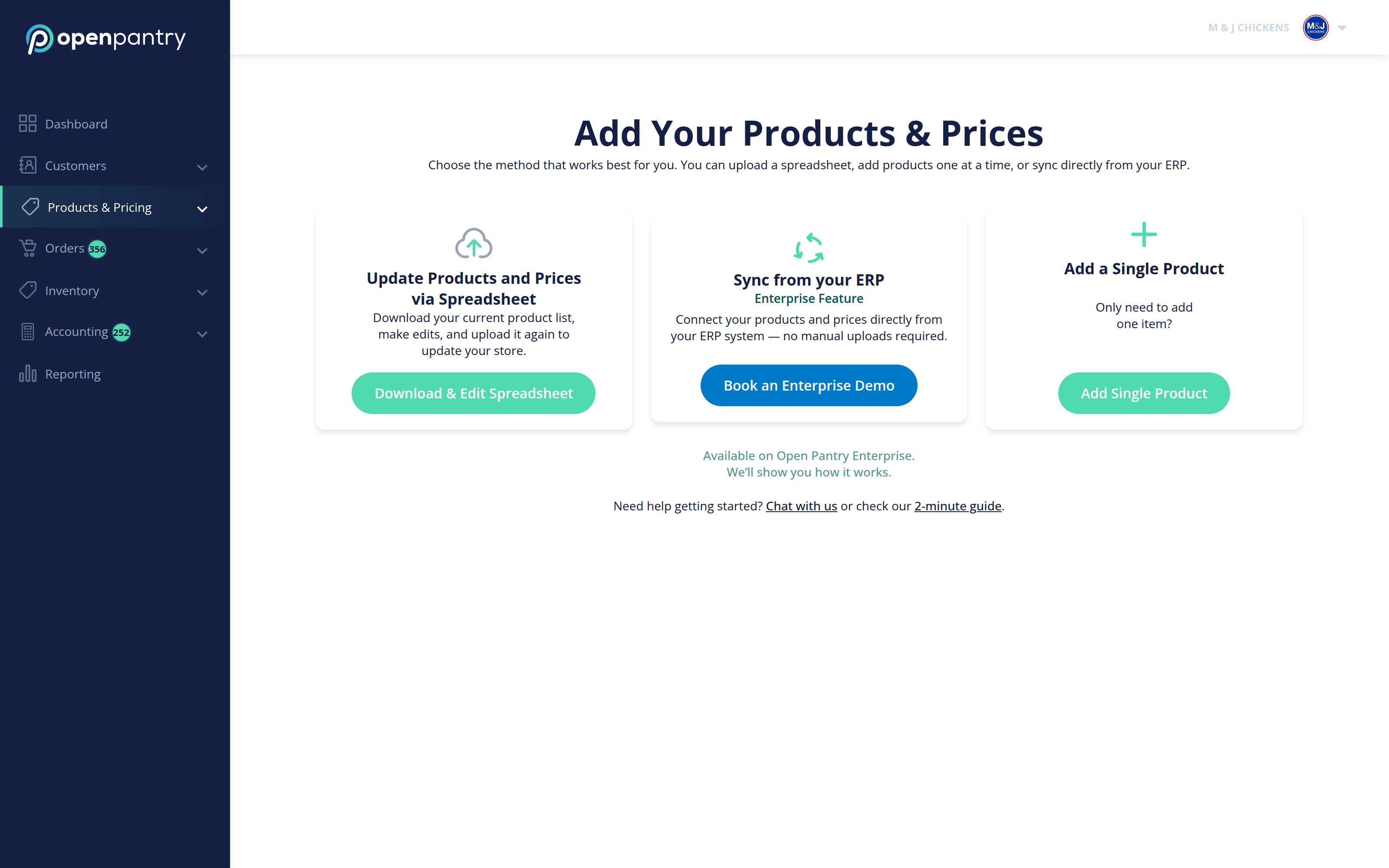
- Choose Products & Pricing, then Add New Product.
- On the Add Your Products & Prices screen, choose Add Single Product. (The other options are for uploading a spreadsheet or syncing from an ERP.)
- Fill in the product details and save.
Adding more than a few? Use the spreadsheet importer instead — it is far quicker for bulk changes.