Back
How to edit a product and the sell price
How do I edit a product and its sell price?
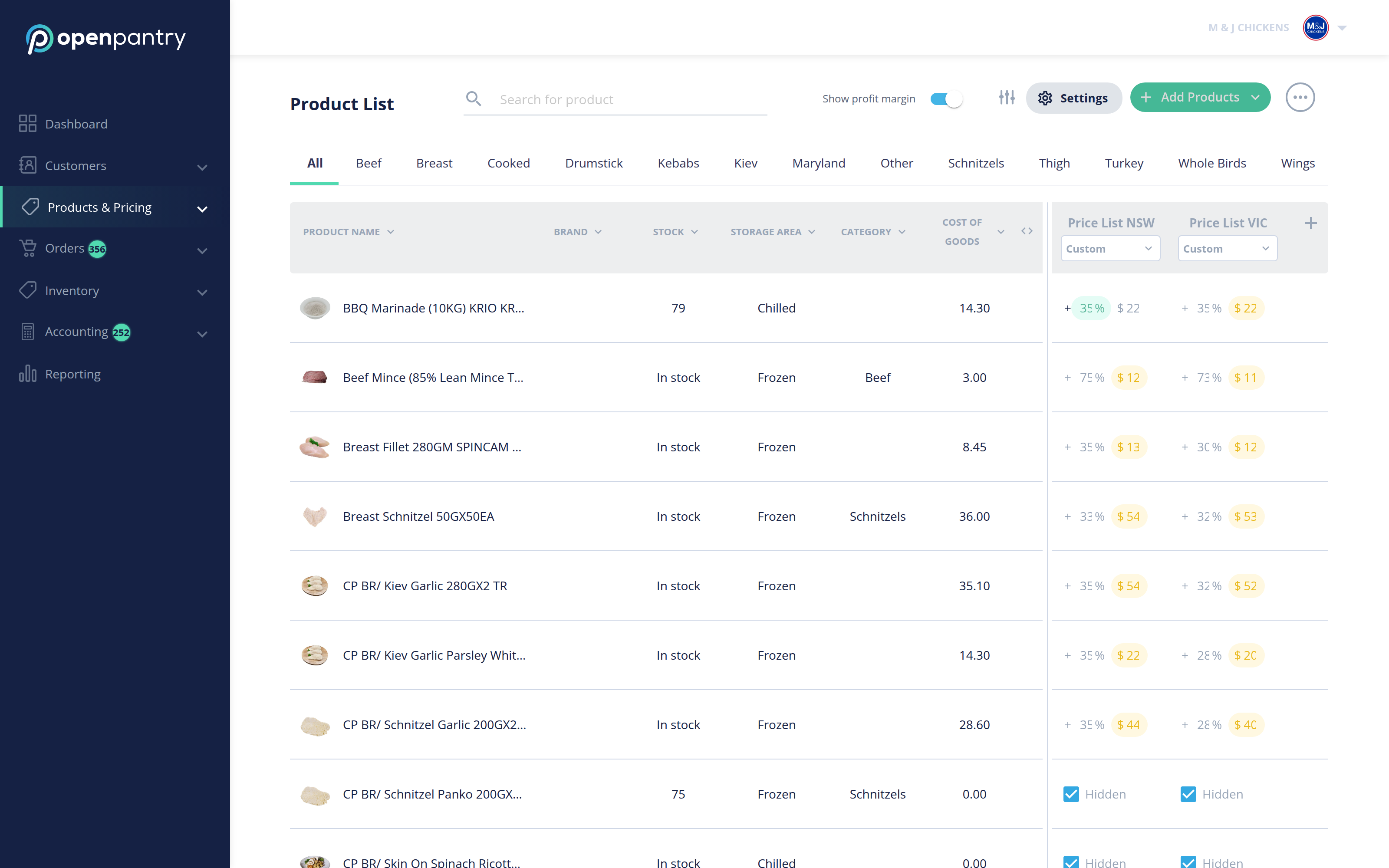
- Go to Products → Catalogue in the left menu.
- Search for the product, or use Filters and the category tabs to narrow the list.
- Prices are edited in place — click into the price for the price list you want and type the new sell price. Turn on Show margin to see the margin beside each price as you change it.
- To change anything else, open the product from its row and update the details there.
Use Columns to choose which columns you see, and Price lists shown to choose which price lists.