Back
Product fields explained
Product fields explained
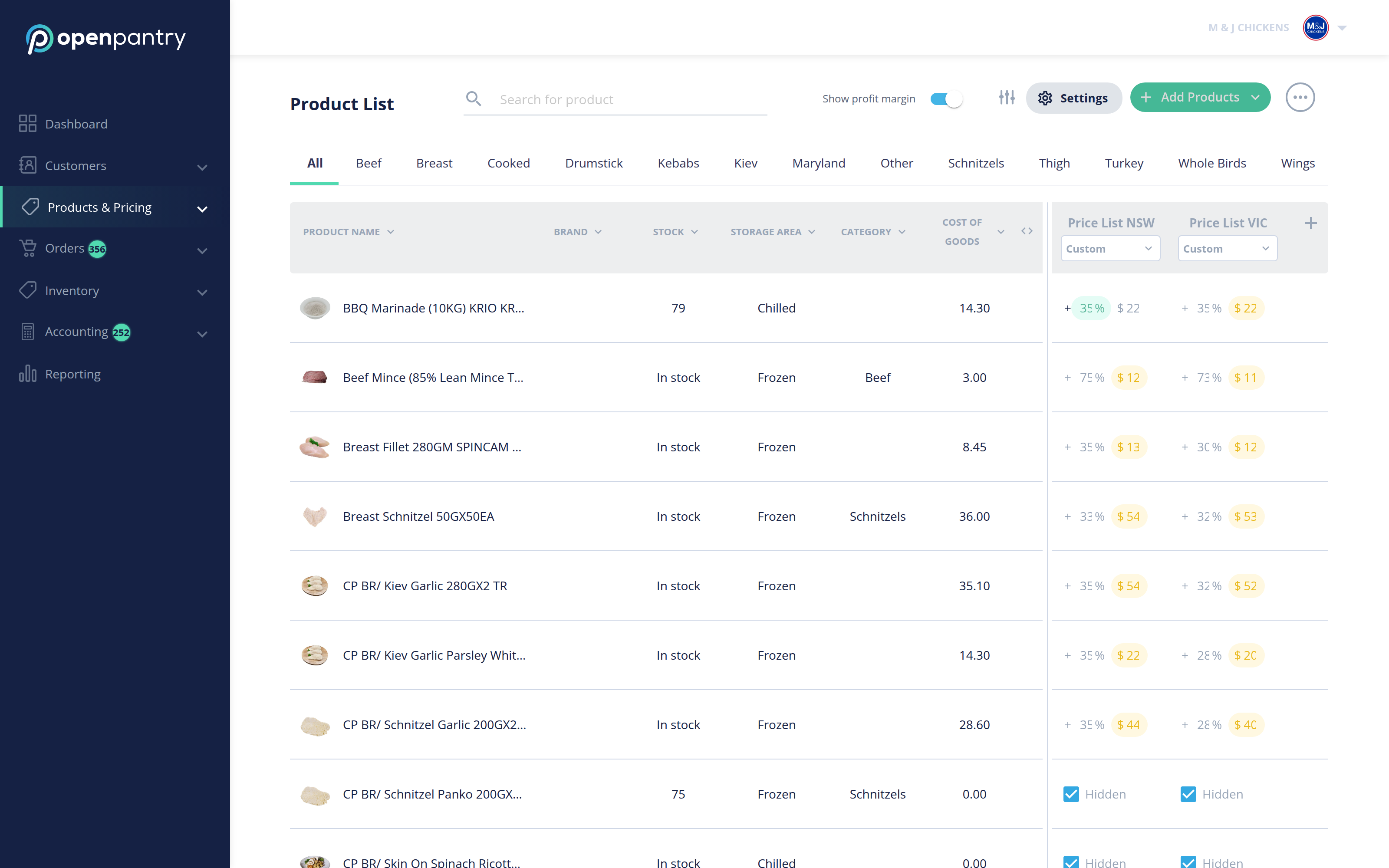
These are the main fields on a product, and what each one is for. They appear as columns in Products → Catalogue; use Columns to choose which you see.
- Product and Brand — the name customers see, and the brand if it has one.
- Unit — how the item is sold, for example per kilo or per carton.
- Charge unit — how it’s charged, for items weighed when picked (such as a leg of lamb, where the exact weight varies). The invoice charges the real weight.
- Stock — what customers see about availability. Marking an item low or out of stock warns them before they order.
- Storage area and Shelf — where the item sits in your warehouse, so pickers can find it.
- Category — groups products so customers can browse a long list more easily.
- Code — your own identifier for the item, if you use one.
- Cost — what you buy it for, used by margin pricing.
- Tax — whether GST (or your country’s tax) applies.