


Back
How to add a self managed supplier
A self managed supplier is one who is not on Open Pantry. You keep their products and prices yourself, and you can still order from them, build pantry lists with their products, and track what you spend.
Select the ☰ menu button in the top left of the screen, then Manage Suppliers.
- Select the Add Supplier tab.
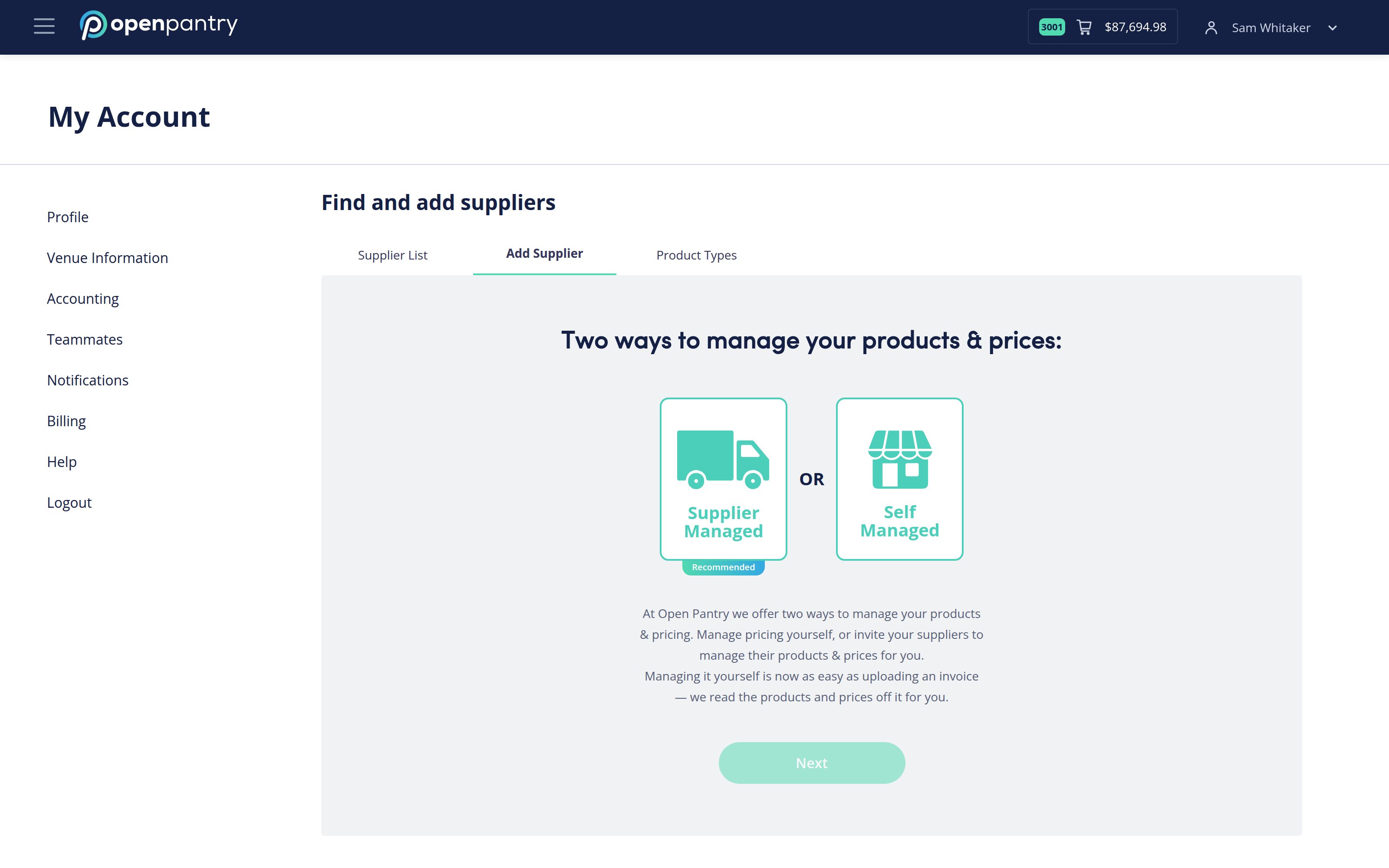
- Choose Self Managed, then Next.
- Enter the supplier's business name and their basic details — email, category, logo and delivery information.
- Download the product template, paste in their products and prices, and upload the completed file.
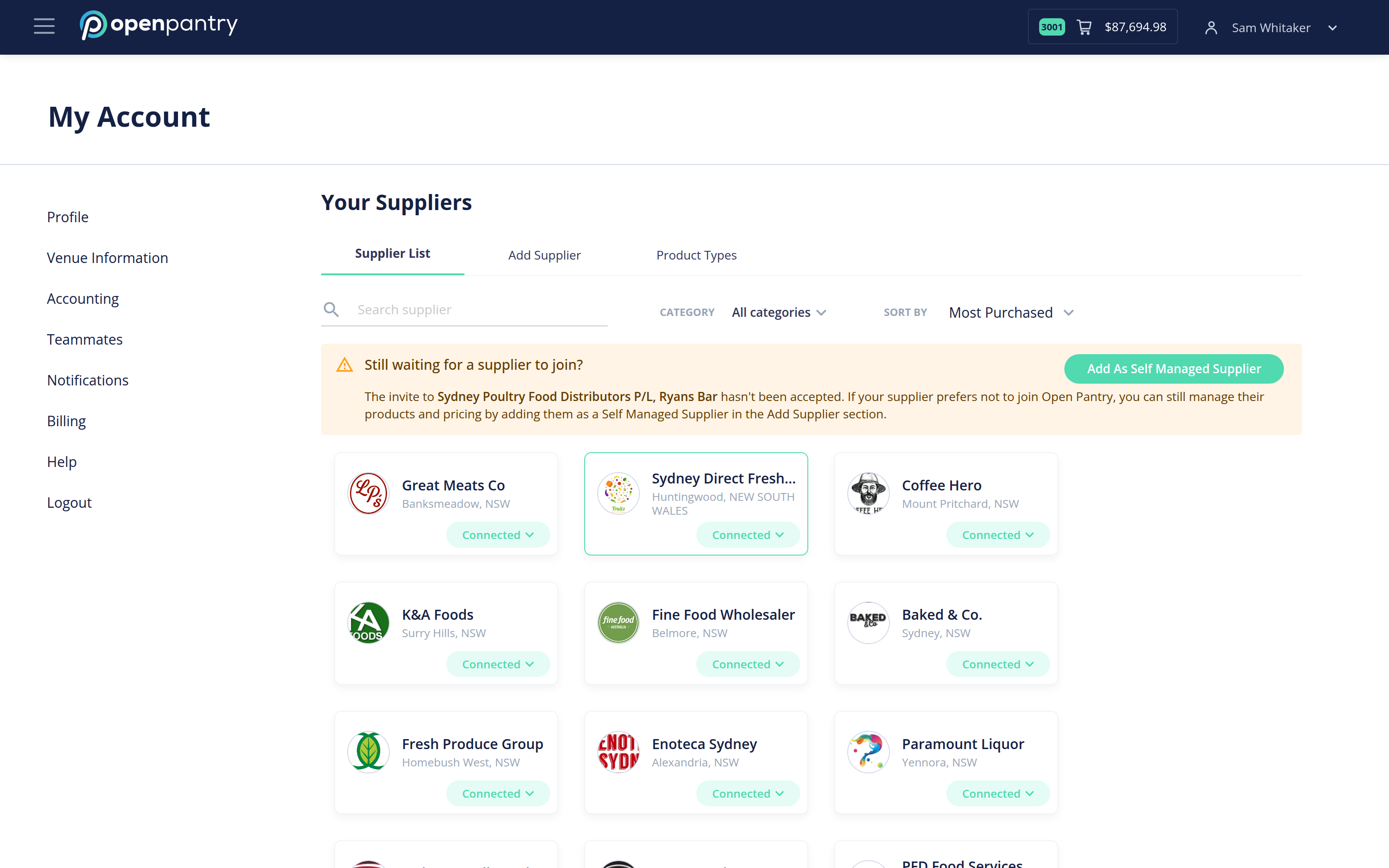
If you have already invited a supplier and they have not accepted, the banner at the top of your Supplier List offers Add As Self Managed Supplier — that converts the invitation you have already sent rather than starting again.