Back
How to browse supplier - Browse by Supplier
How do I browse by supplier?
- Click the ☰ icon in the top left, then choose Browse by Supplier.
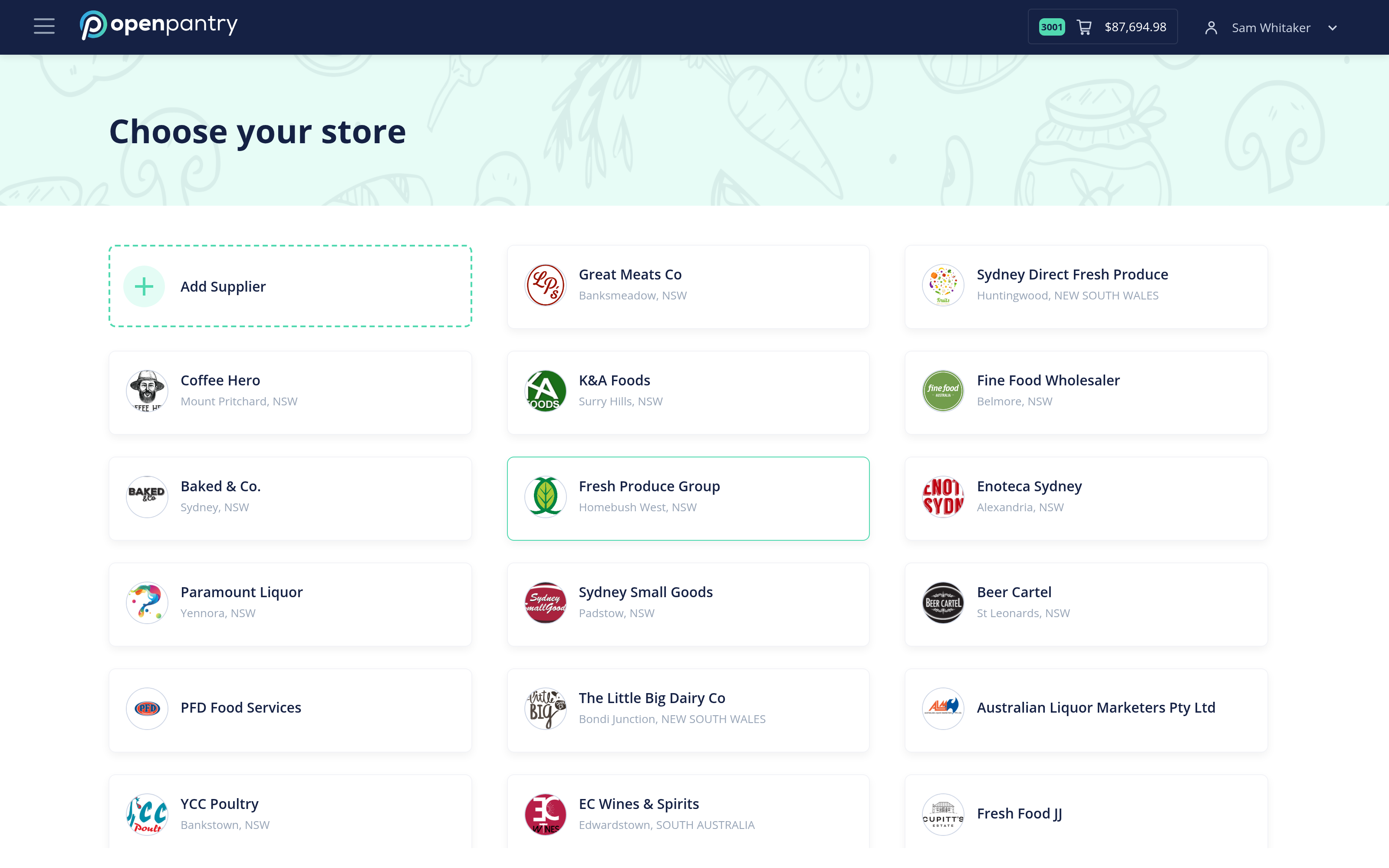
- Your connected suppliers are listed under Choose your store. Select the one you want to order from.
If a supplier you buy from is not listed, use Add Supplier on the same screen.