Back
How To View / Edit Customer Details
How do I view or edit customer details?
The left-hand menu is always on screen on a wide window. On a narrow one it collapses to icons — click the ☰ button in the top left to open it.
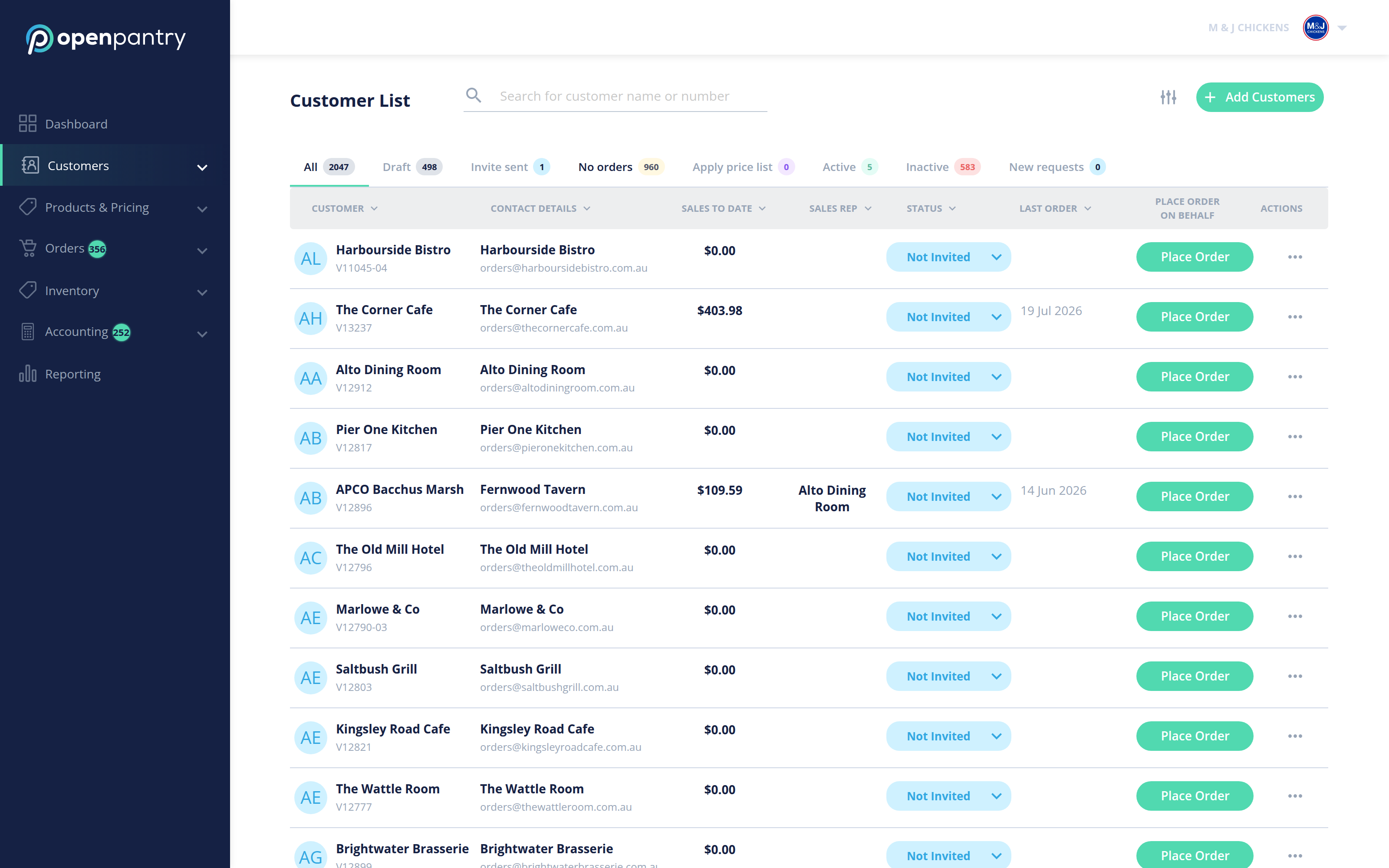
- Choose Customers, then Customer List. You will see every customer with their contact details, and tabs for All, Draft, Invite sent, No orders, Active, Inactive and New requests.
- Find the customer you want and open the actions control at the end of their row.
- Choose View customer, change what you need, and save.
While a customer is still a Draft (you haven’t sent their invite yet), you can correct their Business Name and email yourself under CONTACT DETAILS. Once the invite is sent, customers own those details and change them themselves. Everything else is yours to edit.